GuidesBuying guide
How to Choose a DMA Card
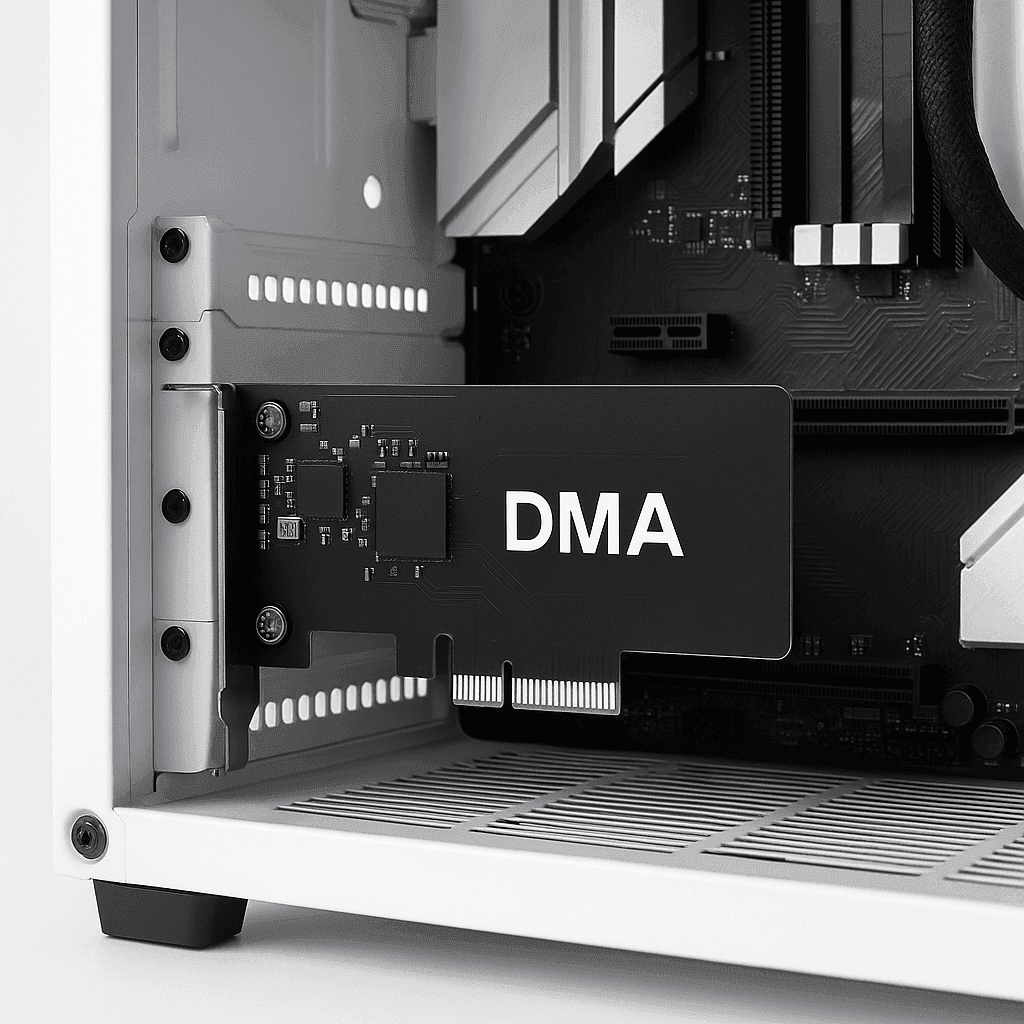

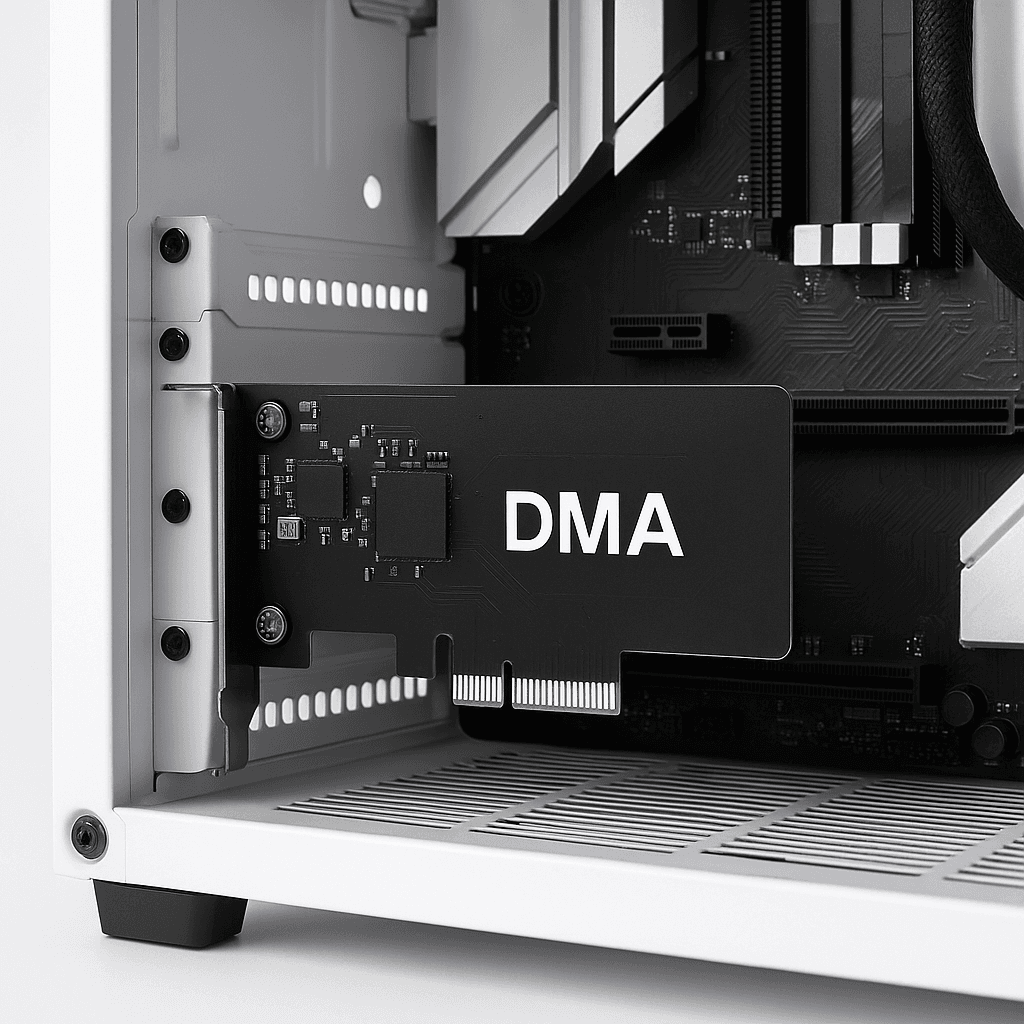
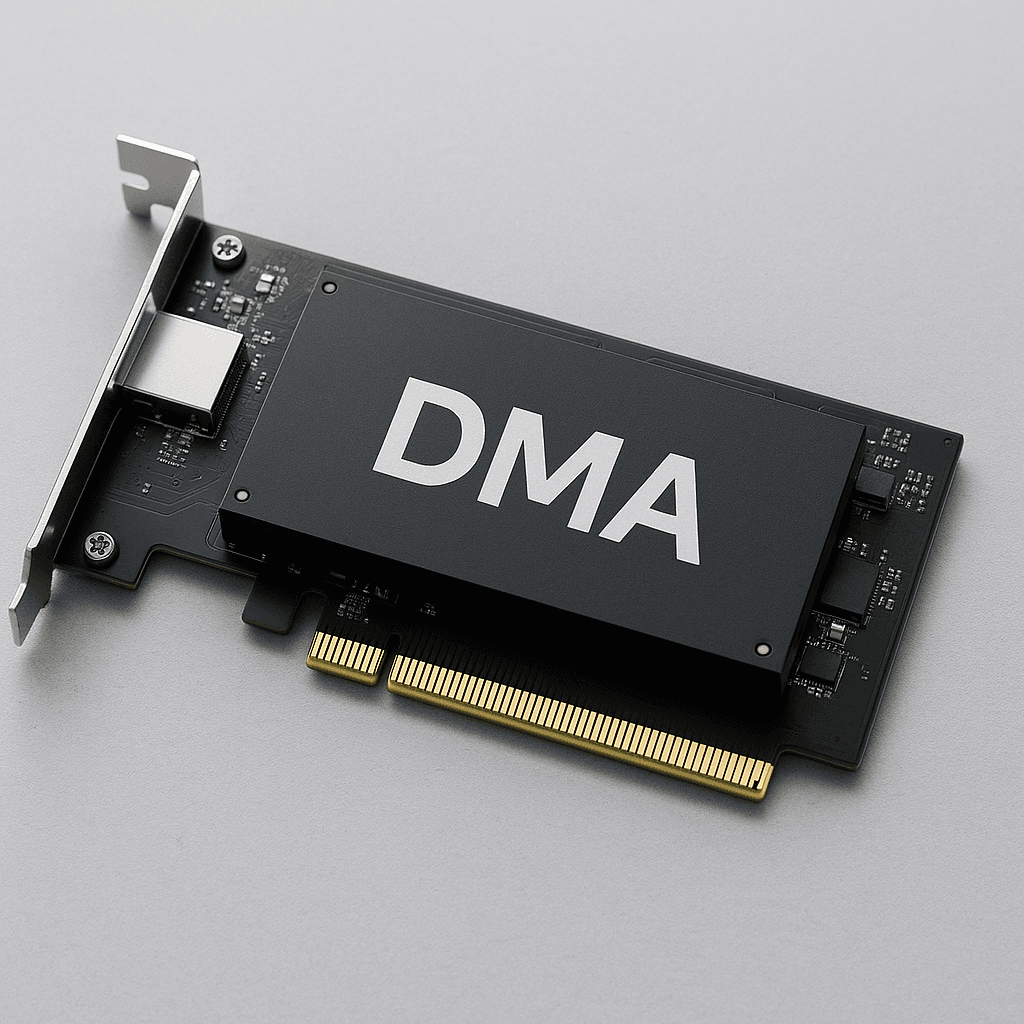
Choosing a DMA card is an important step for anyone planning to build a setup around one. The right choice determines stability, compatibility, and ease of use. In this article, we'll go over what to pay attention to when buying.
Availability and compatibility of a PCIe slot
DMA cards are installed in a PCIe slot in your computer. Before buying, be sure to check whether you have a free PCIe slot (usually x1 or x4). It's also important to make sure there is enough space inside the case to install the card properly.
Having a Fuser
In 90% of cases, you'll need a fuser to use a DMA card conveniently. It's required for proper interaction with the monitor and for outputting the image to your main monitor, which removes the need for a second monitor. Modern models such as the Dichen Fuser v6 support HDMI 2.1, high resolutions, and minimal latency, ensuring stable results. Having a fuser provides the ideal combination and experience when using these products in games.
Up-to-date firmware is mandatory for using DMA. It ensures hardware compatibility with the system and makes it possible to bypass anti-cheats (BE, EAC, Vanguard, ACE). Without it, the card won't work correctly.
For stable and fast DMA performance, it's better to choose modern card models such as the 75T or 100T. They deliver higher speed, greater reliability, and support for current firmware.
To choose a DMA card correctly, consider:
Buying a ready-made kit from GetDMA saves you from mistakes during selection and saves you time. All the hardware is already compatible and tested for your setup, rather than the other way around.