The 75T in the name is the Artix-7 FPGA's logic capacity (XC7A75T), not a model number in a sequence
The figure comes off the die marking: the board carries an Artix-7 XC7A75T, roughly 75 thousand logic cells. That is what separates the line — 35T, 75T and 100T differ not by generation and not by how fast they read memory, but by how much logic fits in the chip and therefore how complex a firmware it can hold. Throughput is bounded by the PCIe bus and the USB link, so a 75T reads memory exactly as quickly as the bigger board does.
The practical conclusion is simple: the 75T is about "is there enough room for current firmware builds", and today there is. That is why the 75T DMA card is bought more often than the rest, and why it is the card inside our ready-made kits.
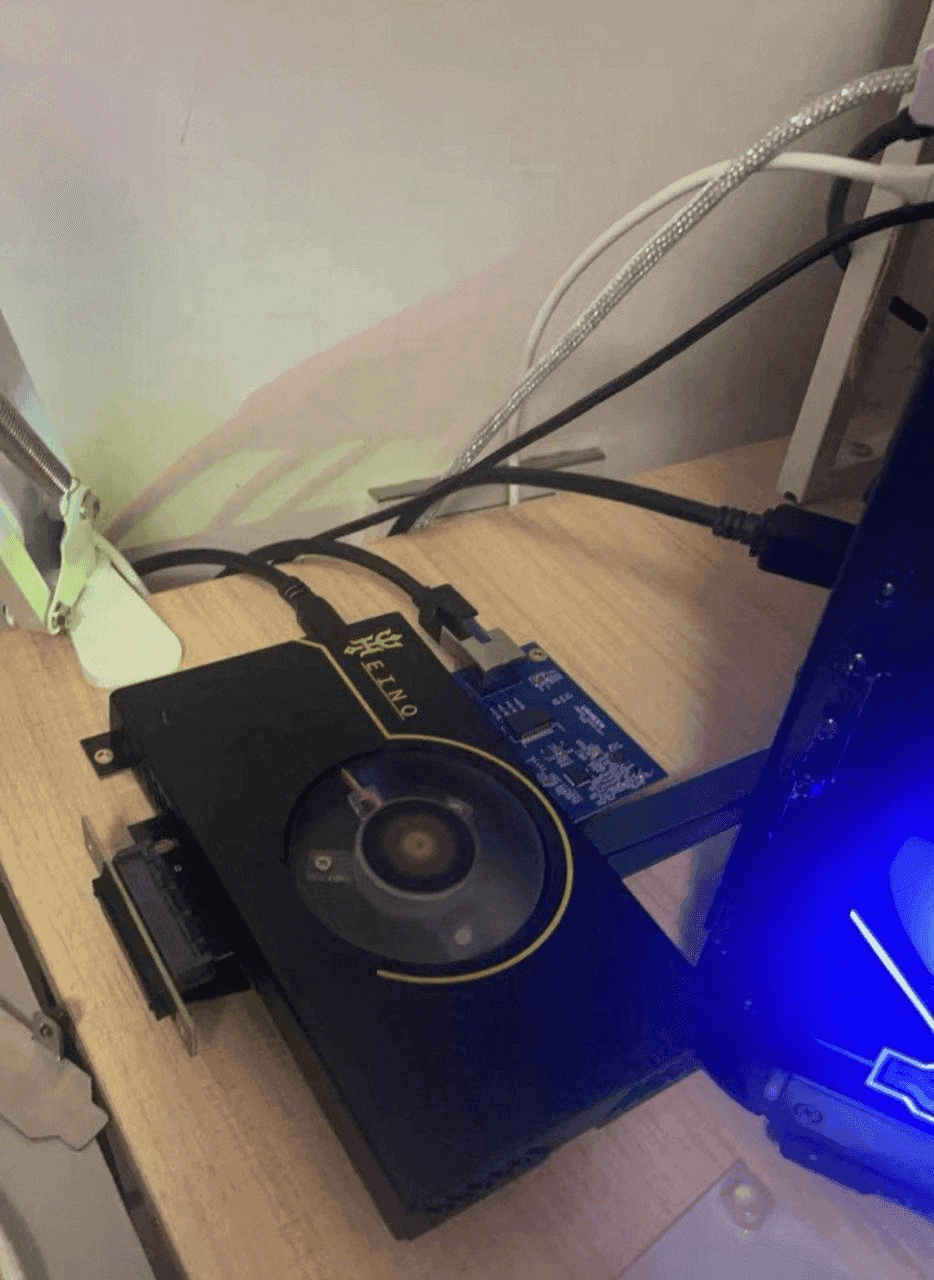
The board goes into the gaming computer's PCIe slot; the USB Type-C cable runs to the second PC and carries the data
The arrangement is this: the card in the gaming machine, the bundled USB Type-C cable into the second one, and everything the board reads travels down that cable. The software runs on the second machine; nothing runs on the gaming one. Hence the second computer is not optional — and hence the port matters: USB 3.0, because on USB 2.0 the link becomes the bottleneck.
The card occupies one PCIe slot and works in any longer one — x4 or x16 do just as well as x1, since that is more lanes than it needs rather than fewer. It asks nothing of the CPU; Intel or AMD makes no difference. The one setting worth remembering: hardware memory protection (VT-d / IOMMU) must be off on the gaming machine — getting past it in hardware is what a different class of device, such as Heino 2, is for.
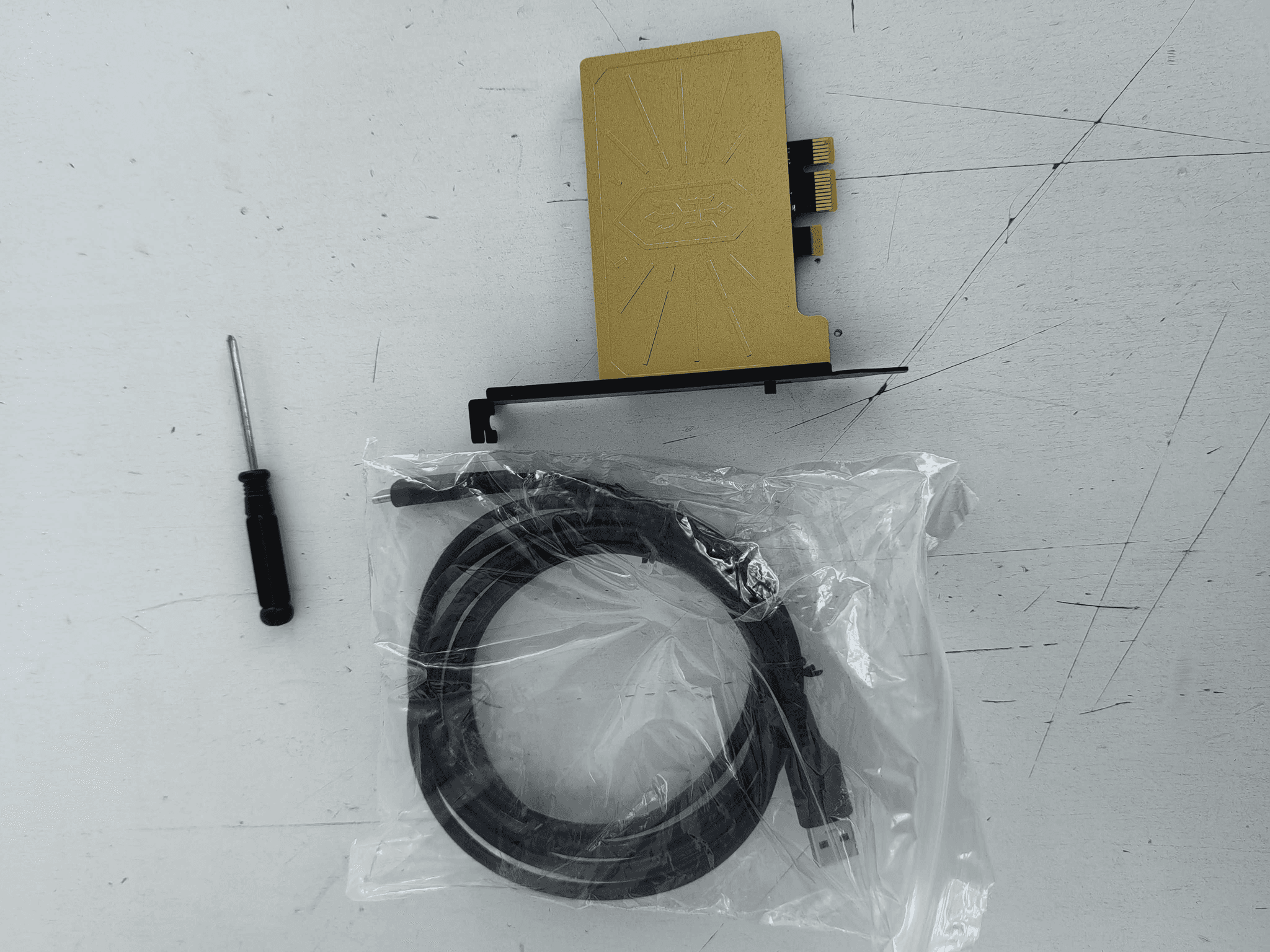
The holder and the cover are in the box because the board ships without a case
A DMA card is a bare circuit board, and unlike the 100T with its milled aluminium enclosure, the 75T arrives as it is. The holder fixes it inside the second PC's case; the cover shuts the board from above — against a slipped screwdriver, dust, and static while the cable goes in. There is nothing left to order separately: card, USB Type-C cable, holder and cover are all included. That is what a 75T from GetDMA gives you over a bare board from a marketplace, where the mount and the cable turn into three separate orders.
Firmware is written for a specific board and a specific anti-cheat — for the 75T the builds already exist
Firmware does not come with the card and is bought separately: it decides what device the board presents itself as, and it is built for a pair — board model plus anti-cheat. Firmware for a 35T or a 100T will not take on a 75T even though the connector is the same. For this card people take the EAC and BattlEye build — Rust, Apex and most session shooters — the BattlEye build for PUBG, and BE + EAC + ACE where ACE is in play; for GTA 5 and RAGE MP we will name the exact build for your setup. The whole firmware section is separate, and why it is the wrong place to economise is worked through in this article.
"The card fails the tests" is nearly always the port, the cable or the wrong firmware — not a faulty board
We see these messages and we know the order to work through them: the USB port first (the right one? is it 3.0? not through a hub?), then the cable, then the PCIe slot, and only then the firmware — flashed for another board or for the wrong anti-cheat. That is where the overwhelming majority of cases end, and it is an evening's work with support. If the hardware really is at fault after that, we replace the board. We flash and test the card before dispatch, but write to us before sending anything back: most of the time there is nothing to return.
35T, 75T, 100T and Heino are a ladder of logic capacity, not of speed
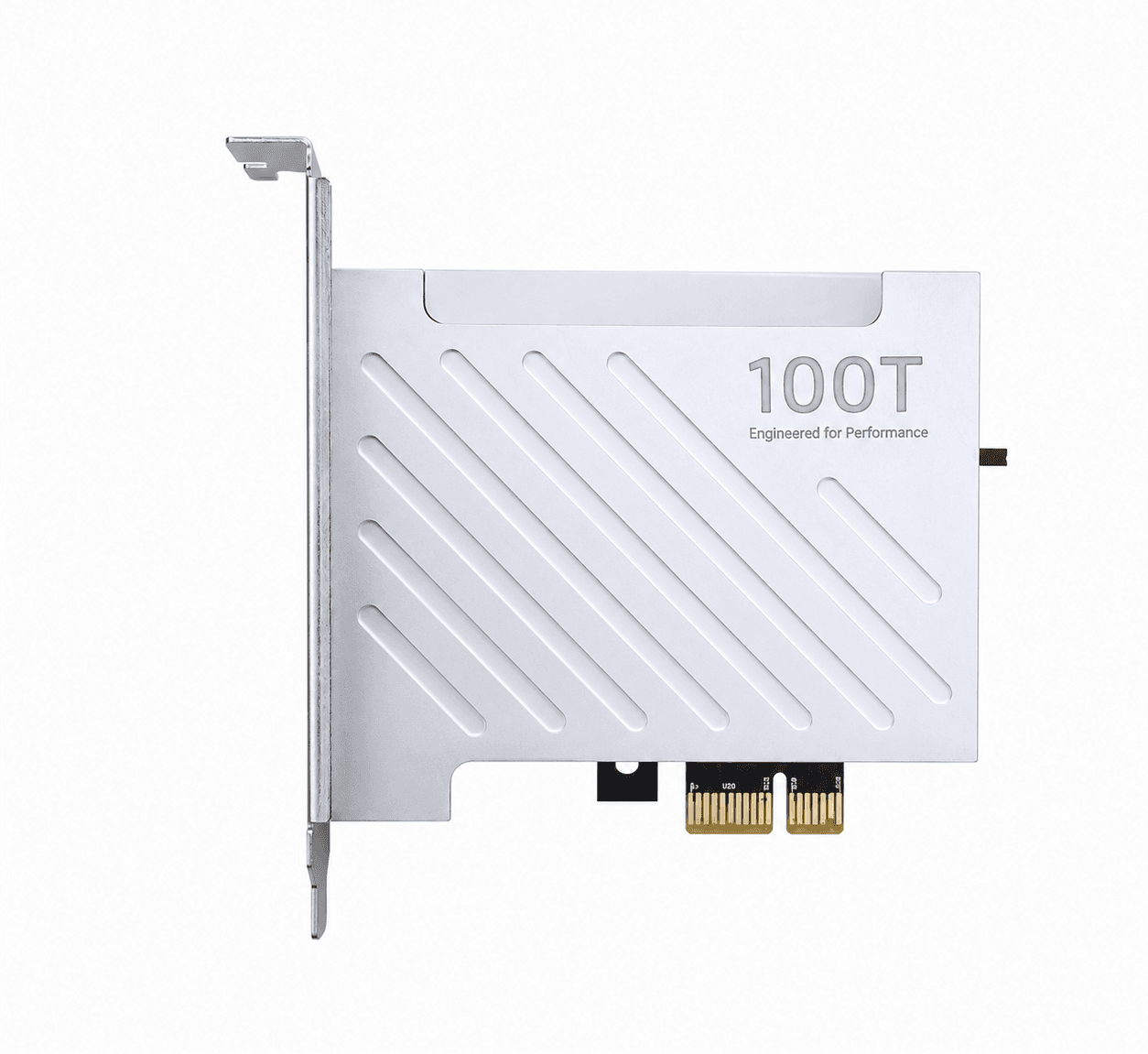
The 35T is already pressed against the size of current firmware. The 75T is the working middle, and most rigs are built on it. The 100T on the XC7A100T is the same principle at the same speed with markedly more logic and an aluminium case — bought with future builds in mind. Heino 1.2 and Heino 2 stand apart from this line: a closed architecture instead of open pcileech, and VT-d/IOMMU bypassed in hardware — a different price for a different job. Choosing for the first time, start with the comparison of models and take the 75T.
Besides the card you need a fuser, a Makcu and a second computer
The card only reads memory. It puts nothing on screen and moves no mouse — two more devices do that.
A fuser takes the video from the gaming PC and shows it on the second computer's monitor together with the overlay, so you watch one screen instead of two. A Makcu plugs into both computers and moves the mouse and presses keys: the gaming PC sees an ordinary mouse, not software. The second computer can be any cheap one — a mini PC is enough.
Buying it all at once is cheaper as a kit: it already has the 75T, the fuser and the Makcu, and they work together — nothing to match up.
Buying a 75T DMA card from GetDMA: off the shelf, checked before dispatch, replaced if faulty
The board is in stock, so it leaves St Petersburg the day the order is placed; we photograph the parcel and send the picture with the tracking number. If you are unsure the 75T suits your pair of computers, write to support before buying — name the motherboards and how you intend to connect them, and we will say what to take. Reviews of the card are shown as they are, complaints included; they also show how we work through the disputed ones.