Products
DMA cards, fusers, Makcu, Mini PC, kits and firmware — everything to launch DMA in one place.
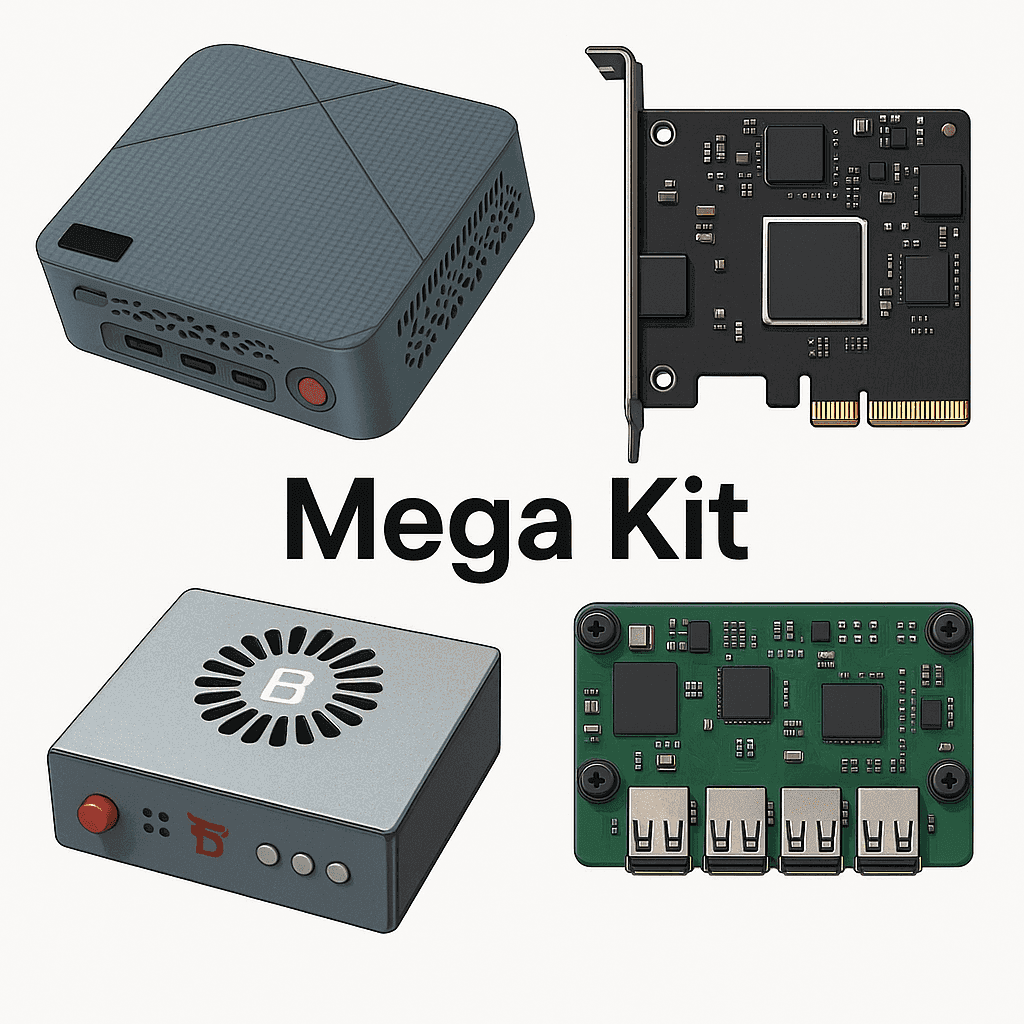
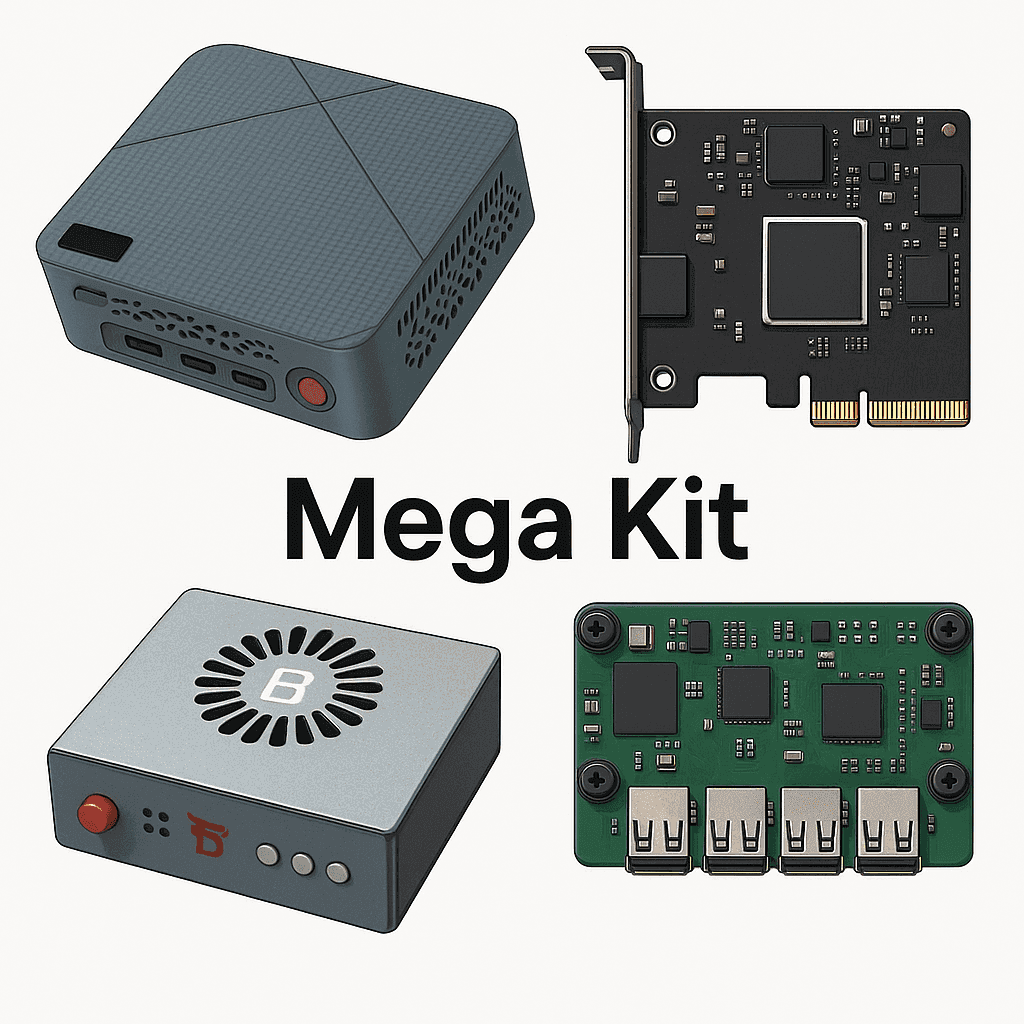
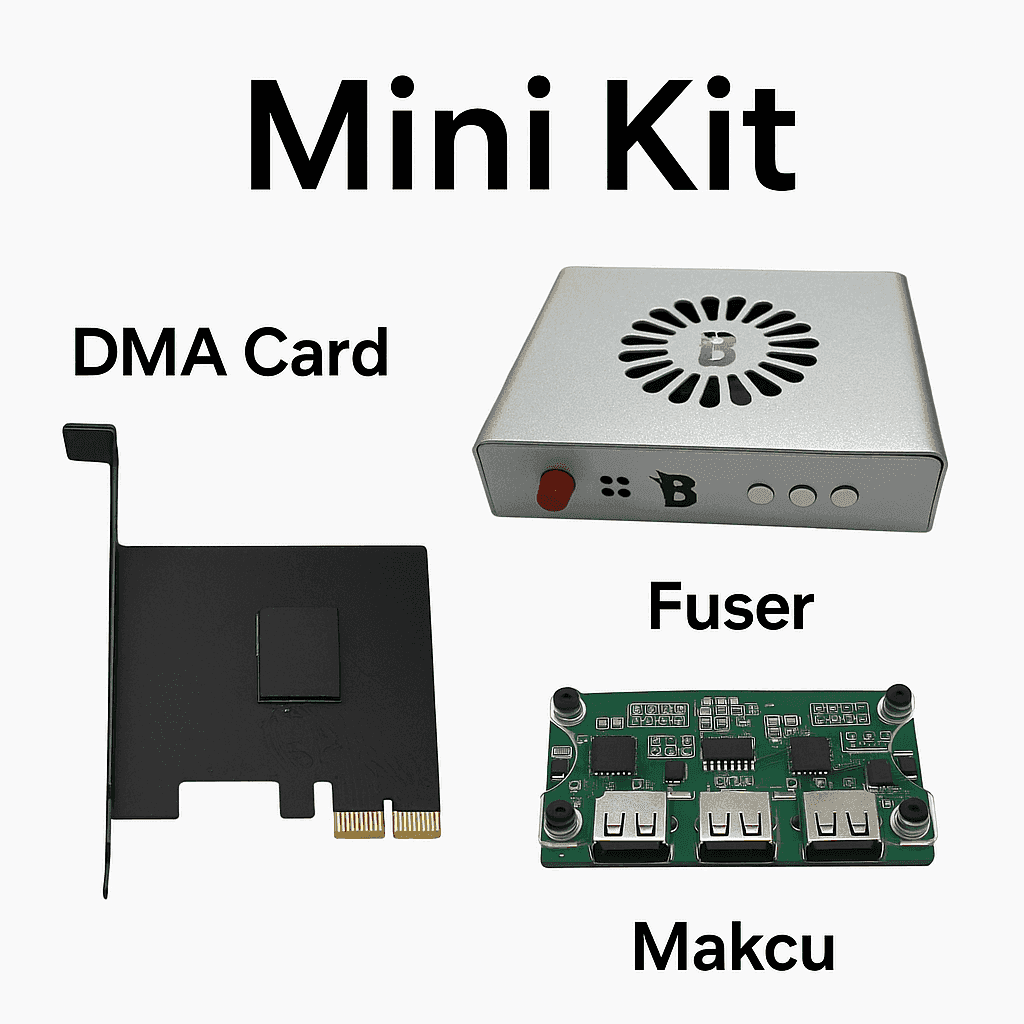
Kits — everything for running DMA products
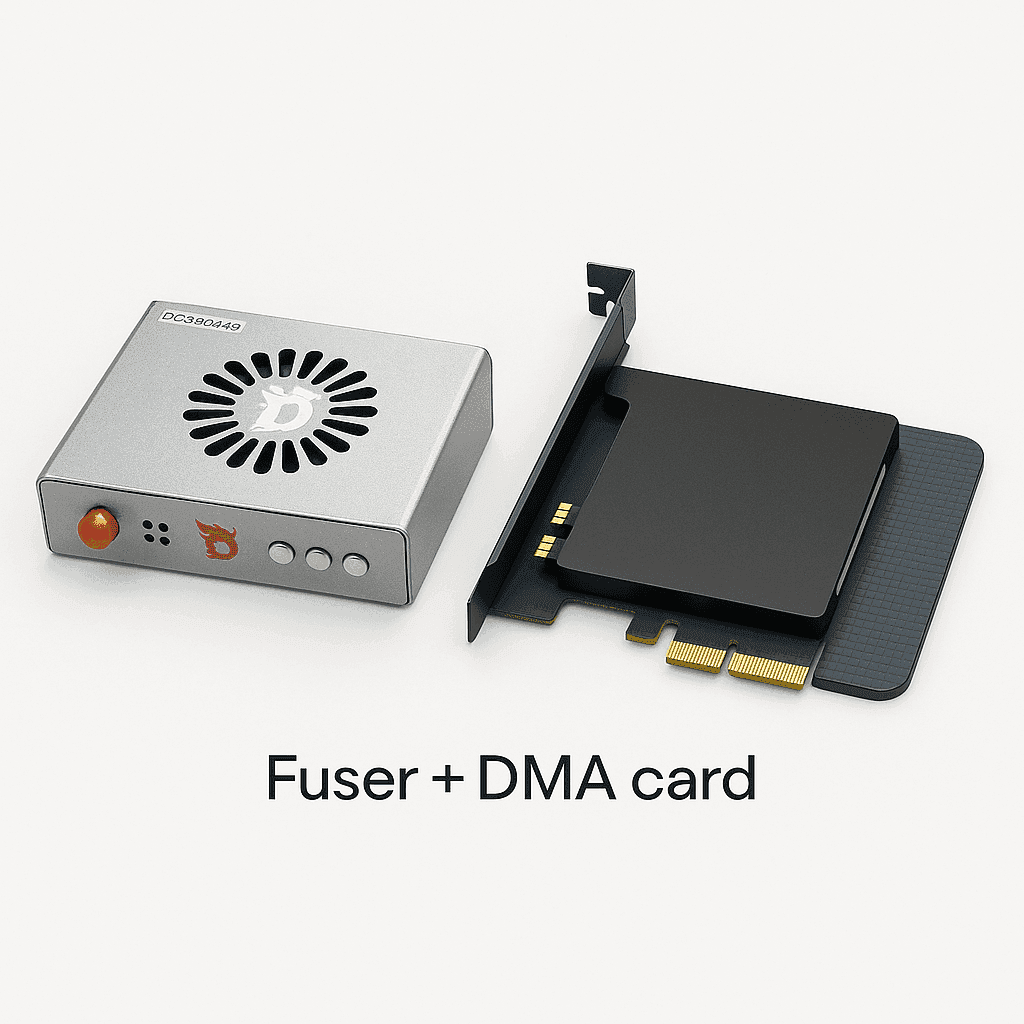
Fuser — buy a fuser at GetDMA
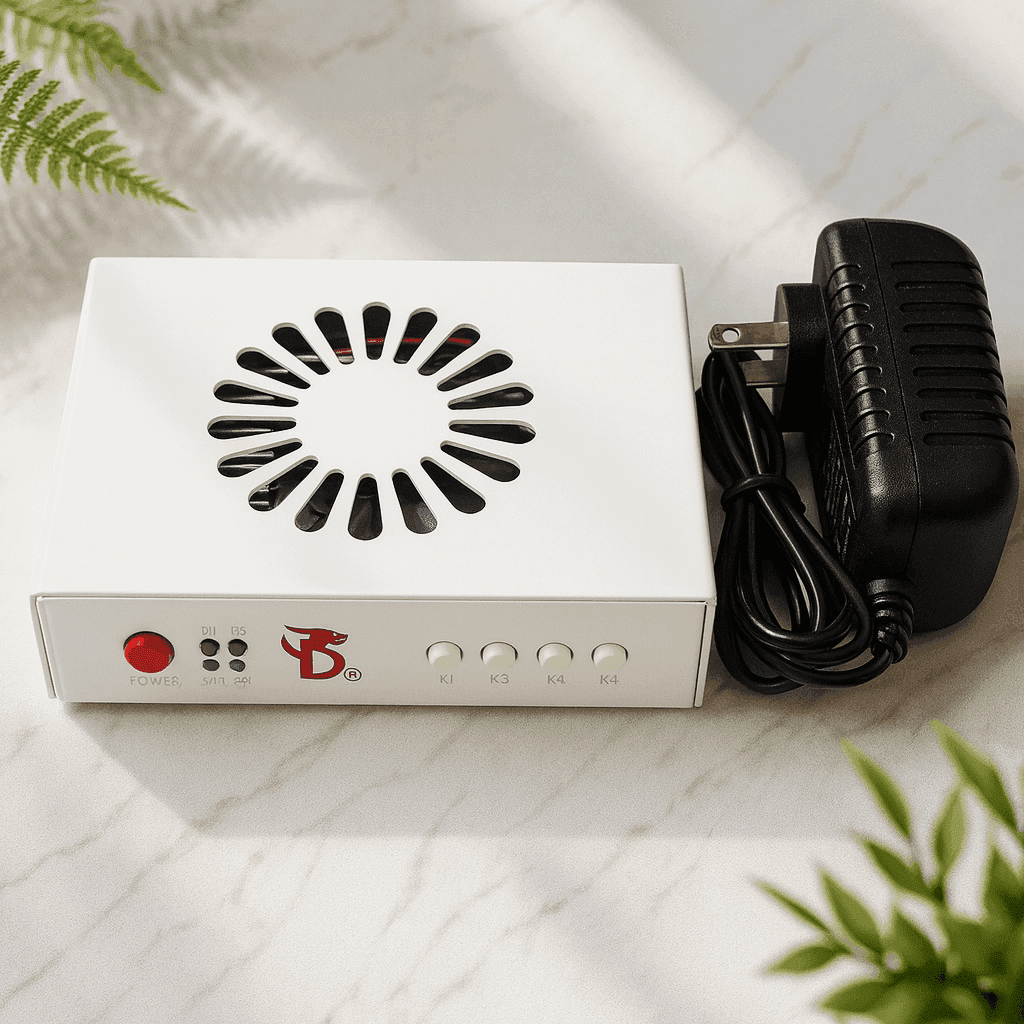
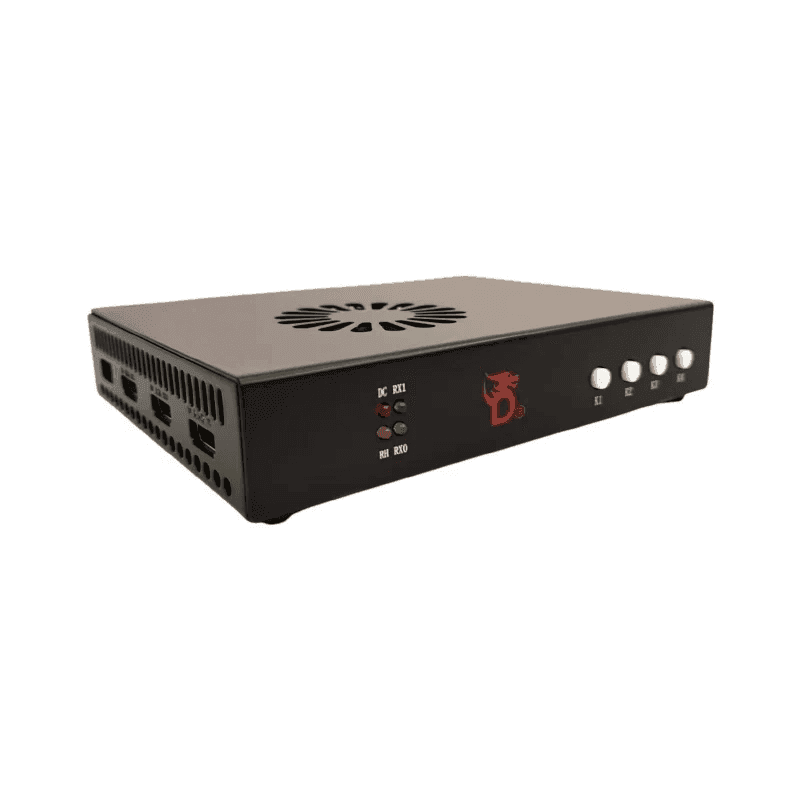
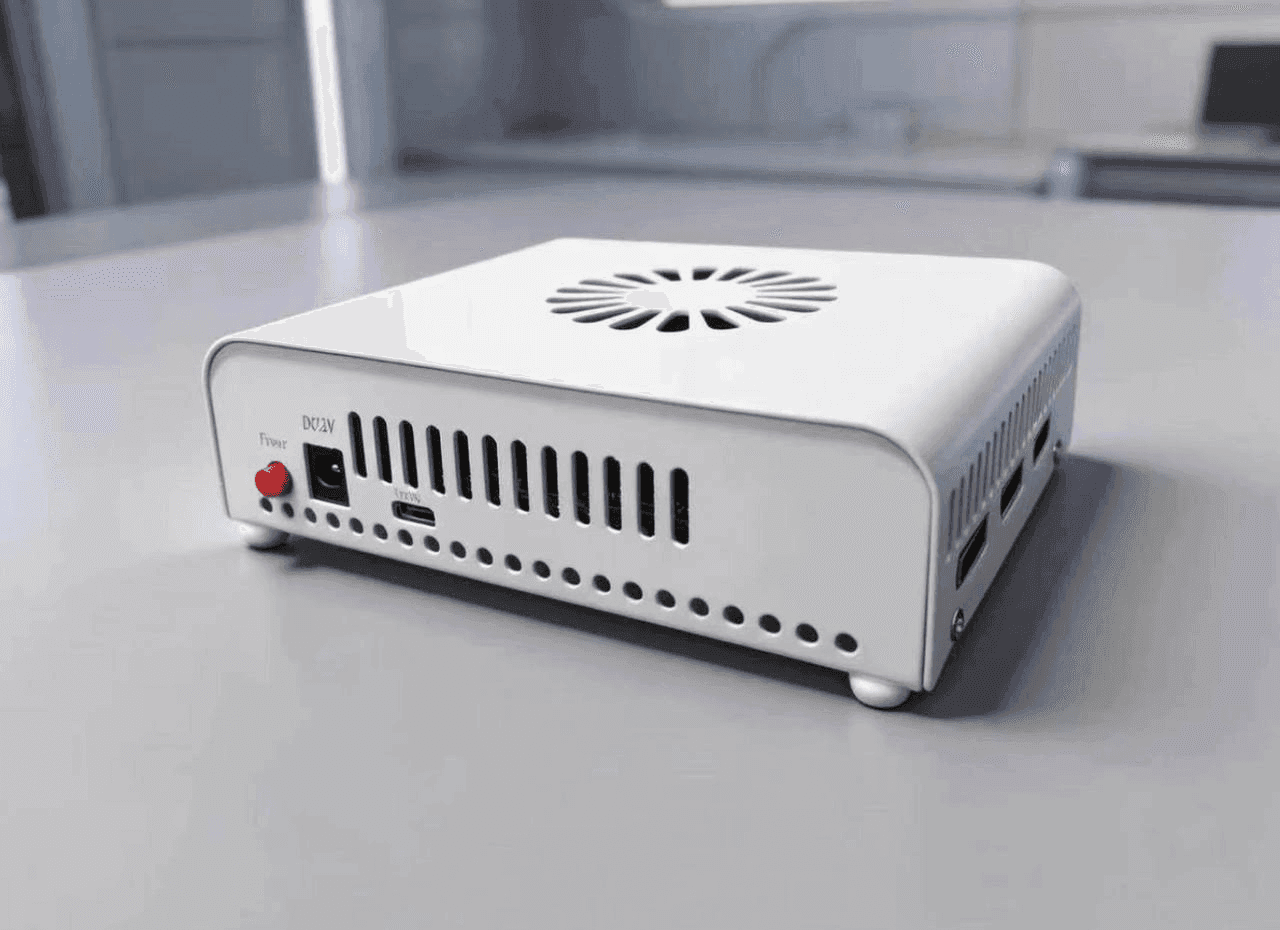
DMA cards — buy DMA cards at GetDMA
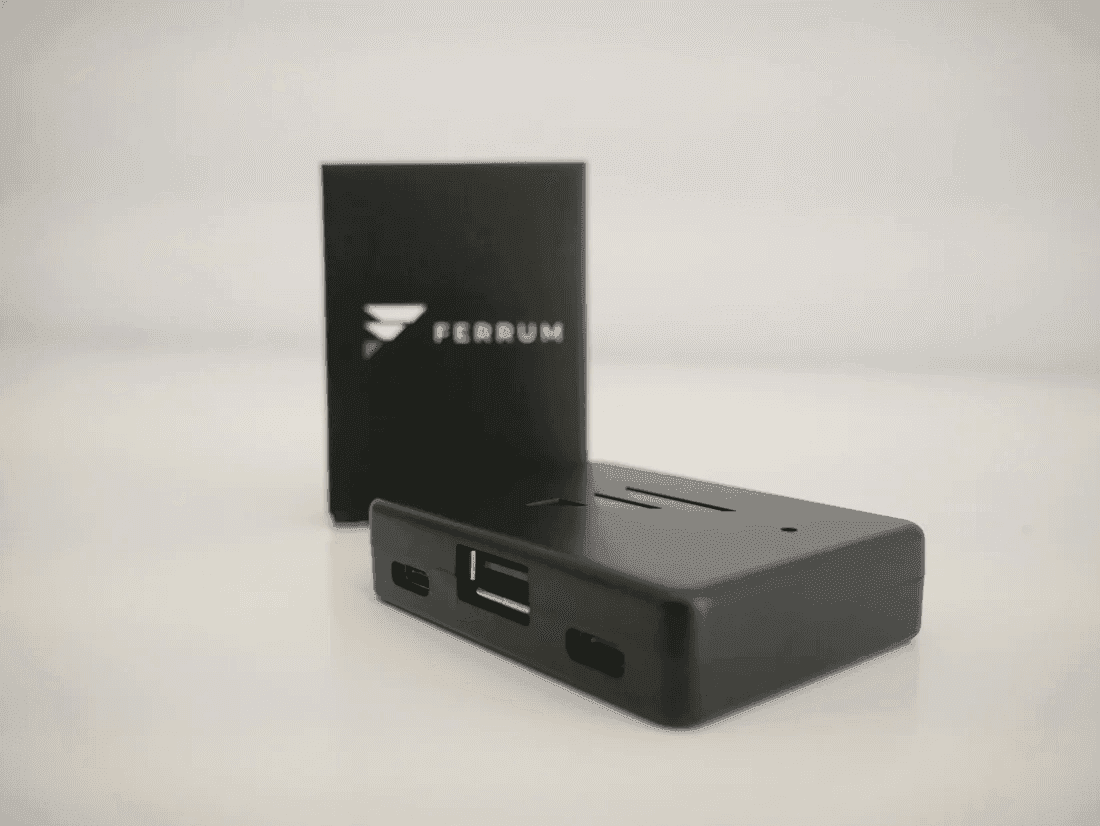
Makcu — catalog of mouse and keyboard control modules.
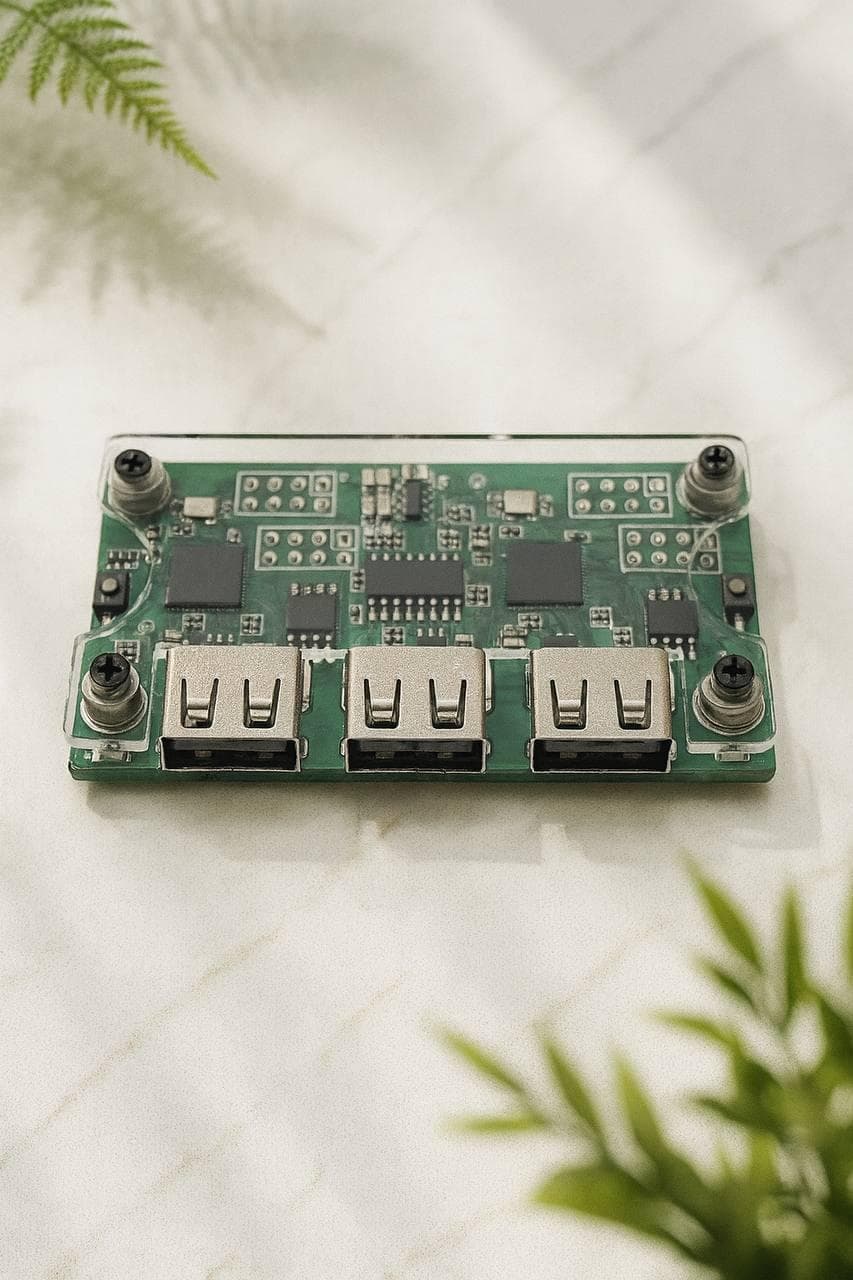
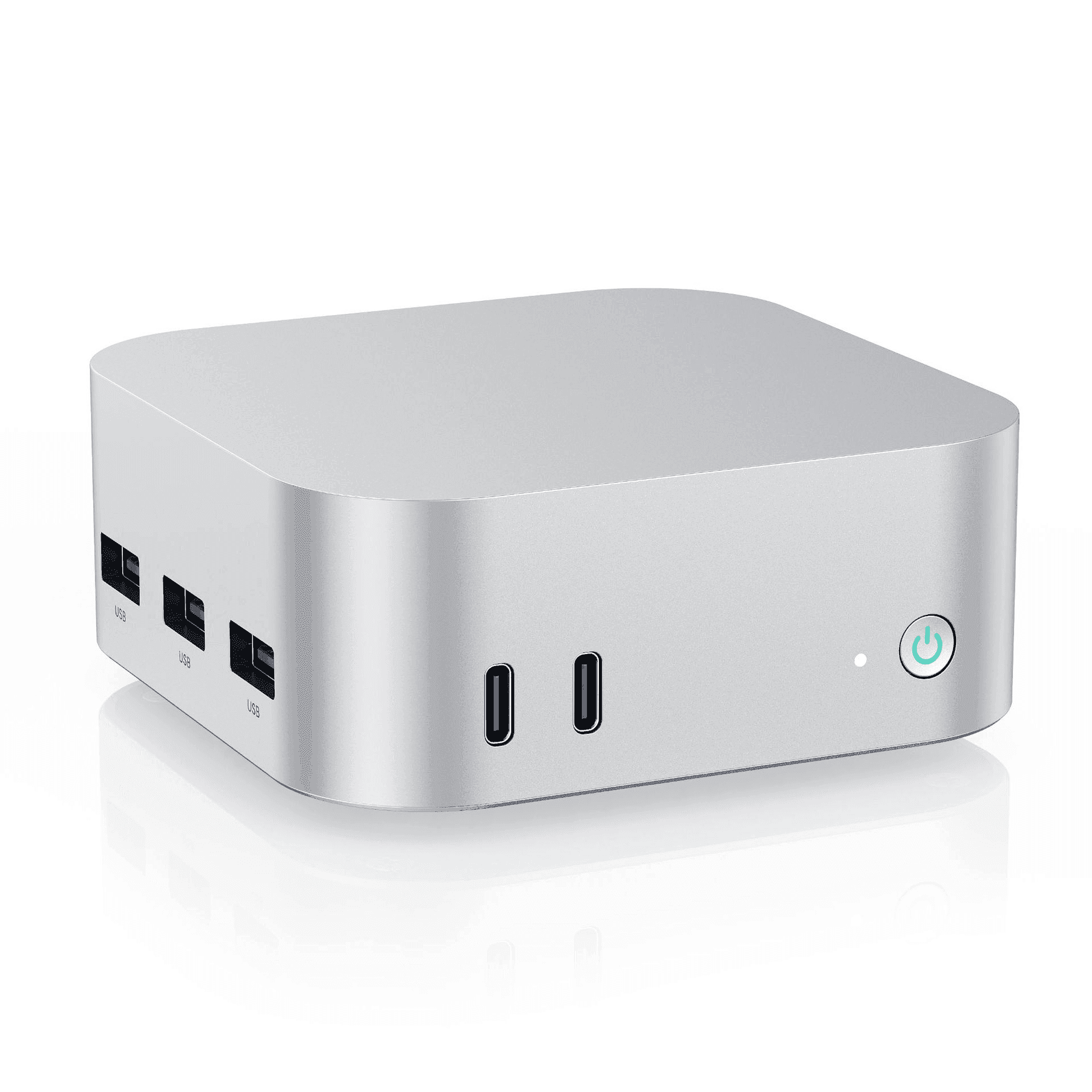
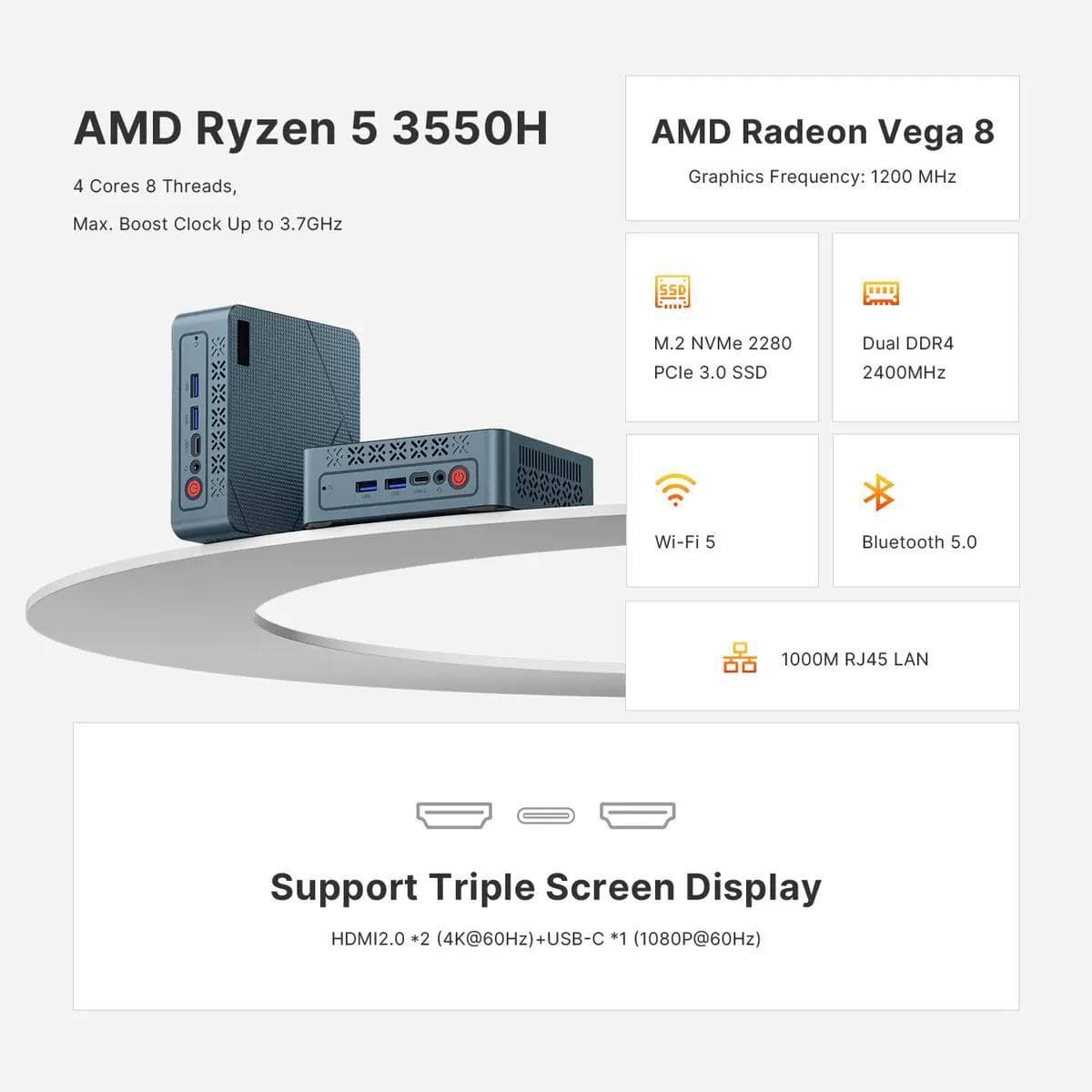
Mini PC — catalog of compact PCs for various tasks
DMA firmware — ACE, BE, EAC, VGK support — flash your DMA card
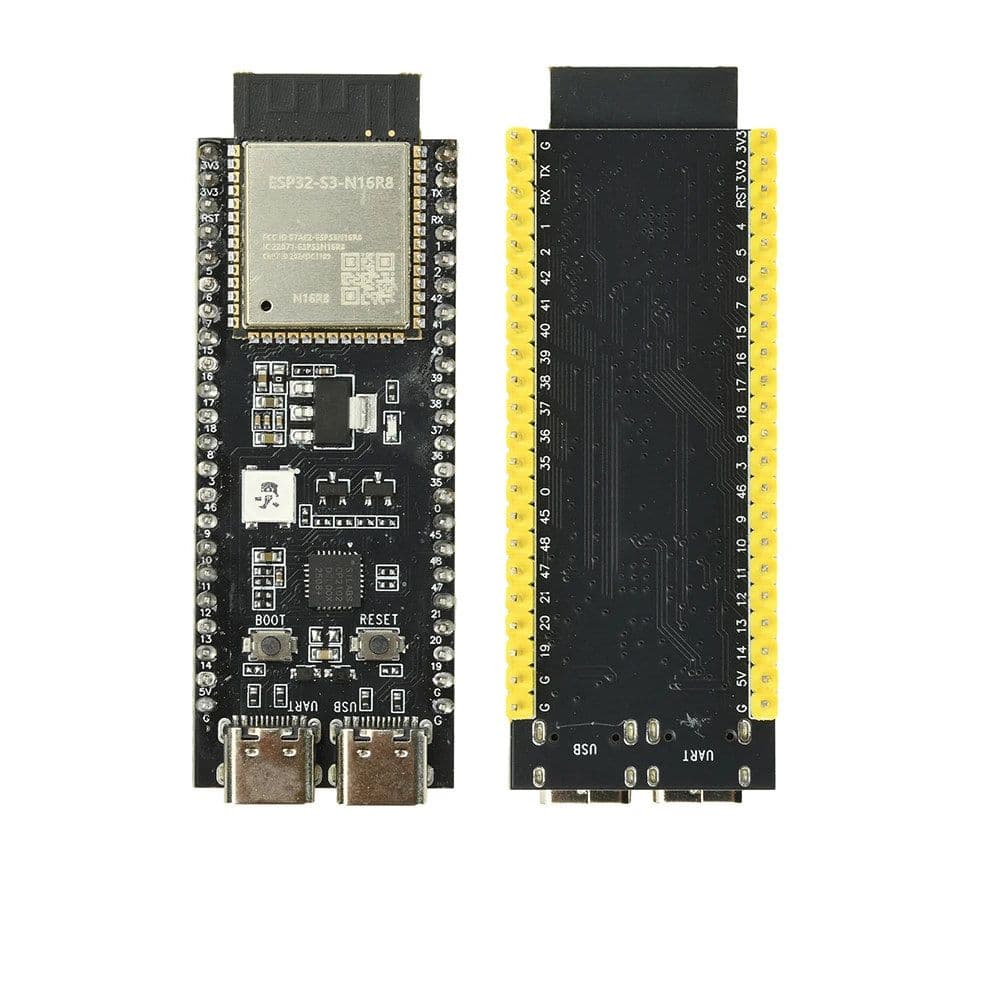
Development boards — buy dev boards at GetDMA
Not sure what to choose? Below is a detailed comparison of every GetDMA catalog category with prices and "what to pick" recommendations by budget and task. Prices are indicative — see product pages for current ones.
DMA card comparison
| Model | From | Highlights | Best for |
|---|---|---|---|
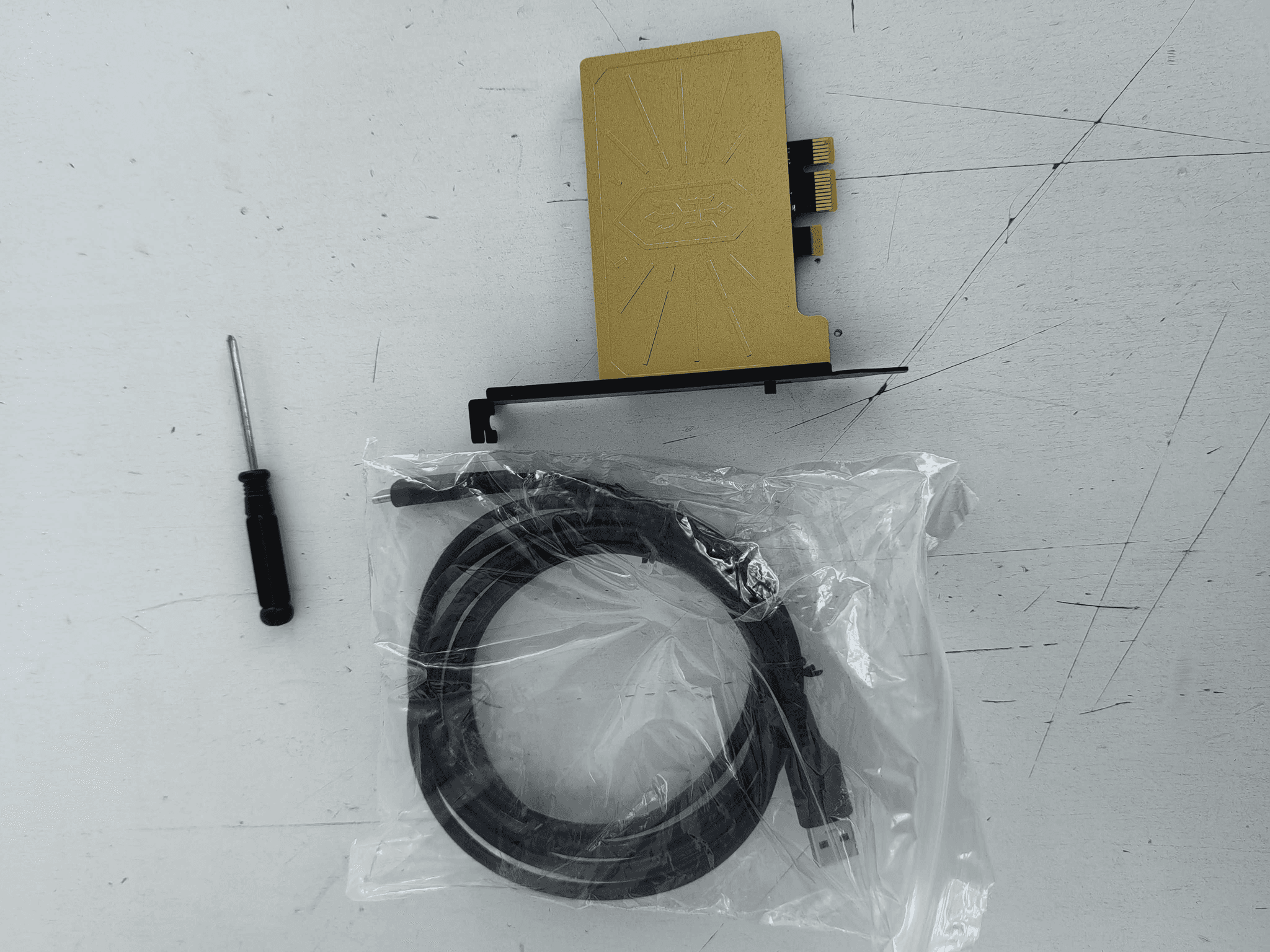
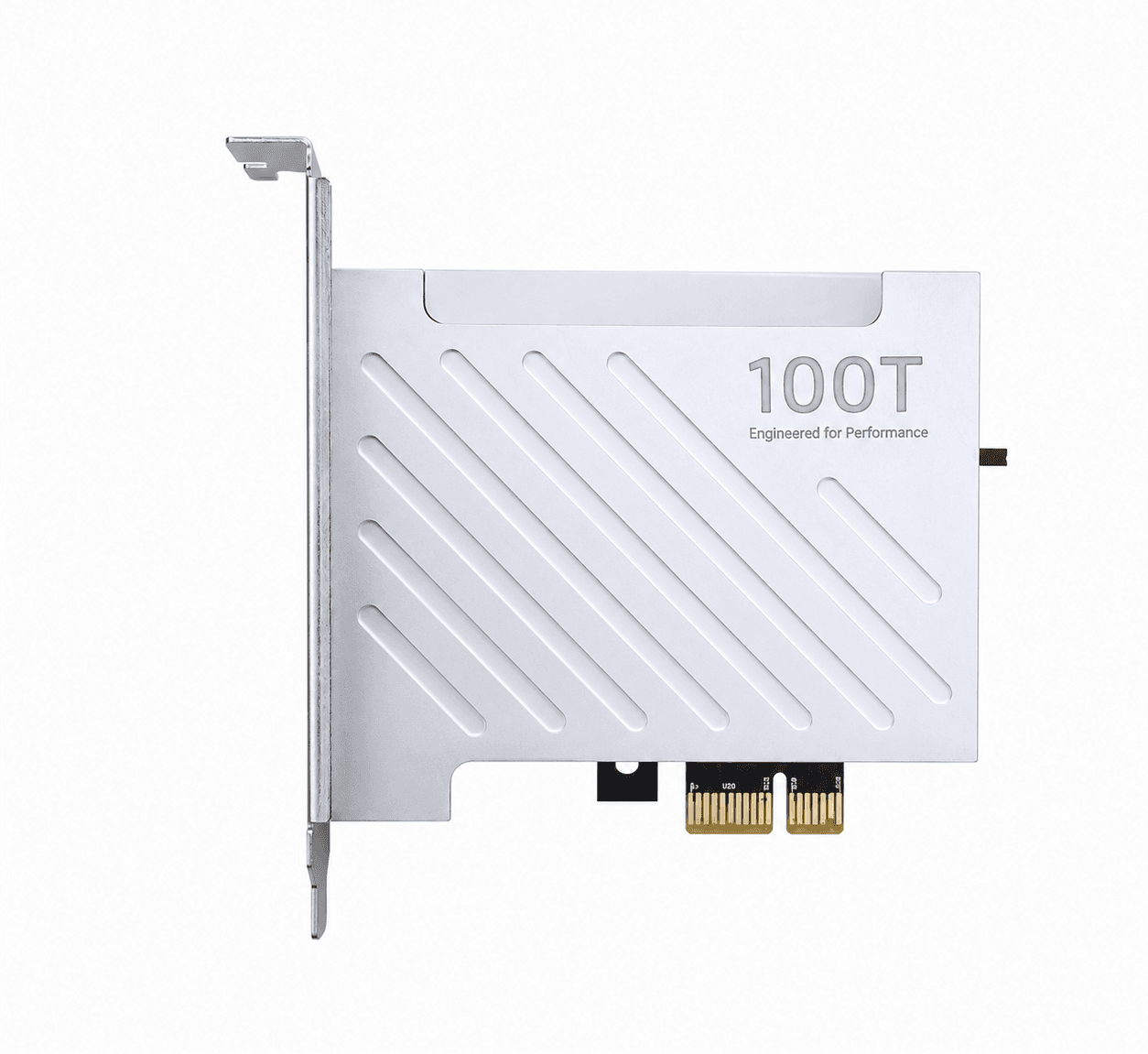
| DMA 75T | 7 999 ₽ | Entry-level, stable speed, open software | Start and most tasks — best value |
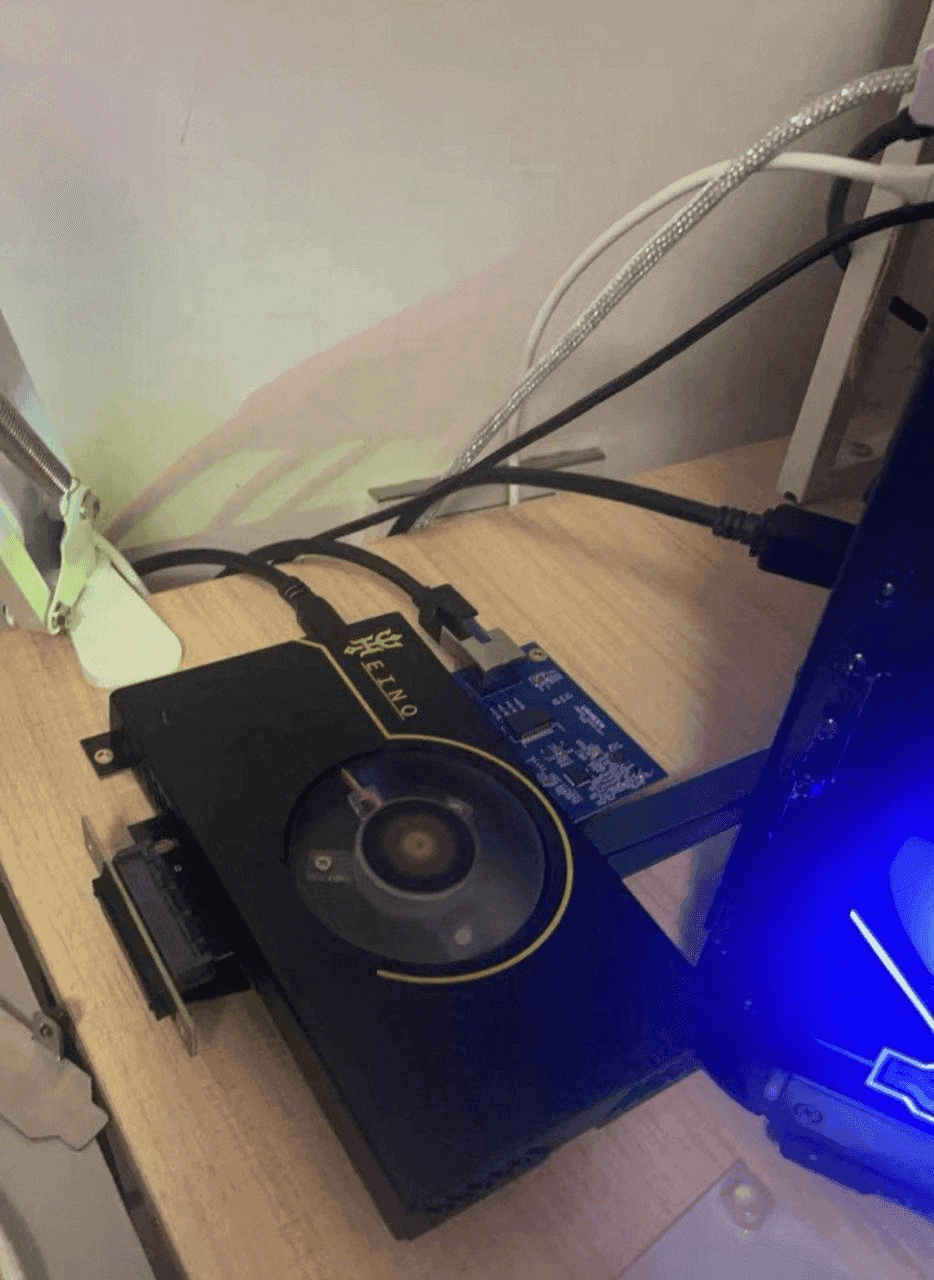
| Heino 1.2 | 41 000 ₽ | Closed source, premium solution | Those who want "all included" |
| Heino 2 | 450 000 ₽ | Top-tier physical device | Maximum requirements |
What to pick? For starting out and most needs — DMA 75T: the best price/stability balance. Heino — when you want premium and maximum capability.
Firmware comparison (by anti-cheat)
| Firmware | Anti-cheats | For | From |
|---|---|---|---|
| BE + PUBG | BattlEye | PUBG and BE games | 9 999 ₽ |
| BE + EAC | BattlEye, EAC | A wide pool of games | 19 999 ₽ |
| BE + EAC + ACE | BattlEye, EAC, ACE | Maximum compatibility | 23 000 ₽ |
Which firmware? Go by your game’s anti-cheat: PUBG/BE only — BE + PUBG; several titles — BE + EAC; maximum including ACE — BE + EAC + ACE. Not sure — message us.
Fuser comparison
| Model | Capabilities | From | Best for |
|---|---|---|---|
| Dichen Fuser v6 | Full-size, Full HD overlay | 7 999 ₽ | Single monitor, basic |
| DICHEN DC505 4K | 4K, video capture, EDID injection | 49 999 ₽ | 4K and advanced tasks |
Input module comparison (Makcu)
| Module | Highlight | From |
|---|---|---|
| Makcu (ESP32-S3) | Hardware KMBOX replacement | 2 450 ₽ |
| Makxd | New Makcu version: finer, more stable | 1 500 ₽ |
| Ferrum One | Up to 8K polling, advanced compatibility | 11 900 ₽ |
Kit comparison
| Kit | Contents | From | For |
|---|---|---|---|
| Mini | DMA + Fuser | 15 459 ₽ | Have a second PC |
| Standard | DMA + Fuser + Makcu | 17 999 ₽ | Have a second PC, need input |
| Mega | DMA + Fuser + Makcu + Mini PC | 38 450 ₽ | No second PC — turnkey |
Which kit? No second PC — take the Mega kit (all included). Have a second PC — Mini or Standard (if you need hardware input).
What to pick for your task
- Budget start: DMA 75T + firmware for your game (+ Makcu if needed).
- Single monitor: add a Dichen Fuser v6 — no second screen needed.
- No second PC: the Mega kit (DMA + Fuser + Makcu + Mini PC).
- Maximum: Heino + DICHEN DC505 4K + Ferrum One.
FAQ
Which DMA card for a beginner? DMA 75T — stable, affordable, open software.
Do I need a second monitor? No, if you get a Fuser — it merges the picture onto one screen.
Do I need a second PC? Yes, processing runs on it; no spare PC — take the Mega kit with a Mini PC.
Delivery and warranty? In stock, shipped same day across Russia and the CIS; warranty on equipment, firmware from 30 days.