GetDMA — buy a DMA card, Makcu and fuser
Original DMA cards, fuser, makcu and Mini PC at the best price.
Catalogs
 DMA cards — buy DMA cards at GetDMAGetDMA DMA card catalog: reliable, proven solutions for running DMA products. In stock, with a warranty and same-day shipping across Russia and the CIS. A choice of different DMA cards.
 Fuser — buy a fuser at GetDMAGetDMA fuser (Fuser) catalog — we offer proven models, including current Dichen Fuser versions compatible with a wide range of monitors. Every fuser is tested and fully ready to work out of the box.
 Makcu — catalog of mouse and keyboard control modules.GetDMA Makcu catalog: modules for mouse and keyboard control via the Makcu board. Reliable, compatible solutions for stable operation. In stock, with fast shipping across Russia and the CIS.
 Mini PC — catalog of compact PCs for various tasksGetDMA Mini PC catalog: compact, powerful computers for work, gaming and running DMA. Reliable systems in a mini form factor, ready to use. Fast shipping and a warranty.
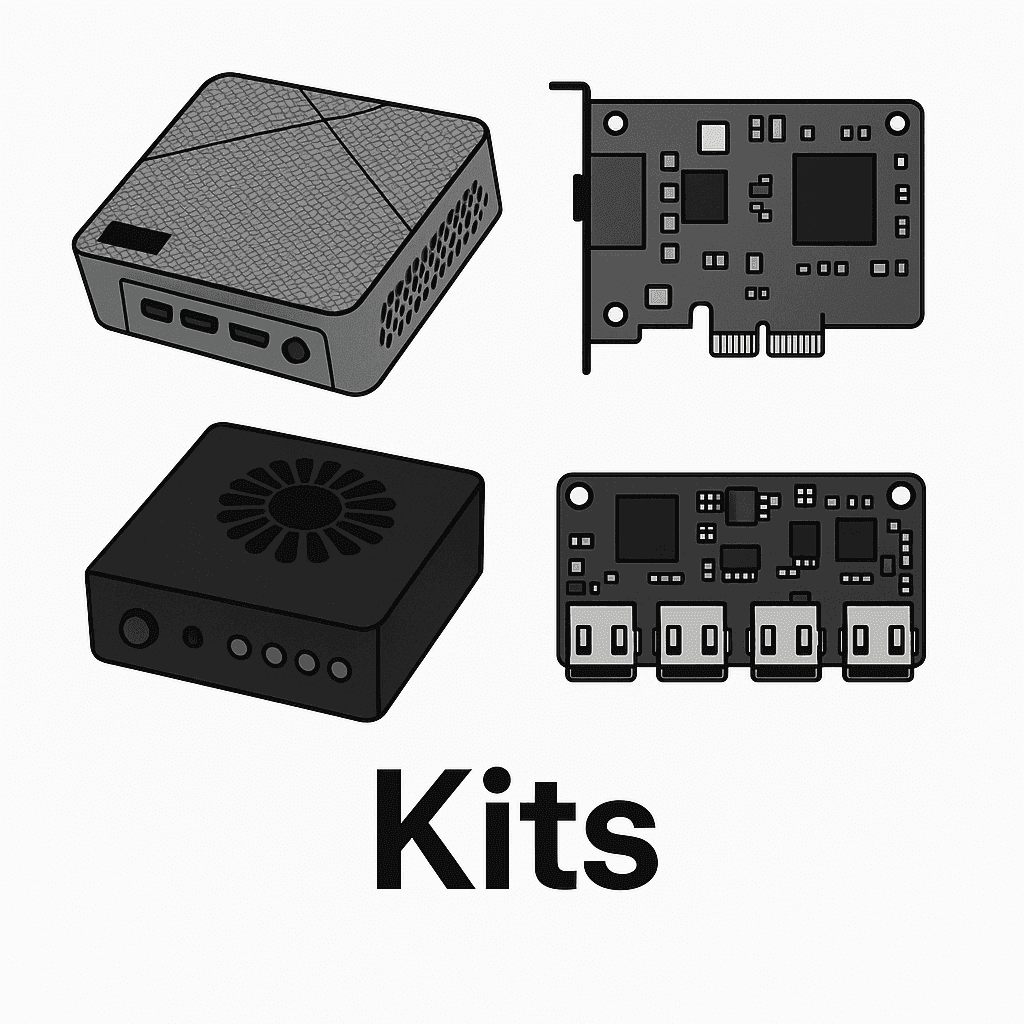 Kits — everything for running DMA productsGetDMA kit catalog — everything you need to get started: DMA cards, Fuser, Makcu, Mini PC and firmware. Fully compatible solutions, ready to work out of the box.
 DMA firmware — ACE, BE, EAC, VGK support — flash your DMA cardGetDMA firmware catalog for DMA cards: flash your DMA card for ACE, BattlEye (BE), Easy Anti-Cheat (EAC) and Vanguard (VGK). Ready-made solutions for a stable product launch. Warranty from 30 days. DMA firmware with no bans.
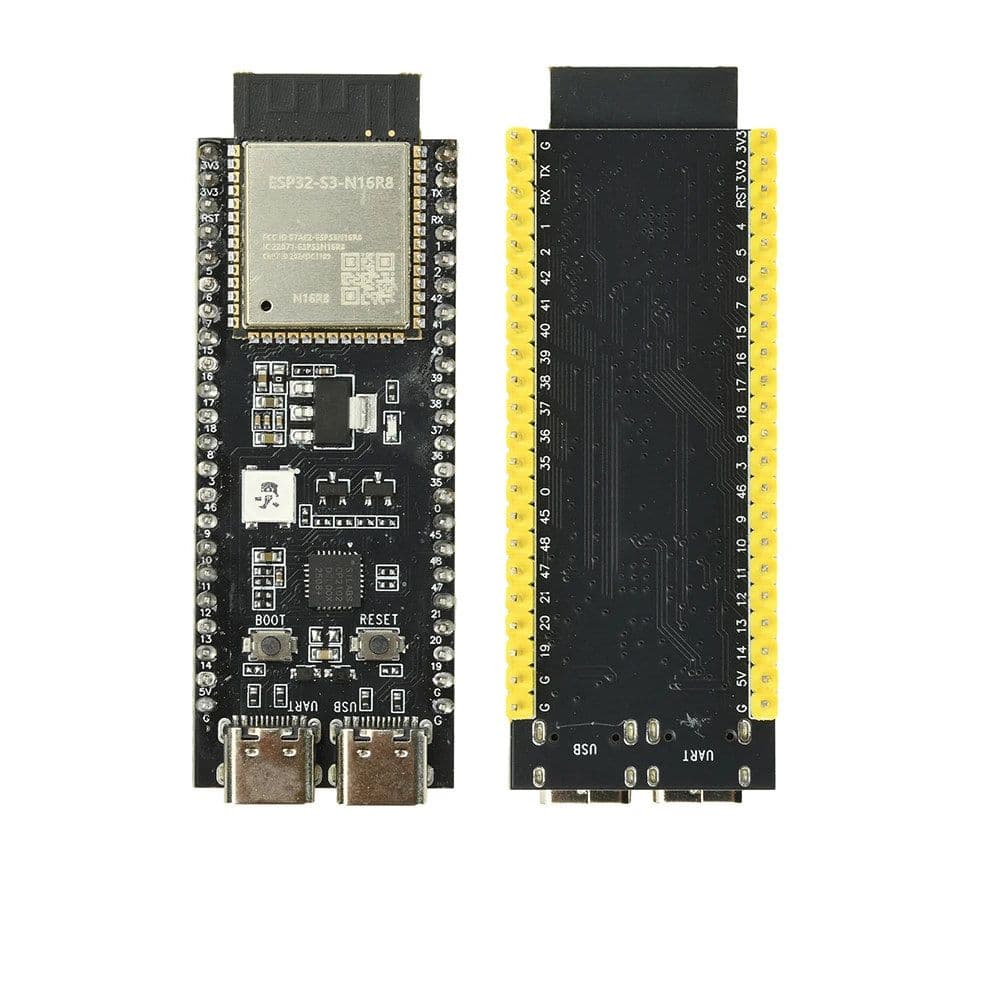 Development boards — buy dev boards at GetDMAGetDMA development board catalogue: ESP32 and other microcontroller boards — the parts mouse-control modules and home-made devices are built from. Honest specifications, our own photos, shipped from St Petersburg.
DMA components are not just hardware — they are the foundation for the stable operation of your products. The GetDMA catalog has everything you need: DMA cards, Fuser, Makcu, Mini PC and firmware for any anti-cheat. We have assembled equipment that is convenient to use every day: for work, testing, configuration and cheats.
Our devices are compact, high-performance and fully compatible with each other. They are quick to set up and run reliably.
And ready-made kits from GetDMA are all about reliability, convenience and confidence. You simply connect the equipment and start using it.
Articles from people who know
Clear answers, no fluff
GetDMA — a shop for DMA cards, Makcu, fusers and firmware
We keep what we sell in stock: DMA cards, Makcu, fusers, mini PCs for the second machine, firmware and ready-made kits. Buy a DMA card on its own if that is all you need — but if you are building a rig from scratch, take the kit: it costs less and you will not be matching compatibility yourself.
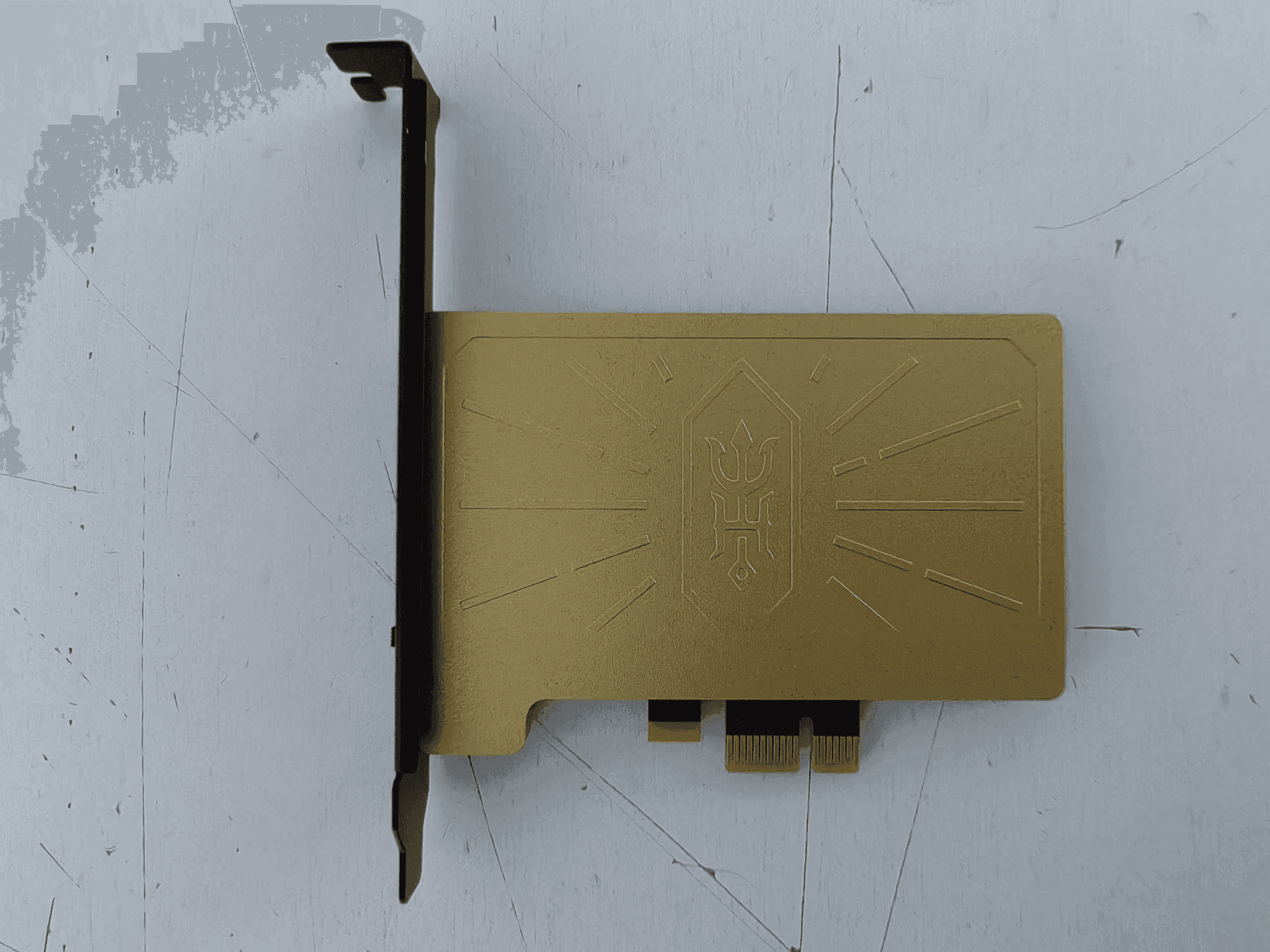
A DMA card reads the other computer's memory directly over PCIe
A DMA card goes into a second PC and reads the first one's memory straight off the bus, with nothing running on the gaming machine. To that system it looks like an ordinary device — a network card, a sound card, a drive — because that is what its firmware presents. All the work happens on the second computer, and that is where the software runs.
Hence the requirement that surprises newcomers: you need two computers. One plays, the other reads. It does not fold onto a single machine — that would remove the one property the whole arrangement exists for.
A full setup is the card, a Makcu for the mouse and a Fuser for the picture
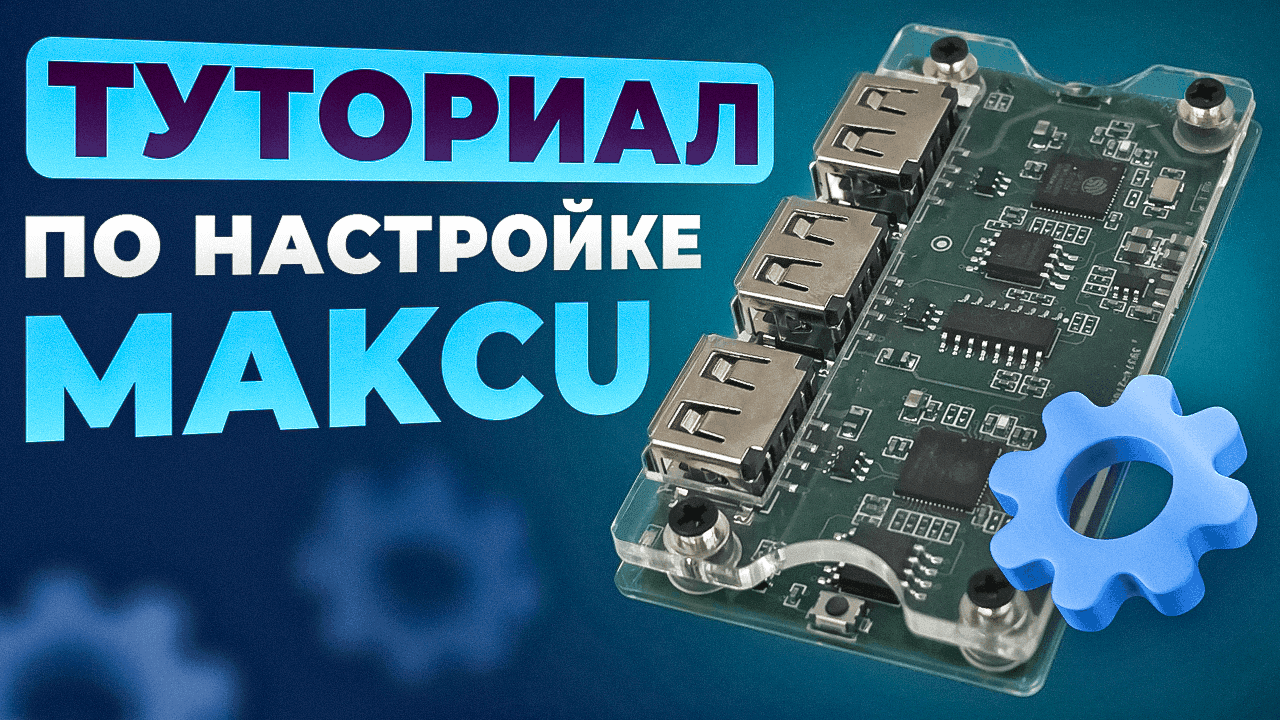
The card reads memory. The Makcu sits between both computers and delivers movement and clicks to the gaming PC exactly as a USB mouse does — the system sees a mouse, not software. The Fuser takes the video signal off the gaming PC and puts it on the second monitor together with the overlay, so the boxes and lines the software draws sit on top of the game and you watch one screen rather than two.
A kit from GetDMA is cheaper and calmer: the parts are known to fit each other, the firmware already matches the card, and nobody has to work out why one seller's Makcu cannot see another seller's board.
The card is chosen by motherboard and chip, not by price
You need a free PCIe slot of the right length and to know which FPGA is on the board: firmware is tied to a specific model and will not take on another, even where the connector matches and the boards look alike.
Most people take the 75T, which covers nearly any build; the 100T on Artix-7 is for when you want headroom. If you are unsure, write to GetDMA before buying and name both motherboards, the CPU and how you plan to wire it together. We will pick what works for you rather than what costs more.
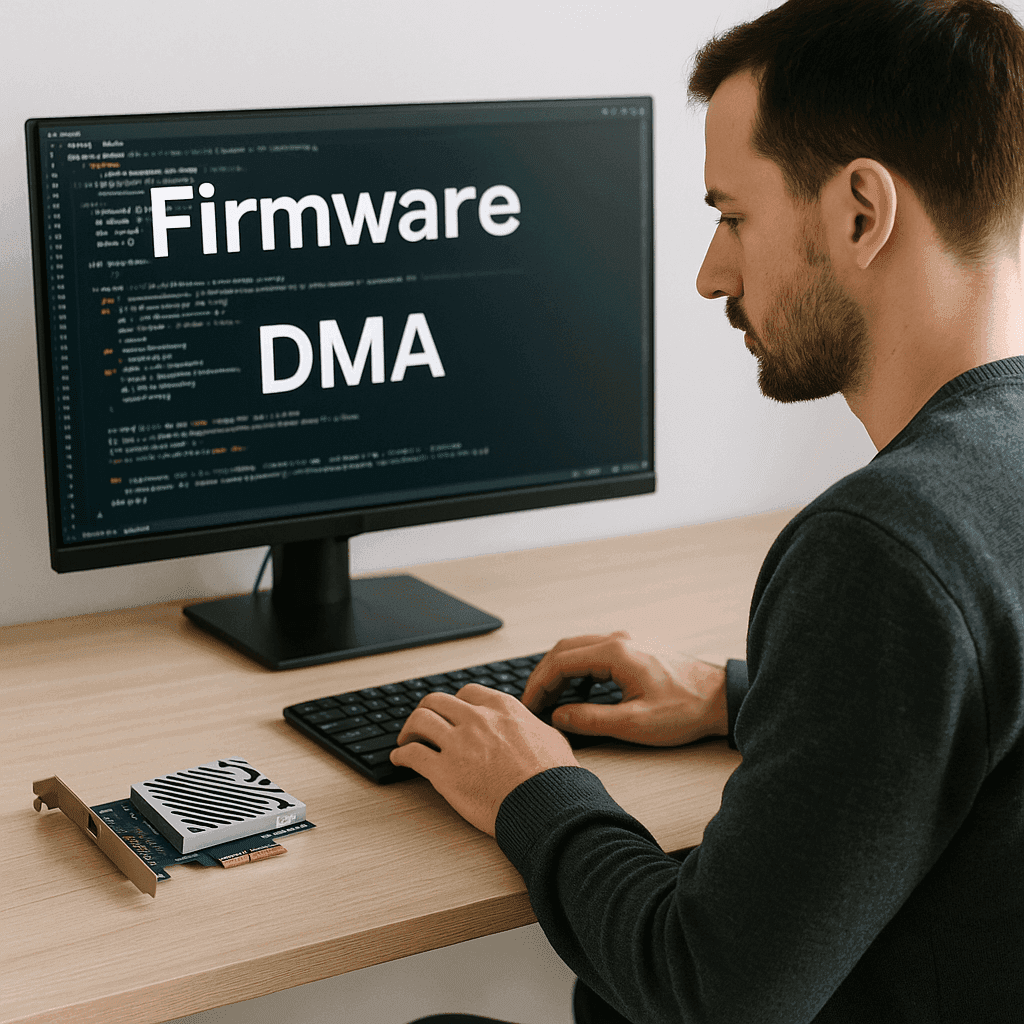
DMA firmware is chosen by anti-cheat: EAC, BattlEye, ACE and VGK
DMA card firmware is a product of its own, not a file that comes with the board. It decides what device the card presents itself as, and it is picked for a particular anti-cheat: EAC and BattlEye firmware covers Rust, Apex and most session shooters, BattlEye firmware covers PUBG and what runs on it, and the BE + EAC + ACE build is for titles running ACE. GTA 5 and RAGE MP take the same line — tell us the game and the card and we will say which build.
Flashing it is a guided job: the file goes on step by step, the Makcu is recognised on its own, and the guides here carry photos and a description of what each stage should end with. No programming, and an evening is enough. If something does not add up, GetDMA support works through it with you instead of pointing at a forum.
We ship across Russia and the CIS, with a photo of the packed order
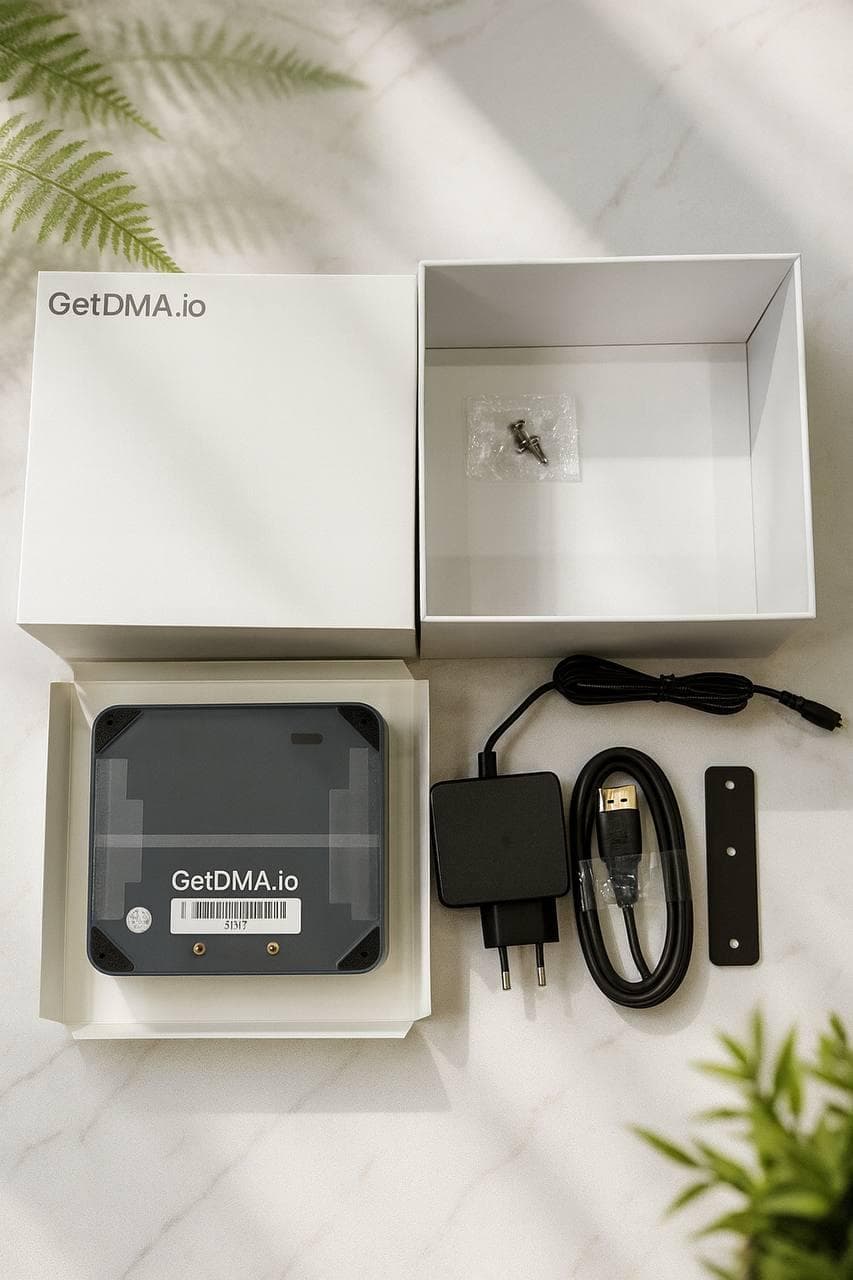
GetDMA ships from St Petersburg. Every item is checked before dispatch and the packed order is photographed — the picture arrives with the tracking number, so the state it left in is on record. The carrier is chosen at checkout; if you need a particular pickup point, say so before paying.
If it does not work, it is usually configuration — and we see it through
The wrong port, the wrong firmware, a cable that was never plugged in: most of what reaches us is sorted the same evening. If it is the hardware, we replace it. We do not filter reviews, and the unhappy ones stay up beside the rest — they show how these cases actually get handled.