
Blog
Guides, firmware and reviews of DMA hardware — useful articles from people who know.
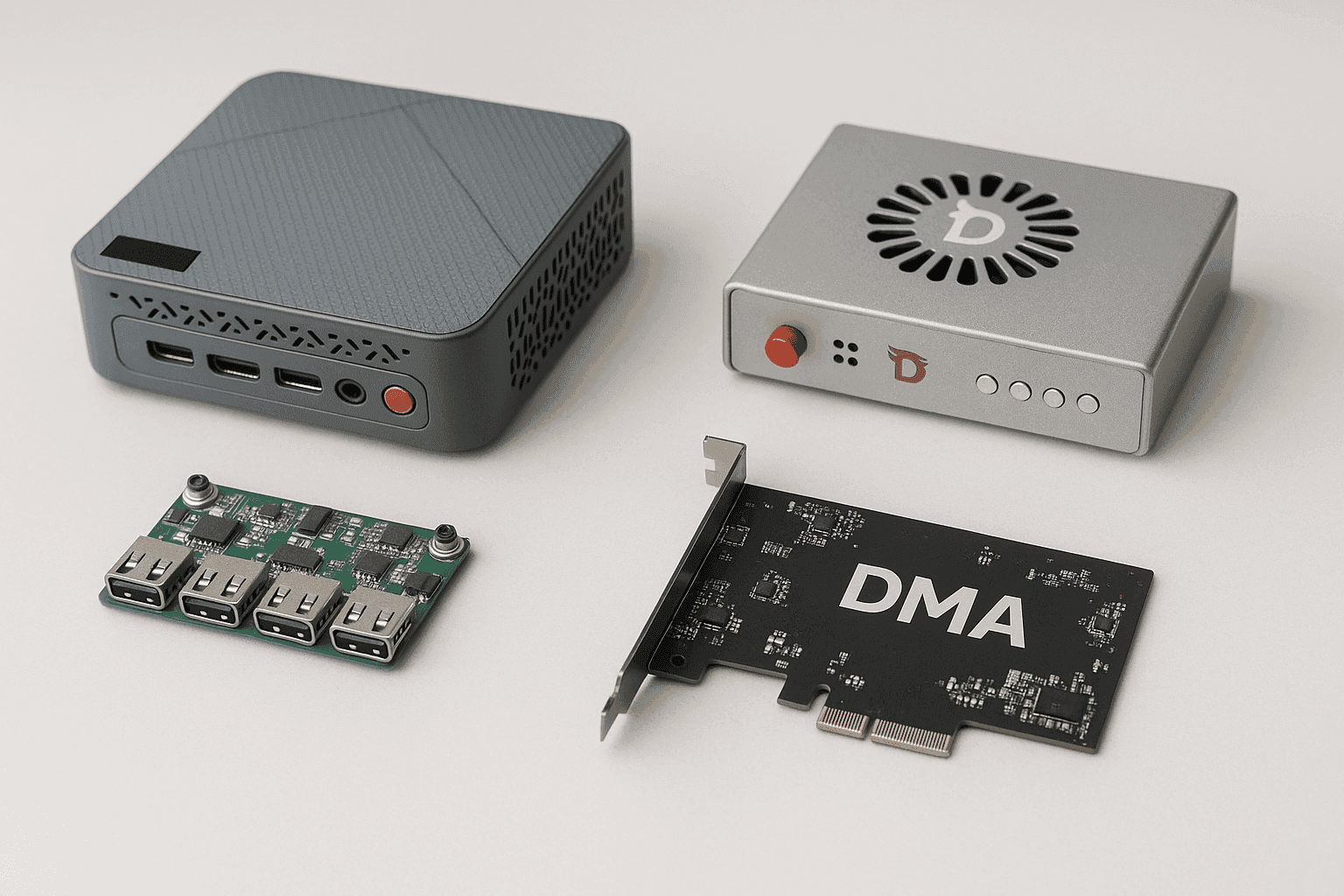
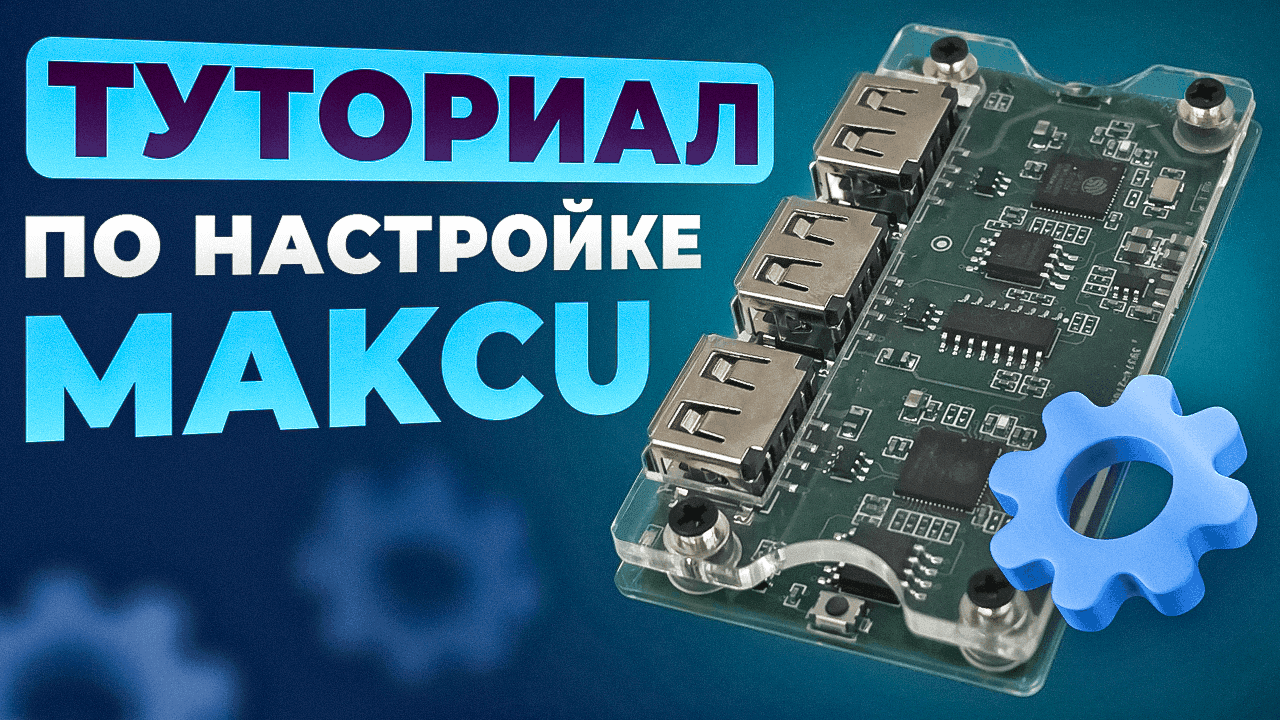
Expert material on DMA hardware: how to choose a card and firmware, set up Makcu, build a kit and not overpay. Below — what’s in the blog, a metrics comparison and our take from practice.
What’s in the blog
| Article | About | Useful for |
|---|---|---|
| How to choose a DMA card | Picking by chip, PCIe slot and firmware | Before your first purchase |
| How to choose firmware | Firmware by anti-cheat (BE, EAC, ACE) | Deciding on firmware |
| Makcu flashing & setup | Step-by-step connection guide | Makcu owners |
| Is a kit worth buying | Ready bundle vs assembling piece by piece | Those in doubt |
| Heino 1.2 review | Device breakdown and myths | Considering Heino |
What a DMA setup consists of
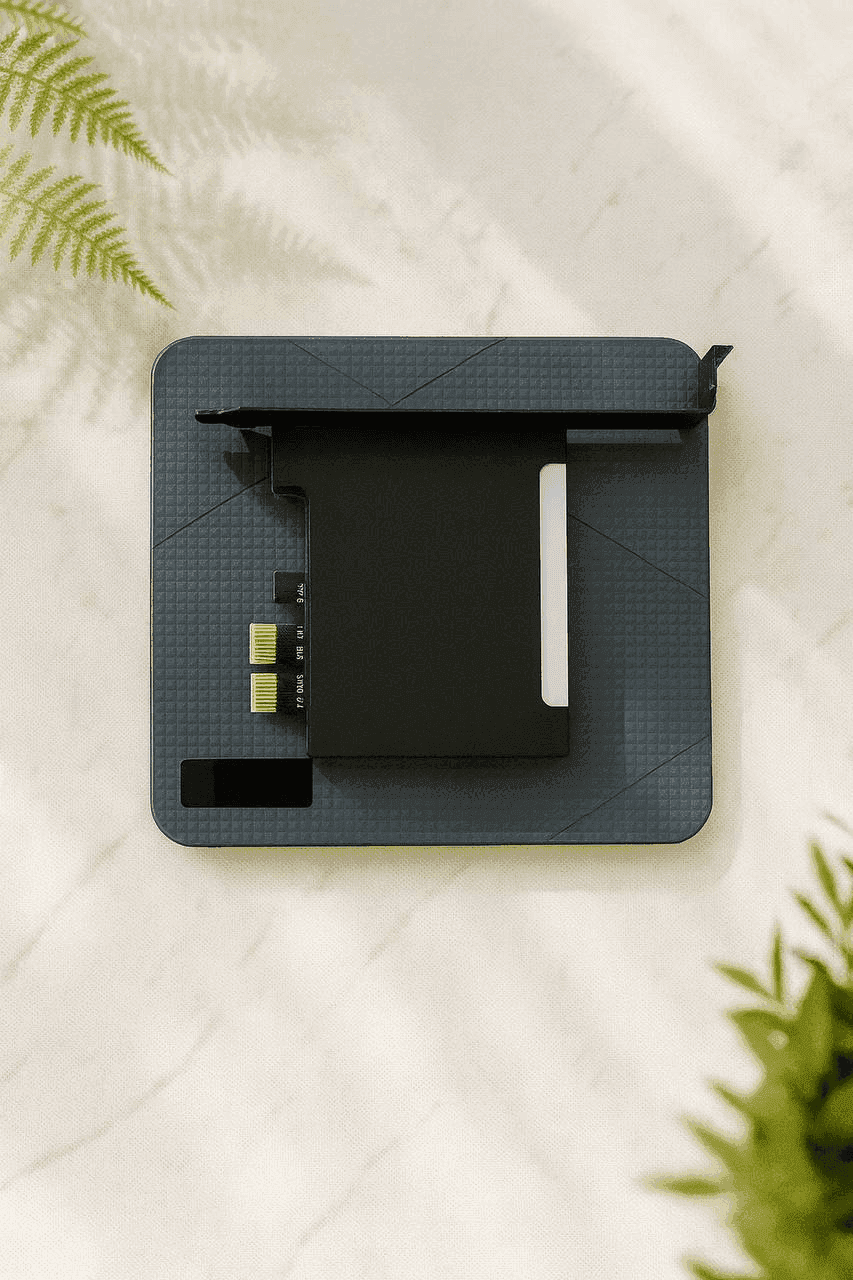
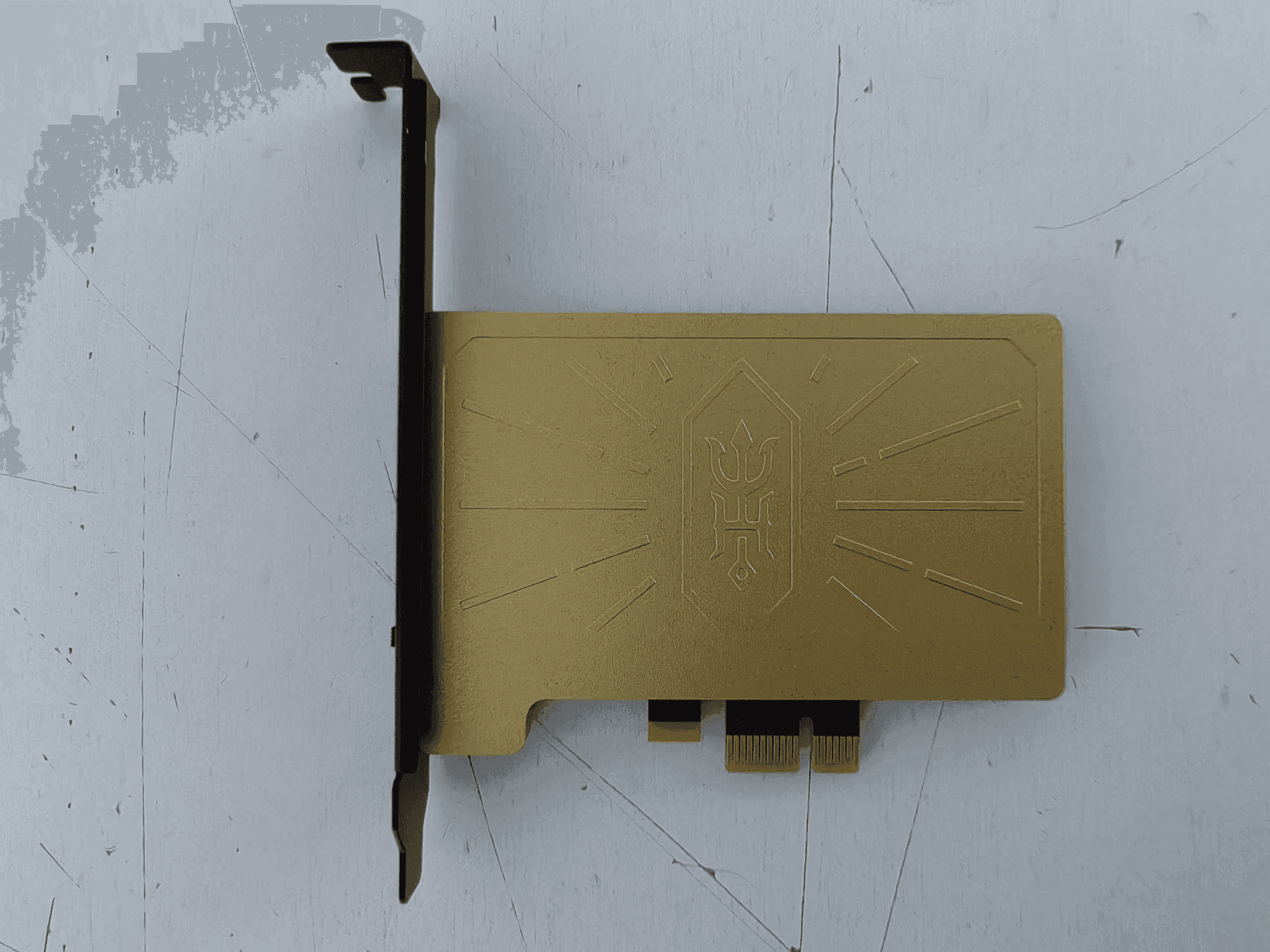
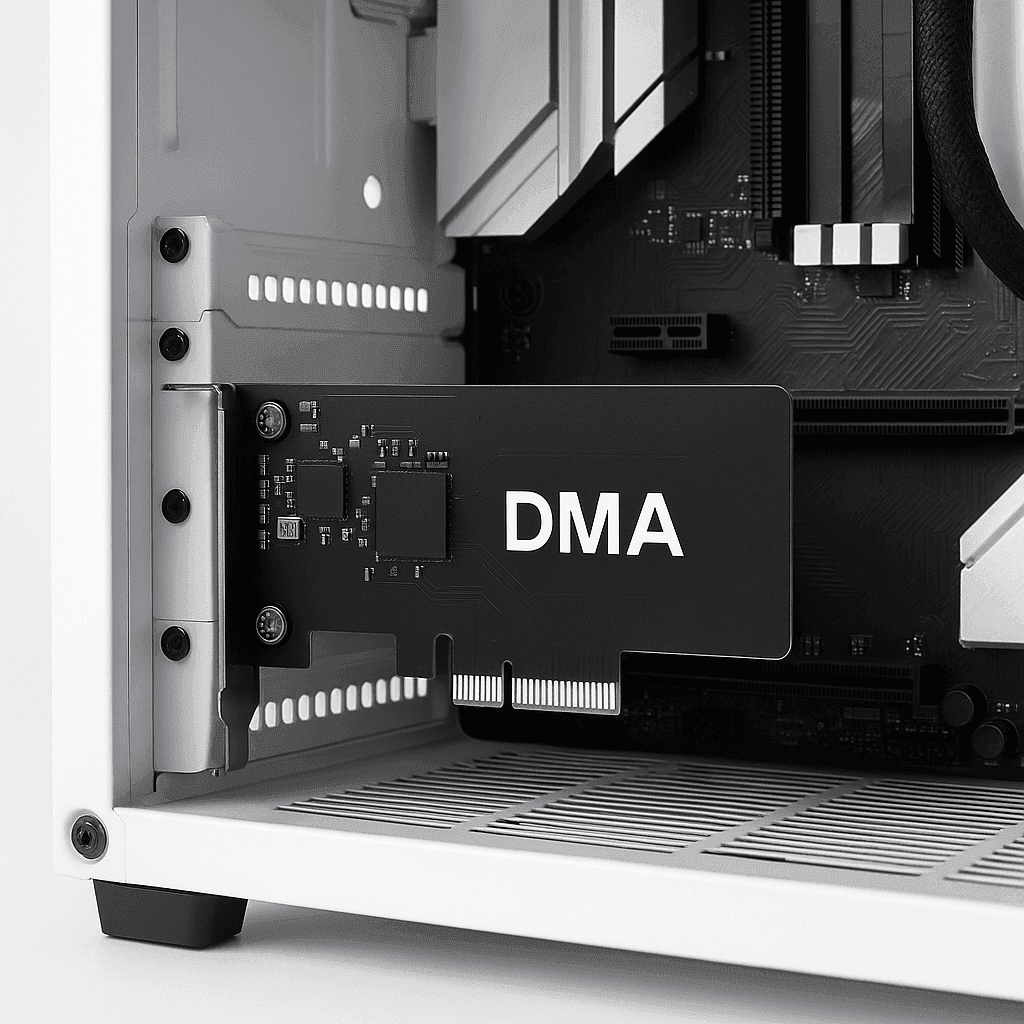
- DMA card — reads memory over PCIe (Artix-7/Kintex chips). Key: a current chip and a free PCIe slot.
- Fuser — merges the image of two systems onto one monitor, so no second screen is needed.
- Makcu — hardware mouse/keyboard passthrough with minimal latency.
- Mini PC — a compact second computer that does the processing.
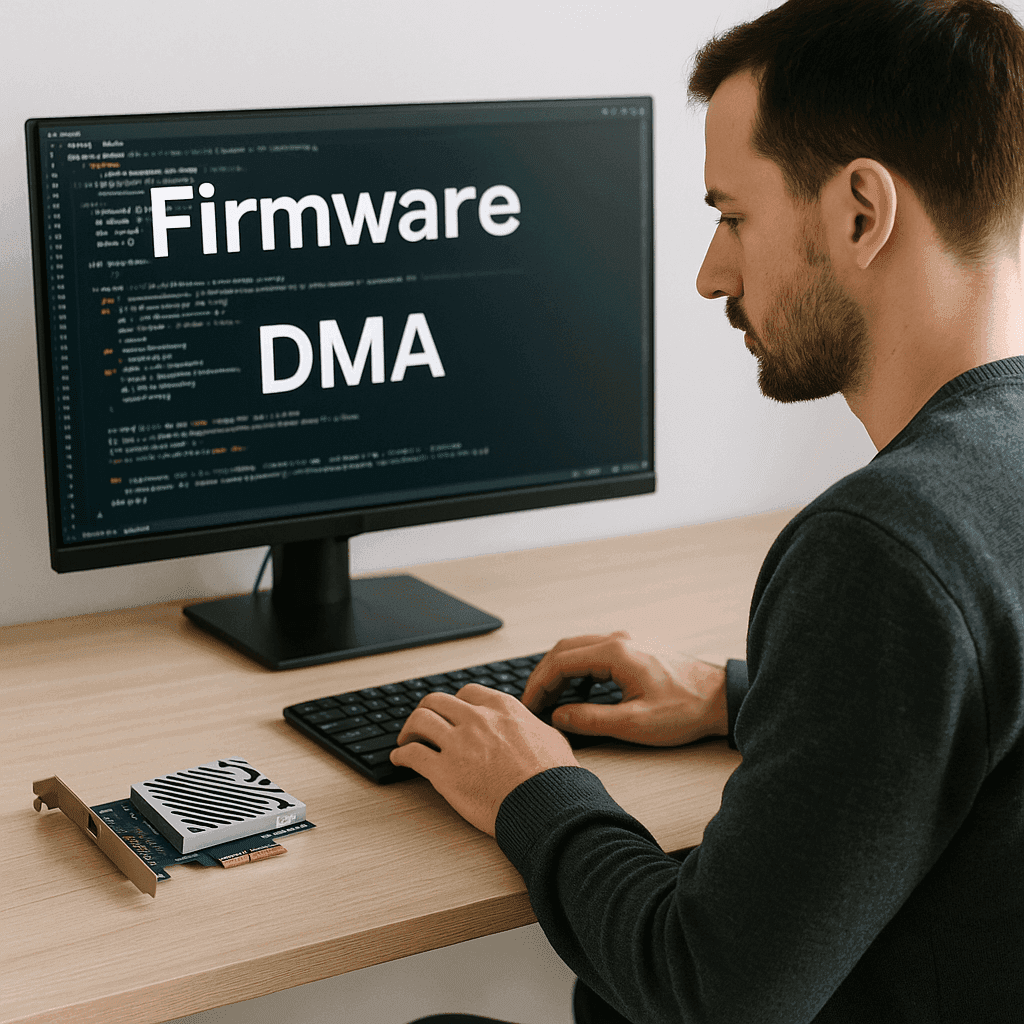
- Firmware — defines compatibility with the environment and anti-cheat (ACE, BE, EAC, VGK).
DMA card comparison by metrics
| Metric | DMA 75T | Heino 1.2 | Heino 2 |
|---|---|---|---|
| From | 7 999 ₽ | 41 000 ₽ | 450 000 ₽ |
| Source code | Open | Closed | — |
| Class | Entry / optimal | Premium | Top-tier |
| Longevity | High | High | Maximum |
| Best for | Start and 90% of tasks | "All included" | Maximum requirements |
Expert opinion
In practice, 9 out of 10 buyers take DMA 75T + a kit — the best balance of price, stability and longevity. Premium cards (Heino) are justified only for specific requirements. The key success factor isn’t how "top" the hardware is, but the right firmware for your anti-cheat and correct setup — which is why we always help pick and install it.
FAQ
How to choose a DMA card? Check the chip, a free PCIe slot and the firmware you need; for most tasks — DMA 75T.
Do you need a fuser and a second monitor? No — the Fuser merges the picture onto one screen.
Why Makcu? Low-latency hardware mouse/keyboard passthrough (new version — Makxd).
Which firmware? By your game’s anti-cheat: BE + PUBG / BE + EAC / BE + EAC + ACE.
Cases from practice
A first setup from scratch. DMA card + Makcu + Mini PC, remote help with firmware — a working system (with a Fuser, on a single monitor).
A turnkey kit. DMA + Fuser + Makcu + Mini PC — tested together, works out of the box, with setup support.
Delivery, warranty and support
Hardware is in stock, shipped the same day across Russia and the CIS. Equipment is covered by a warranty; firmware from 30 days. If it won’t start — we’ll help set it up.