The GetDMA catalog holds the components of a DMA setup. Below is an expert breakdown of each category: what it’s for, why people buy it, how it works and how it connects, with real cases.
How a DMA setup works and connects
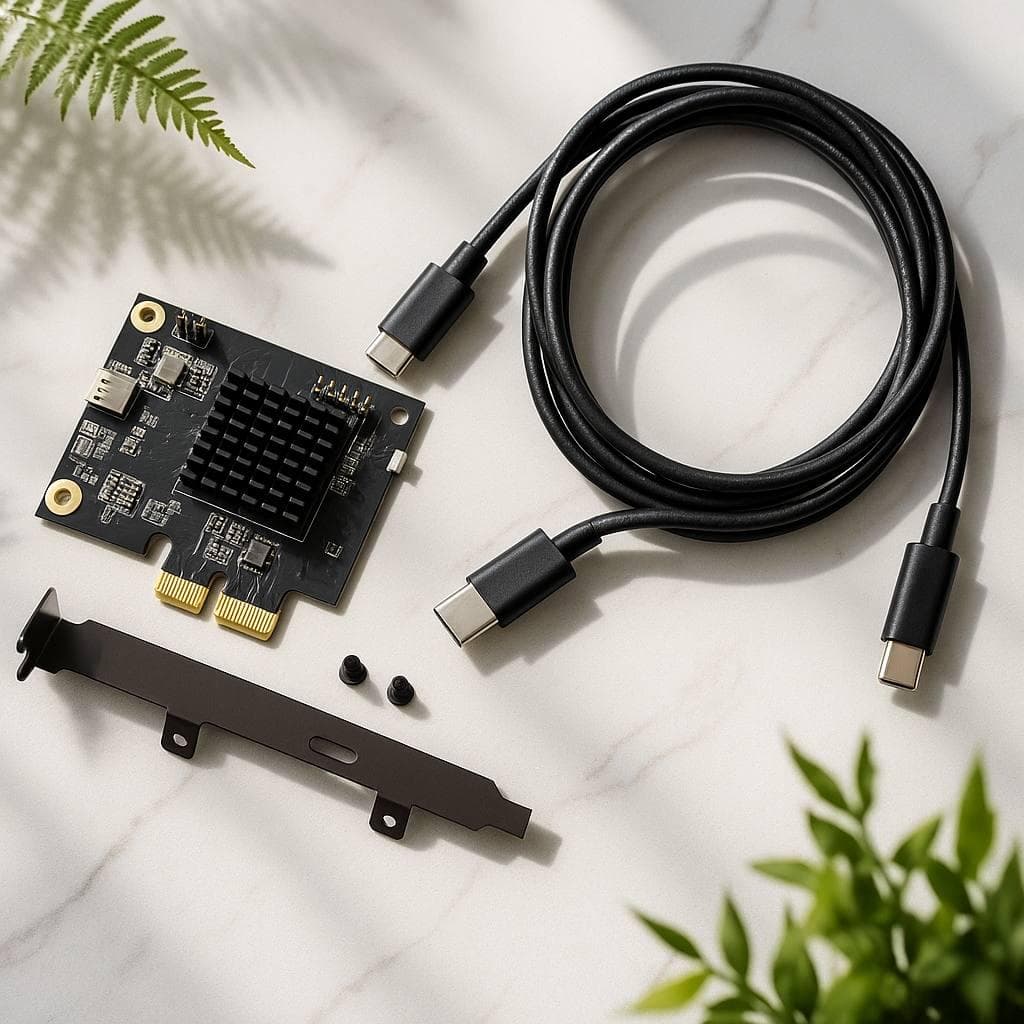
The principle: a DMA card sits in a PCIe slot of the gaming PC — it reads memory directly and sends the data over a cable to a second PC (or Mini PC), where all processing happens. A Fuser merges the image onto one monitor; Makcu handles hardware input. To the gaming PC, everything looks like a "clean" system.
- The DMA card is installed in a free PCIe slot of the main PC.
- The card connects to a second PC / Mini PC (USB cable).
- Firmware for the required anti-cheat is flashed onto the card.
- Makcu is connected for mouse/keyboard passthrough.
- A Fuser (optional) merges the picture onto one monitor.
Category overview
| Category | What it’s for | How it connects |
|---|
| DMA cards | Memory reading — the core | PCIe slot of the main PC |
| Fuser | One monitor instead of two | Inline between PC and monitor |
| Makcu | Hardware mouse/keyboard input | USB to both systems |
| Mini PC | A second PC for processing | Paired with the DMA card |
| Kits | Turnkey ready solution | Compatible out of the box |
| Firmware | Anti-cheat compatibility | Flashed onto the card |
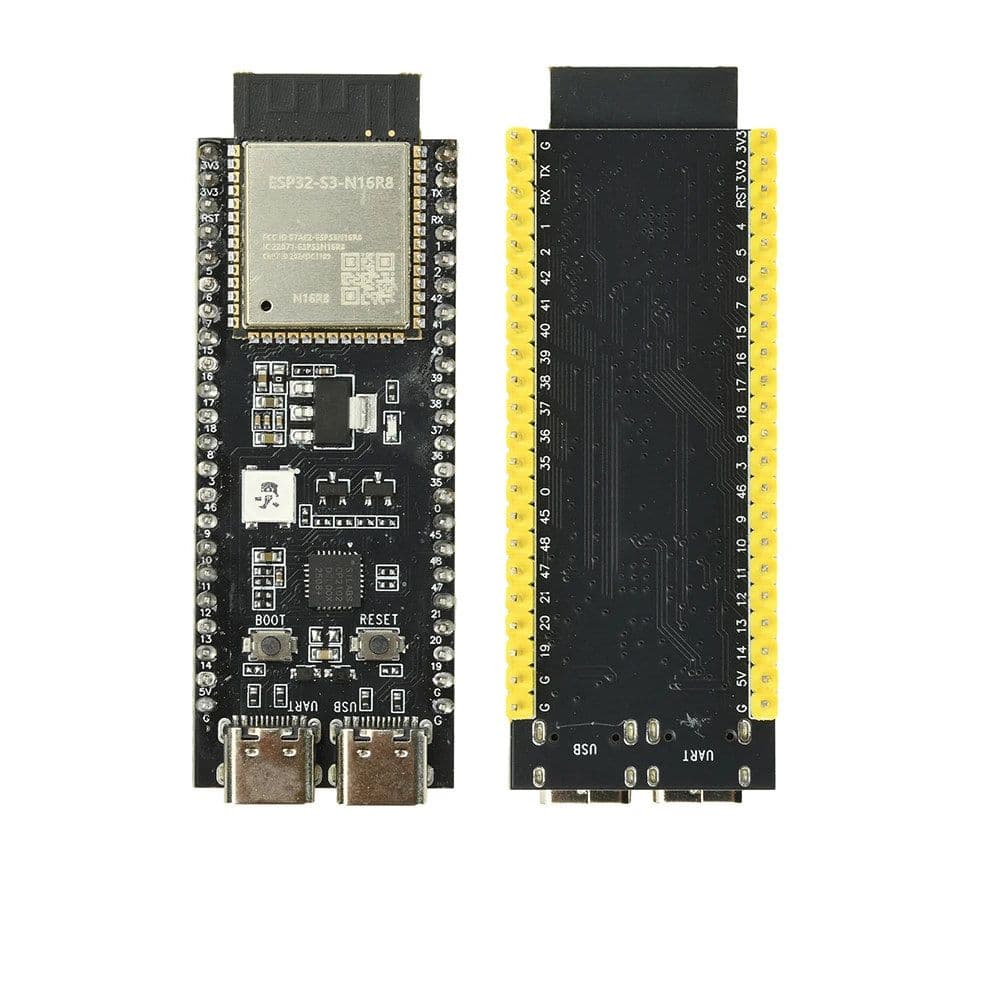
DMA cards
What for: the core — reads memory over PCIe. Why buy: no card, no setup; DMA 75T is the price/stability optimum. Case: the customer puts the card in a free PCIe slot, connects to a second PC — working memory reads in ~20 minutes.
Fuser
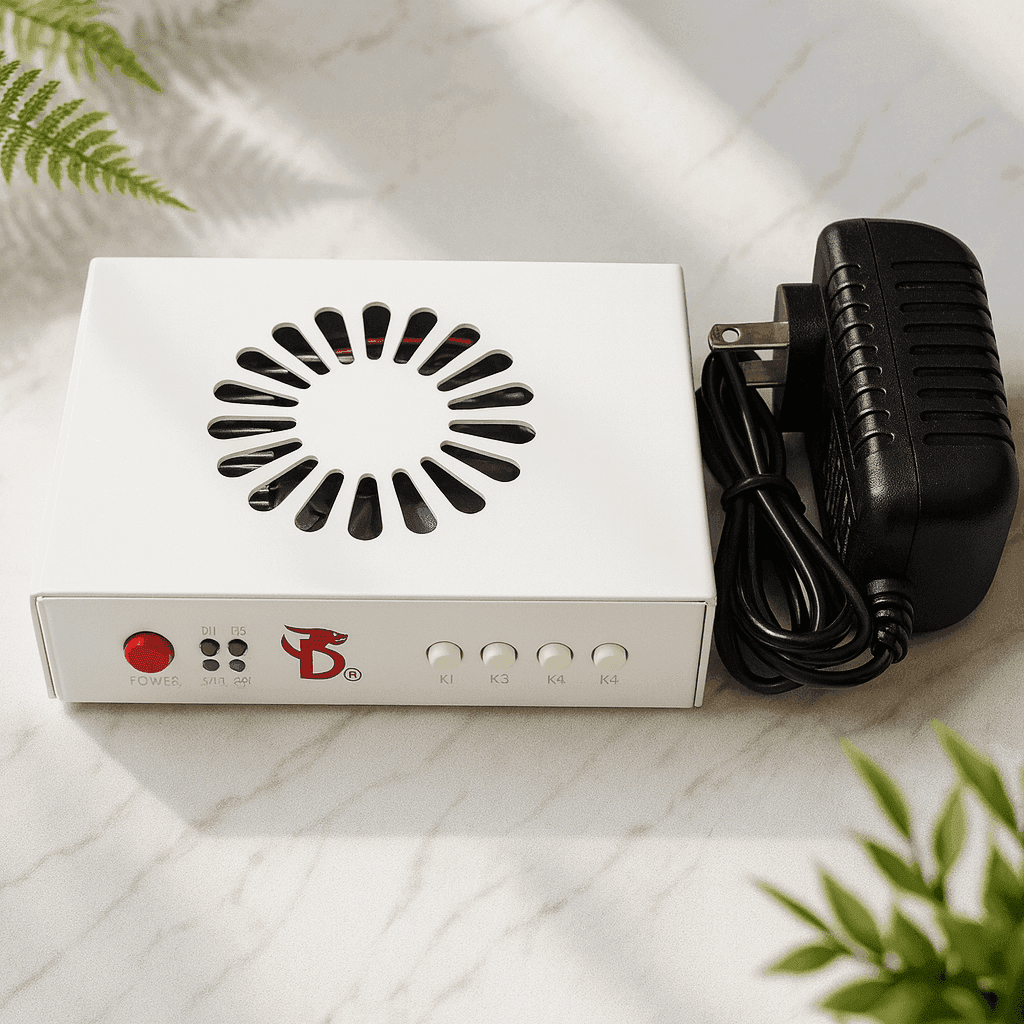
What for: merge the image onto one monitor. Why buy: no desire for a second screen. How it connects: inline between PC and monitor. Case: single-monitor upgrade — added a Dichen Fuser v6, checked compatibility, the picture merged.
Makcu
What for: low-latency hardware mouse/keyboard passthrough. Why buy: software passthrough is unstable. How it connects: over USB to both systems. Case: replaced software passthrough with Makcu — latency gone, input stable.
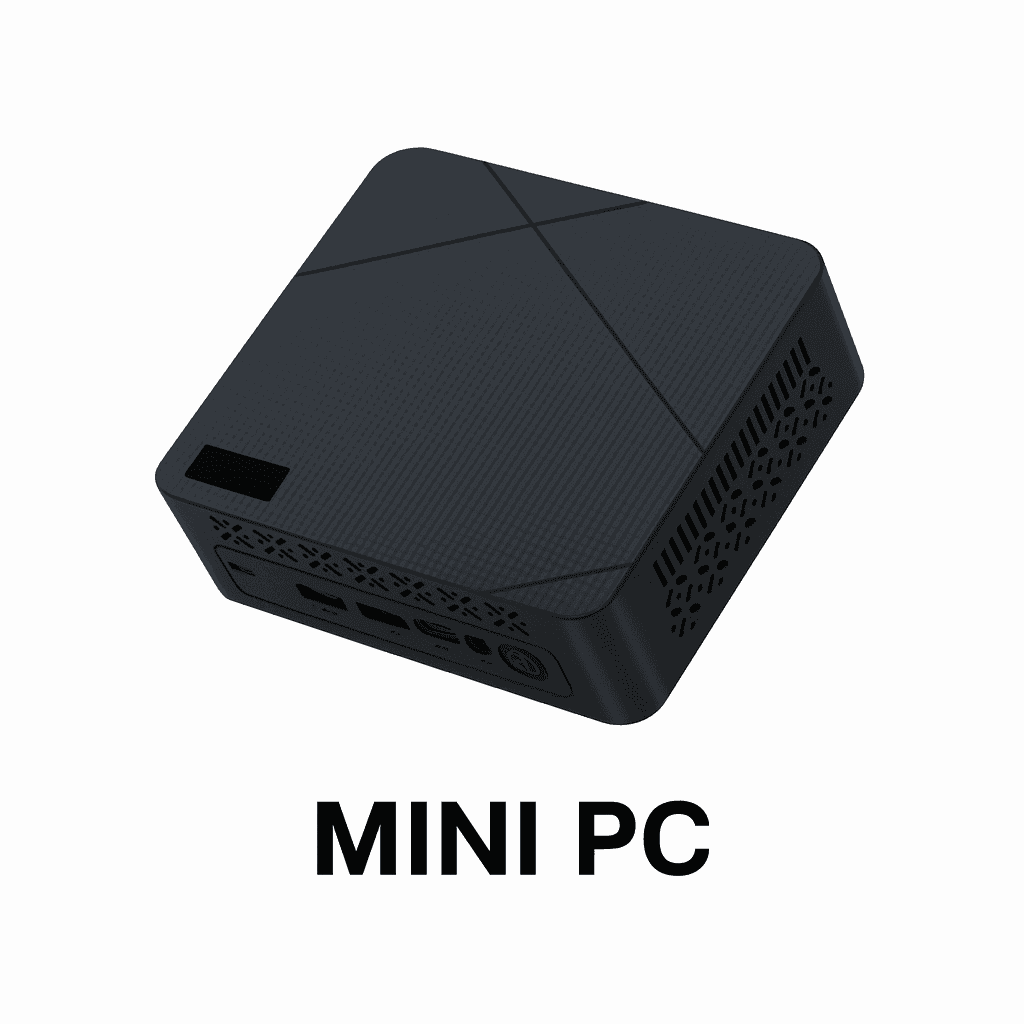
Mini PC
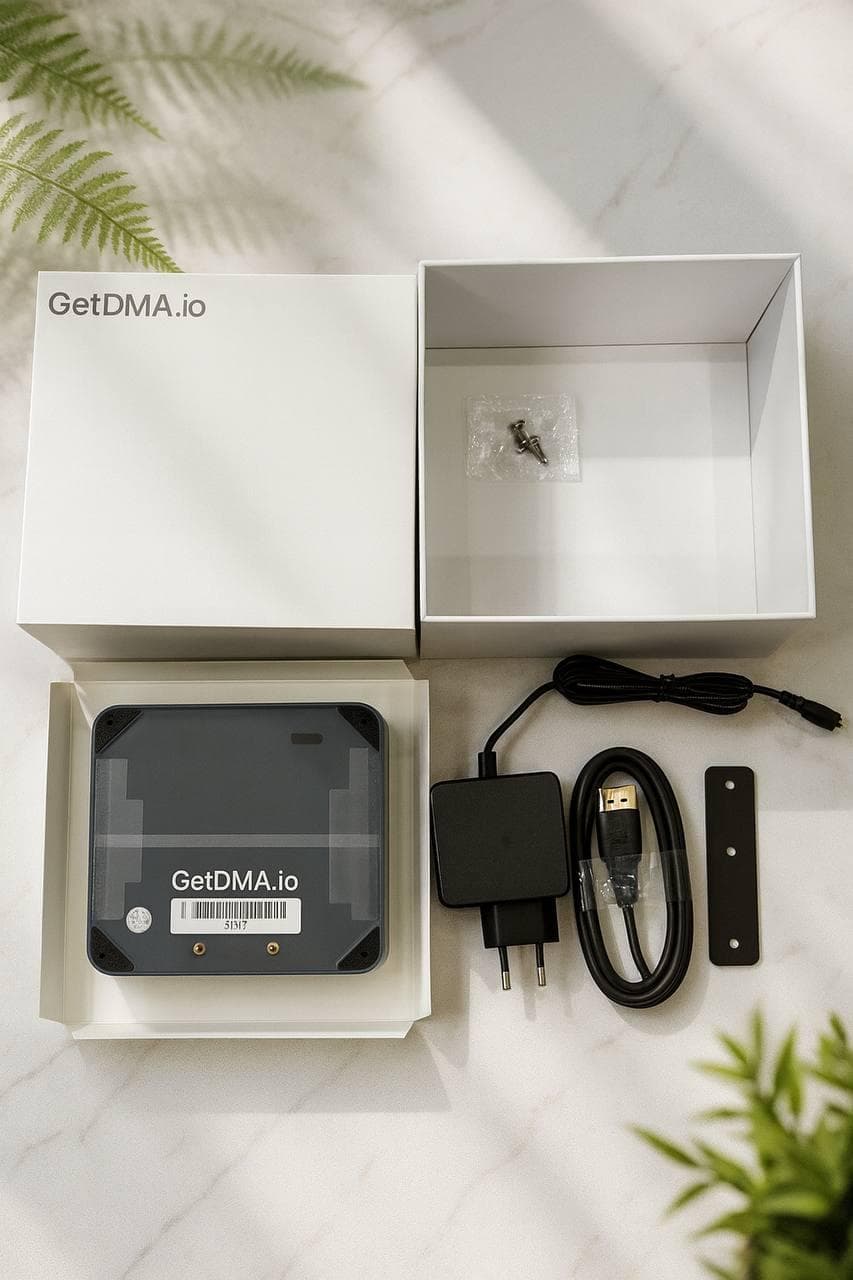
What for: a compact second PC for processing. Why buy: not everyone has a spare machine. How it connects: paired with the DMA card. Case: took a Mini PC N150 instead of a bulky second PC — same thing, compact.
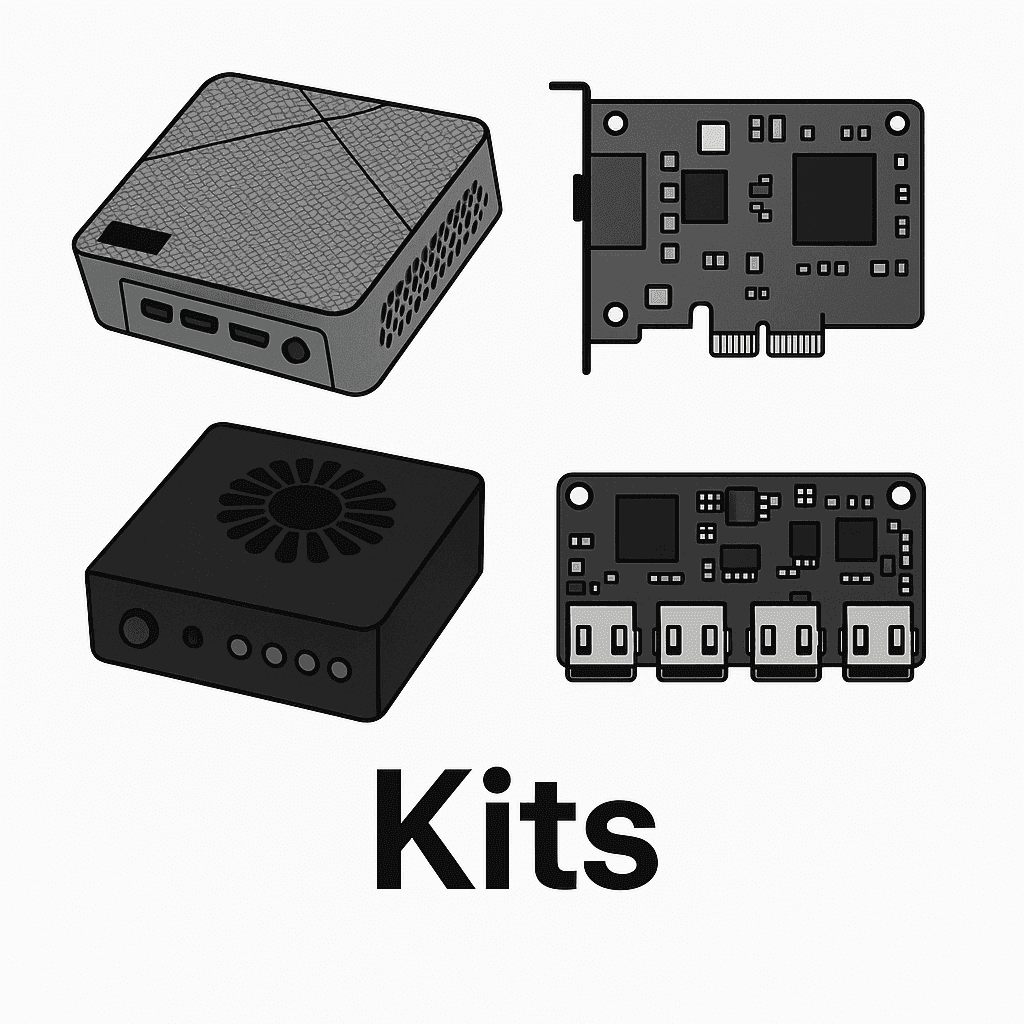
Kits
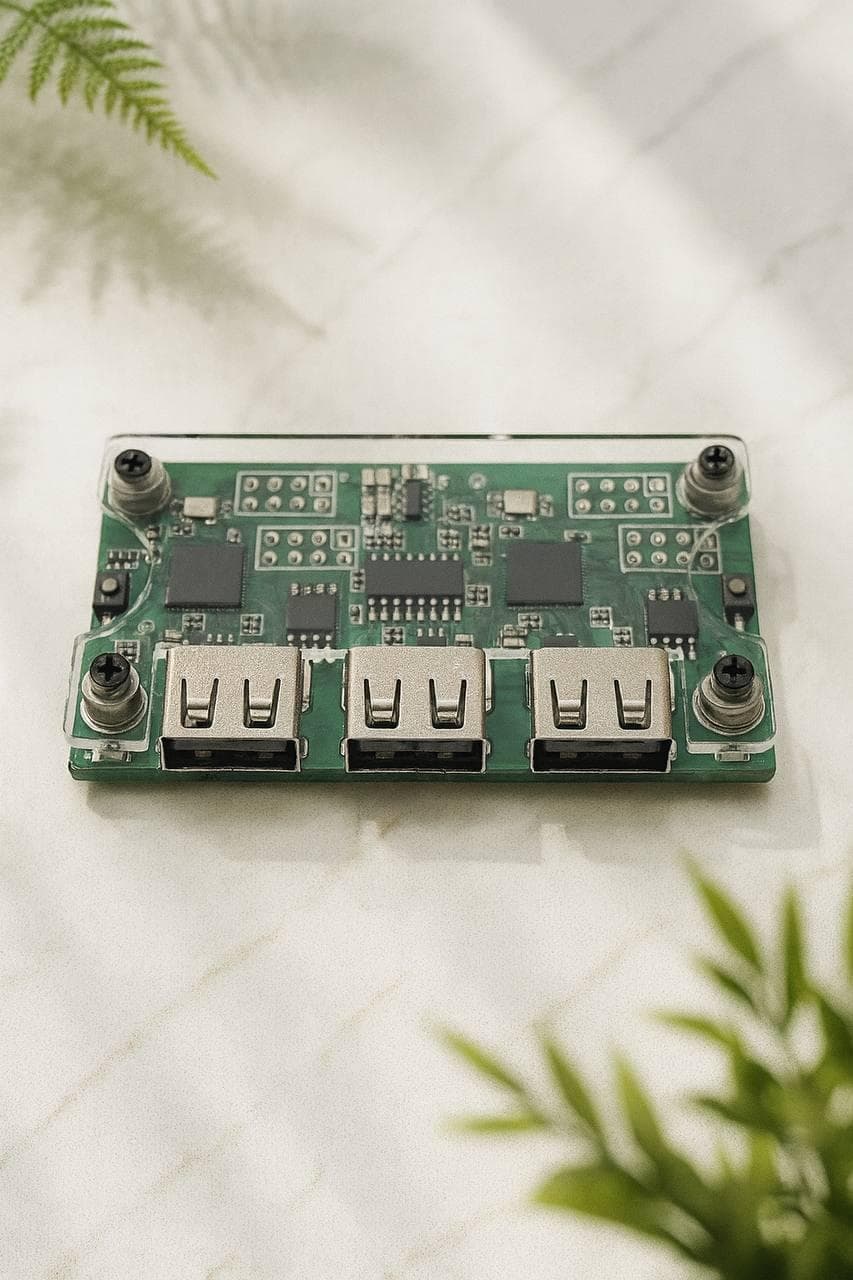
What for: a ready solution with no compatibility guesswork. Why buy: to avoid mistakes. How it connects: everything is already compatible. Case: a beginner took the Mega kit (DMA + Fuser + Makcu + Mini PC) and got running with our remote help.
Firmware
What for: card compatibility with a specific anti-cheat. Why buy: without the right firmware the card won’t run in the needed environment. How it connects: flashed onto the card (we help). Case: picked BE + EAC for the customer’s game pool, installed it — it worked.
Expert opinion
9 out of 10 needs are covered by DMA 75T + firmware for your game (+ Makcu and Fuser as needed). No second PC — take a kit with a Mini PC. What matters isn’t how "top" the hardware is, but the right firmware and setup — which we help with remotely.