МаксимAvito
все норм и запаковали добротно спасибо продавцу
Review for Buy Makcu board arduino esp32 s3
GetDMA Makcu catalog: modules for mouse and keyboard control via the Makcu board. Reliable, compatible solutions for stable operation. In stock, with fast shipping across Russia and the CIS.
What buyers said about the products above
все норм и запаковали добротно спасибо продавцу
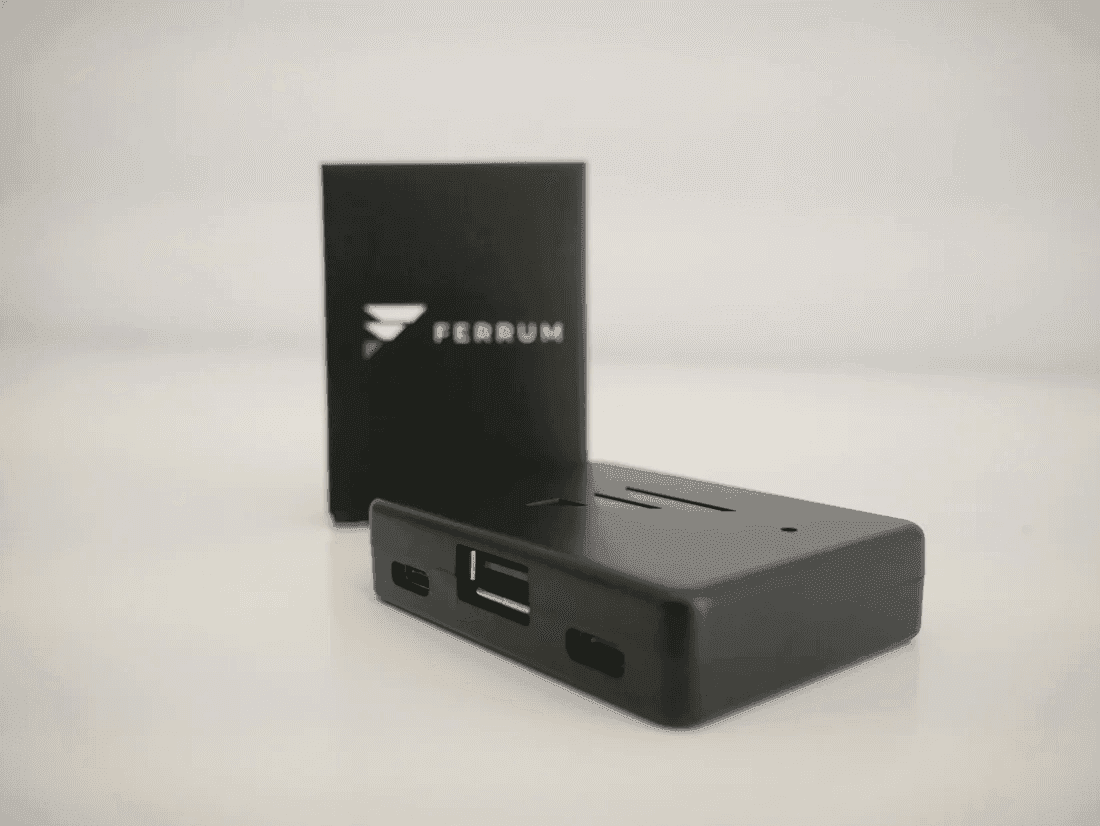
Review for Buy Makcu board arduino esp32 s3Все отлично. Немного задержал доставку, но мне не критично. В комплекте два кабеля, сама приблуда и бокс к ней. Прошил быстро через их же сайт.
Review for Buy Makcu board arduino esp32 s3Все отлично, товар пришел в целостности
Review for Buy Makcu board arduino esp32 s3Все работает, отправили день в день
Review for Buy Makcu board arduino esp32 s3Заказал все четко
Review for Buy Makcu board arduino esp32 s3Все ок
Review for Buy Makcu board arduino esp32 s3Bought from us? Tell others how it went.
Nearby sections of the shop
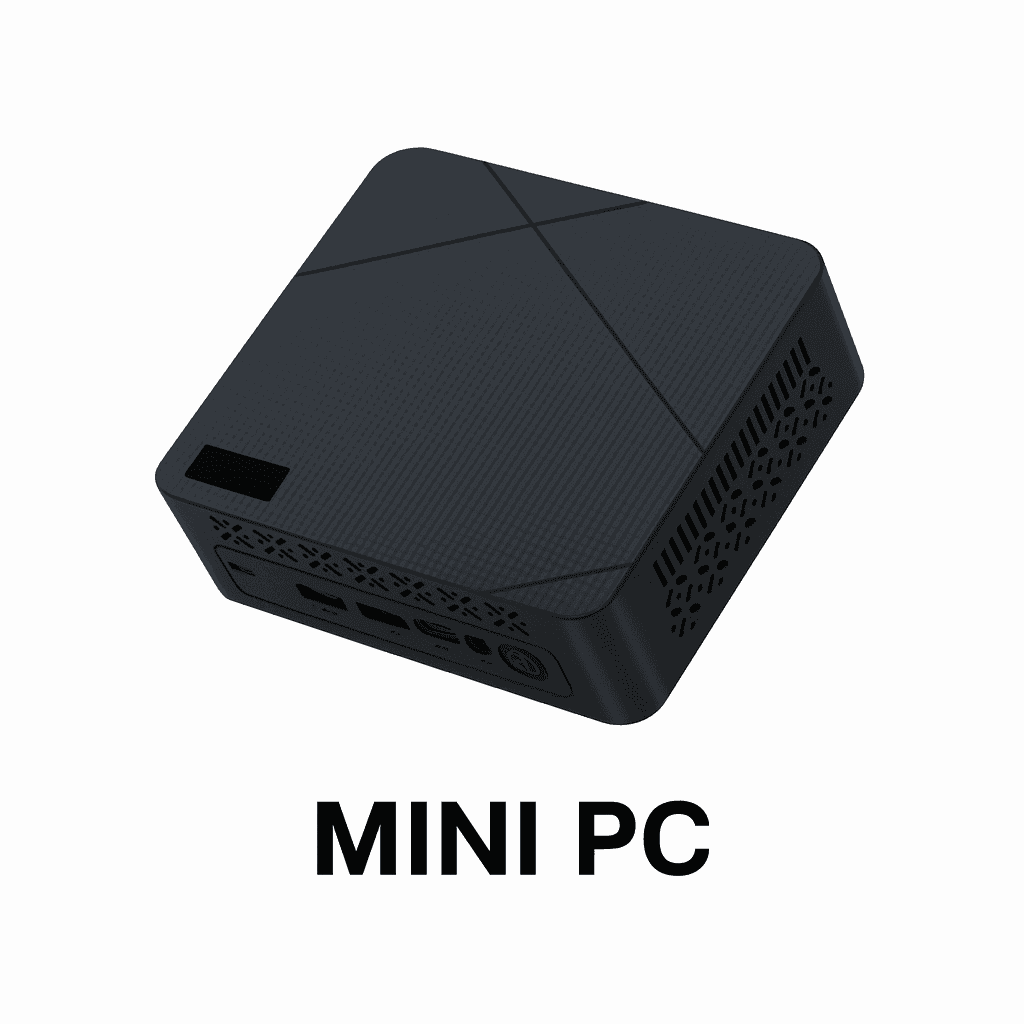 Mini PC — catalog of compact PCs for various tasksGetDMA Mini PC catalog: compact, powerful computers for work, gaming and running DMA. Reliable systems in a mini form factor, ready to use. Fast shipping and a warranty.2 products
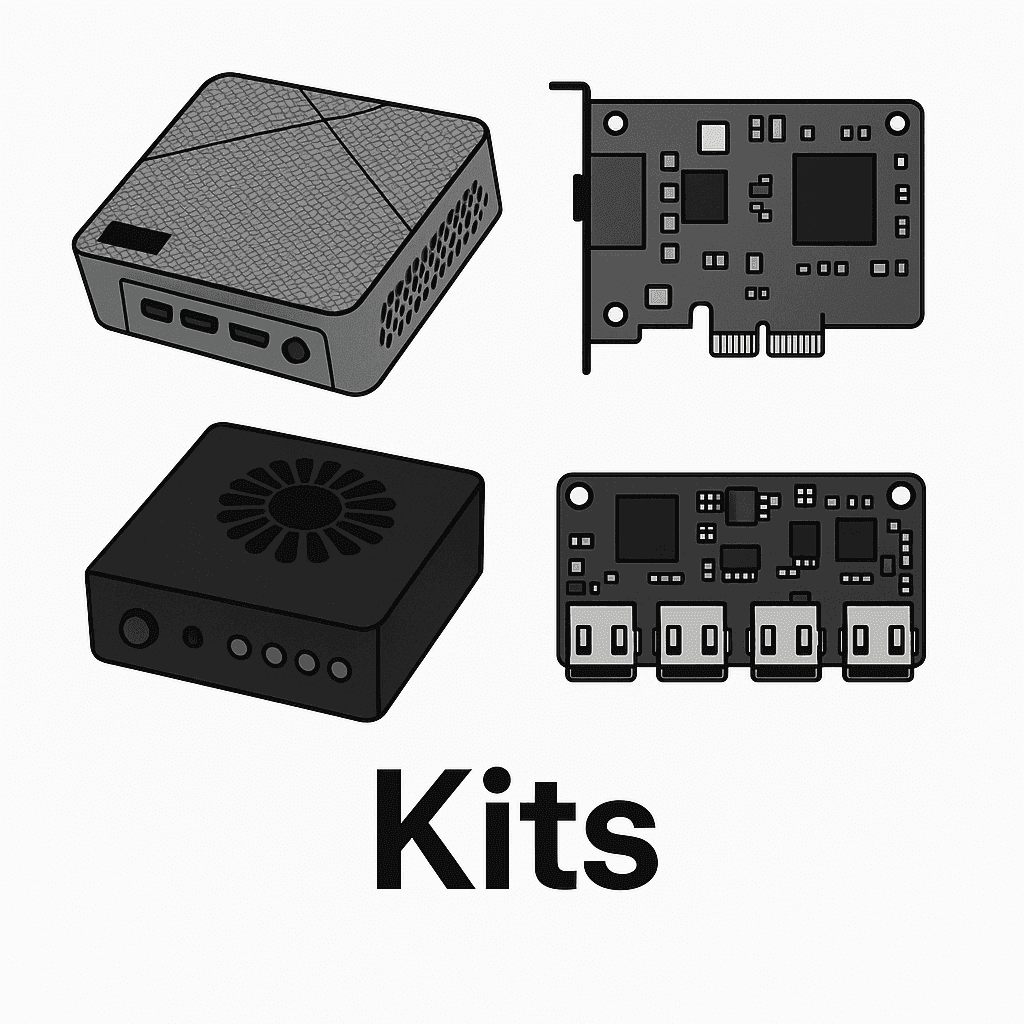 Kits — everything for running DMA productsGetDMA kit catalog — everything you need to get started: DMA cards, Fuser, Makcu, Mini PC and firmware. Fully compatible solutions, ready to work out of the box.3 products
 DMA firmware — ACE, BE, EAC, VGK support — flash your DMA cardGetDMA firmware catalog for DMA cards: flash your DMA card for ACE, BattlEye (BE), Easy Anti-Cheat (EAC) and Vanguard (VGK). Ready-made solutions for a stable product launch. Warranty from 30 days. DMA firmware with no bans.3 products
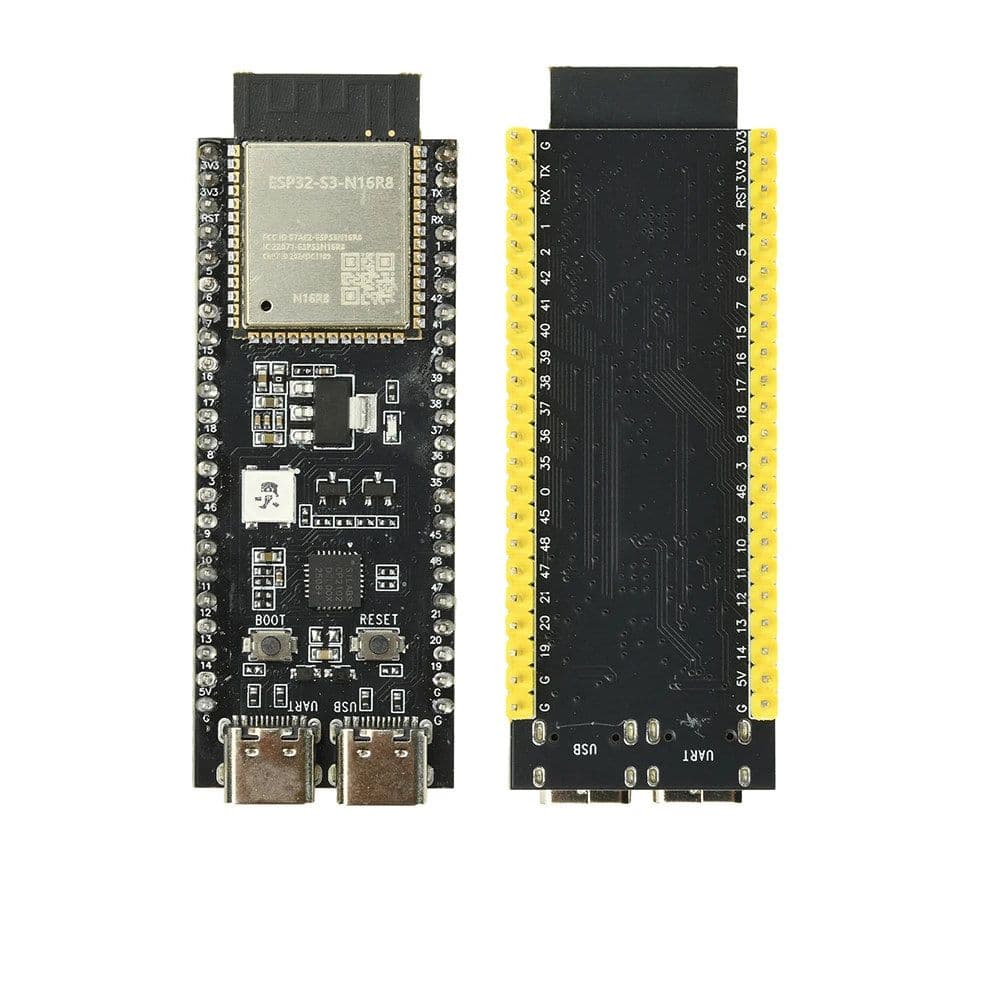 Development boards — buy dev boards at GetDMAGetDMA development board catalogue: ESP32 and other microcontroller boards — the parts mouse-control modules and home-made devices are built from. Honest specifications, our own photos, shipped from St Petersburg.1 product
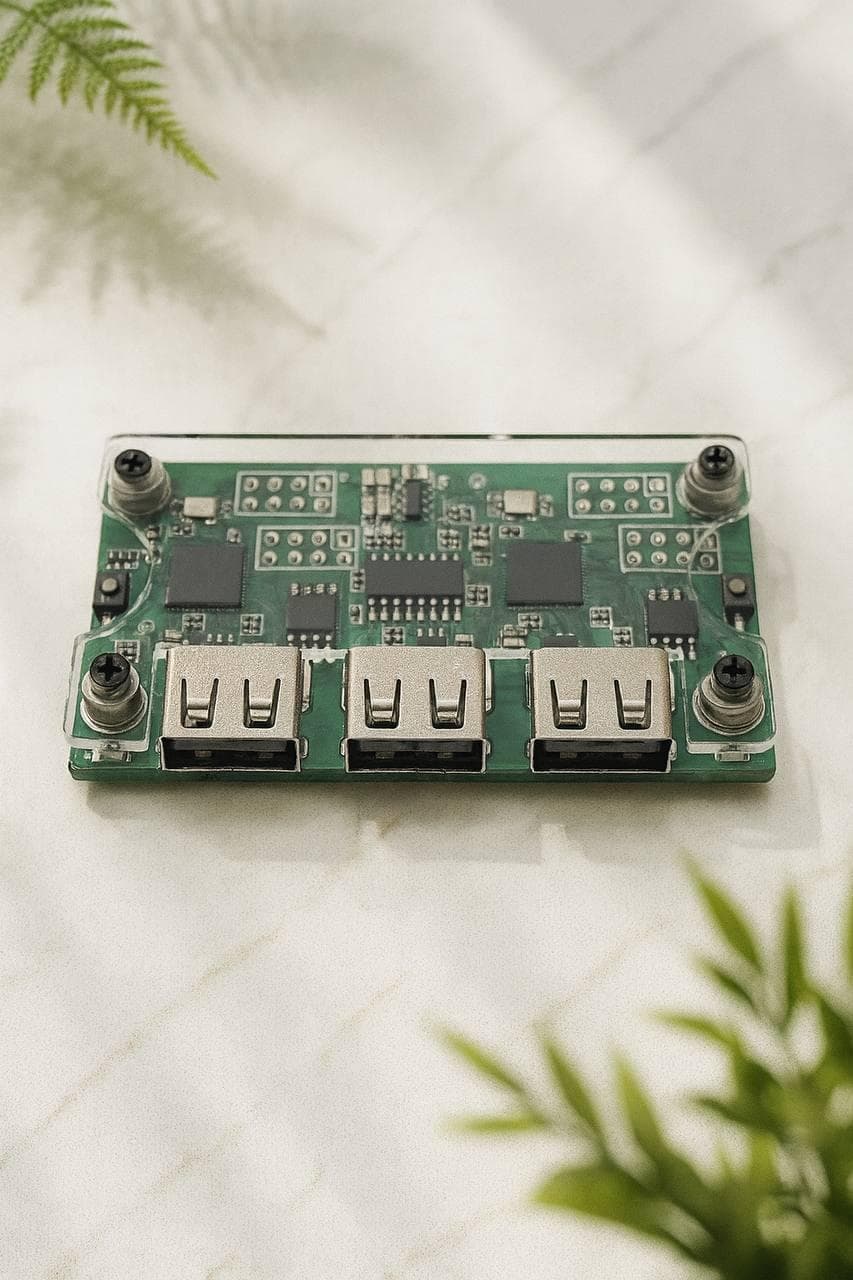
Makcu is the board through which a second computer drives the mouse and keyboard of the gaming PC. To the gaming machine they are ordinary USB devices: the signal arrives down a cable from a separate board, not from software running inside the system. That is what stops a DMA card setup being read-only — the card reads memory, the module handles input.
The module is one part of a chain. A DMA card reads memory, a fuser carries the picture from the second computer, and that second computer is usually a Mini PC. If you would rather not check compatibility yourself, there are assembled and tested kits. If you build your own hardware, look at the development boards.
The board arrives unconfigured: you flash it, plug the mouse and keyboard into its ports, and connect the module itself to the gaming PC and to the second computer. The order of the steps, the firmware files and the usual mistakes are covered in the Makcu flashing guide. The source is open, so the firmware can be built by hand.
Boards are tested before they ship and sold with a warranty. We ship across Russia and the CIS; the options and timings are on the payment and delivery page.