Андр**
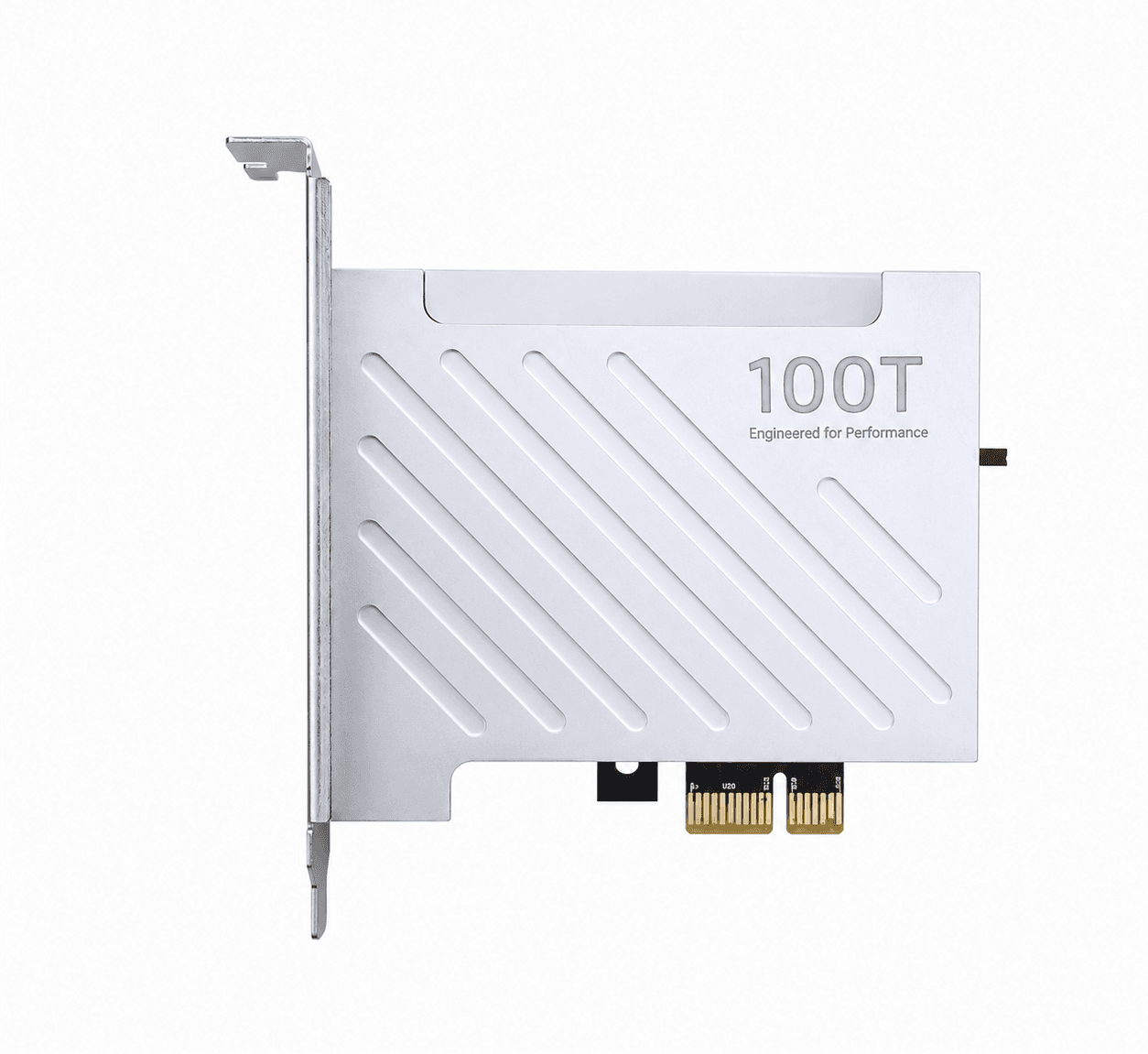
DMA 75t
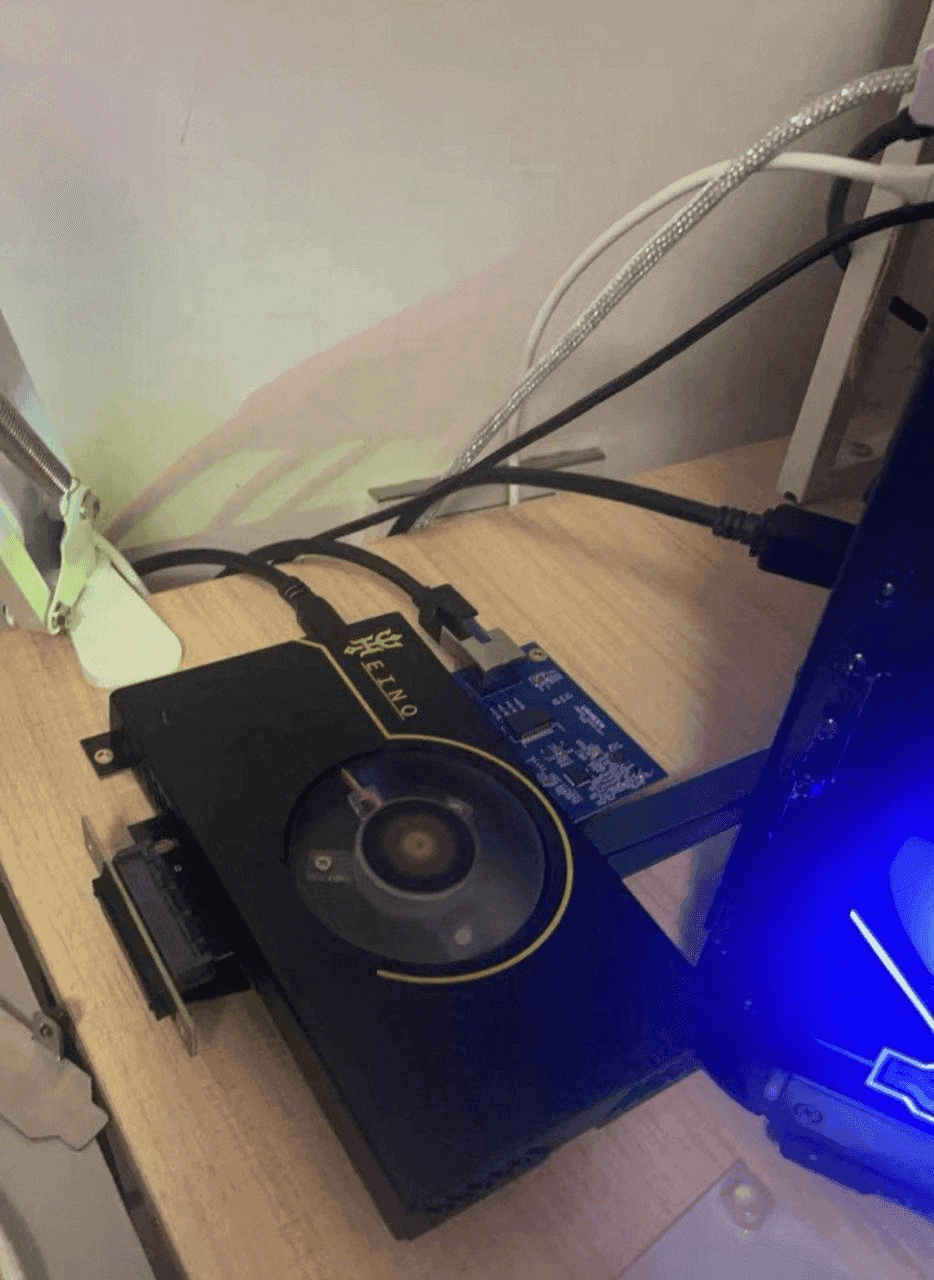
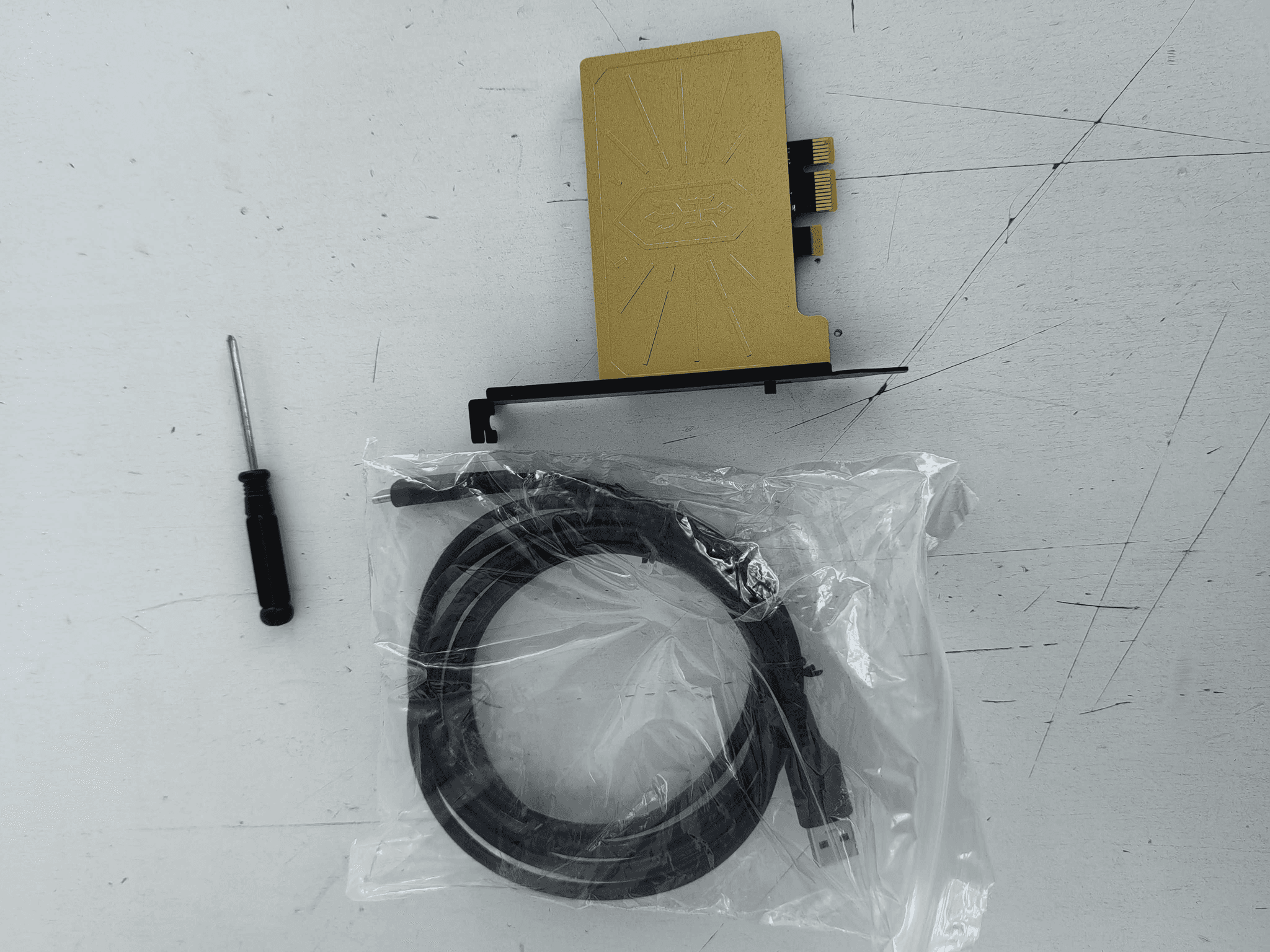
Взял DMA 75t помогли настроить , так же подсказали какой софт можно поставить для игры , по всем вопросам подсказал
Review for DMA Card - buy a 75T DMA card.
GetDMA DMA card catalog: reliable, proven solutions for running DMA products. In stock, with a warranty and same-day shipping across Russia and the CIS. A choice of different DMA cards.
What buyers said about the products above
Взял DMA 75t помогли настроить , так же подсказали какой софт можно поставить для игры , по всем вопросам подсказал
Review for DMA Card - buy a 75T DMA card.Плата Captain 75T не проходит тесты, поддержка магазина игнорирует сообщения, не советую обращаться к данному продавцу.
Review for DMA Card - buy a 75T DMA card.Быстрая доставка, карта работает как надо.
Review for DMA Card - buy a 75T DMA card.КАРТА НЕ ПРОХОДИТ ТЕСТЫ , А ПРОДАВЕЦ УЖЕ НЕ ОТВЕЧАЕТ 3 ДЕНЬ
Review for DMA Card - buy a 75T DMA card.Все отлично, продавец быстро все отправил, и ответил на все вопросы
Review for DMA Card - buy a 75T DMA card.Bought from us? Tell others how it went.
Nearby sections of the shop
 Fuser — buy a fuser at GetDMAGetDMA fuser (Fuser) catalog — we offer proven models, including current Dichen Fuser versions compatible with a wide range of monitors. Every fuser is tested and fully ready to work out of the box.3 products
 Makcu — catalog of mouse and keyboard control modules.GetDMA Makcu catalog: modules for mouse and keyboard control via the Makcu board. Reliable, compatible solutions for stable operation. In stock, with fast shipping across Russia and the CIS.3 products
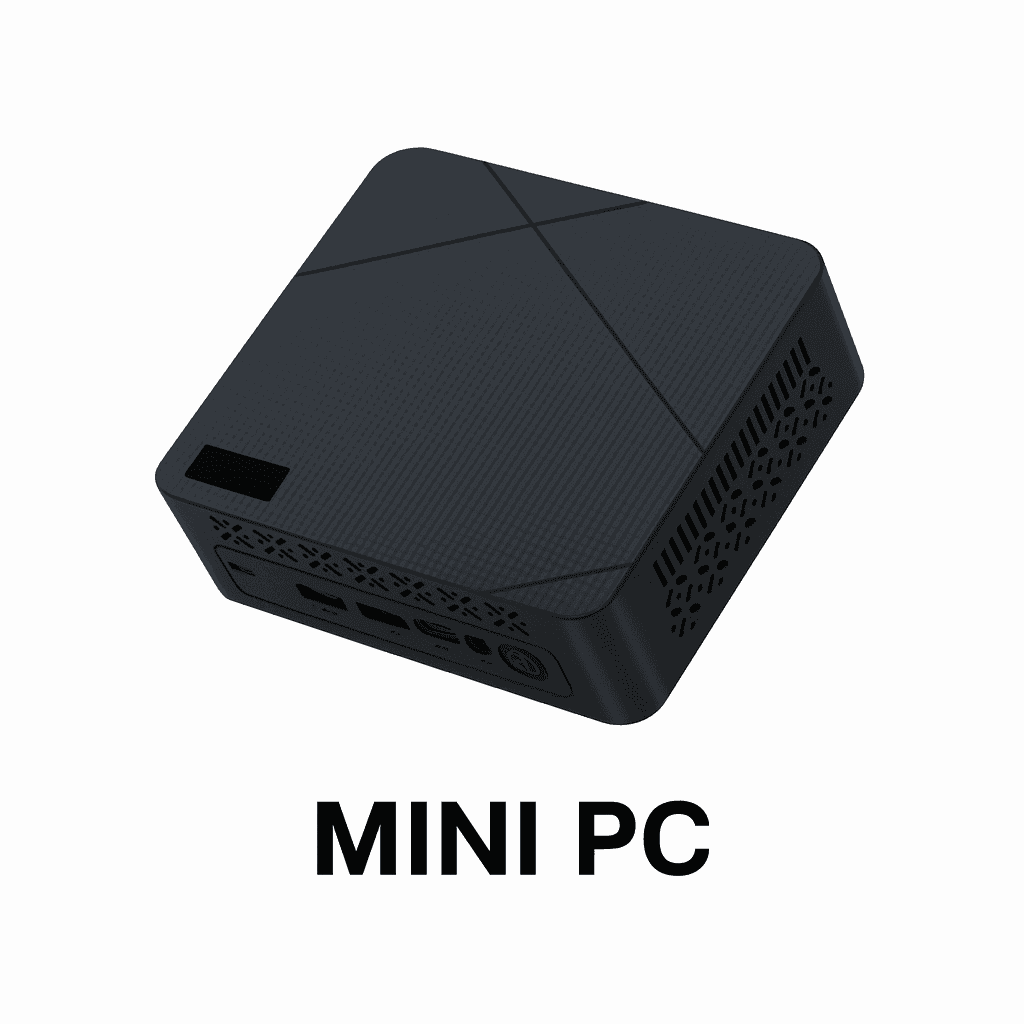 Mini PC — catalog of compact PCs for various tasksGetDMA Mini PC catalog: compact, powerful computers for work, gaming and running DMA. Reliable systems in a mini form factor, ready to use. Fast shipping and a warranty.2 products
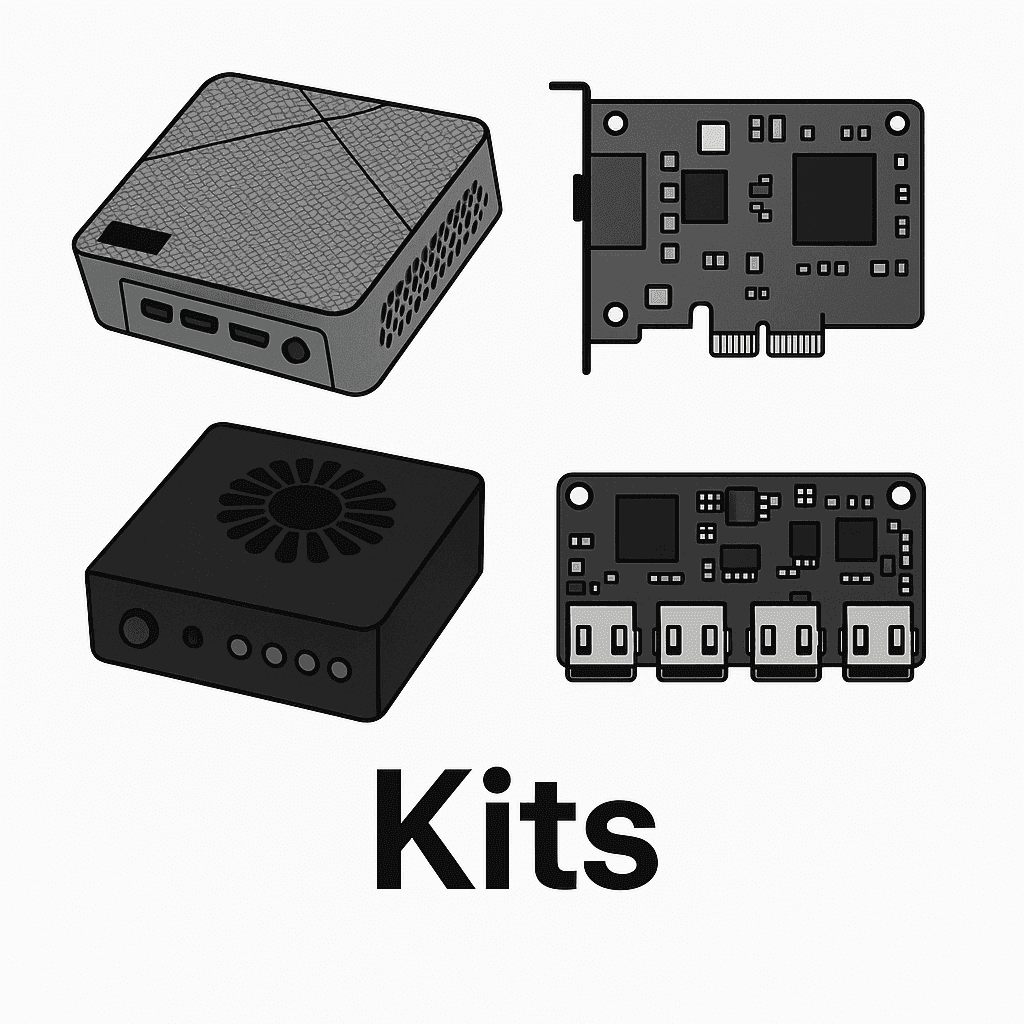 Kits — everything for running DMA productsGetDMA kit catalog — everything you need to get started: DMA cards, Fuser, Makcu, Mini PC and firmware. Fully compatible solutions, ready to work out of the box.3 products
A DMA card is an FPGA board that reads the memory of a second computer directly over PCIe — no drivers, and nothing running on the gaming machine itself. To that machine it is an ordinary device on the bus, which is the whole point: the load and the traces stay on the second computer.
A board alone is not a setup: video from the gaming computer goes through a fuser, mouse and keyboard through Makcu, and the second computer is usually a compact Mini PC. Starting from scratch, look at the ready kits — everything in them already works together.
Not sure which board fits? The models and the scenarios are compared in how to choose a DMA card, and there is hands-on experience in the Heino 1.2 review.
Every card is tested before it ships and comes with a warranty. We ship across Russia and the CIS; terms and payment methods are on the payment and delivery page, and buyers' own words are in the reviews.