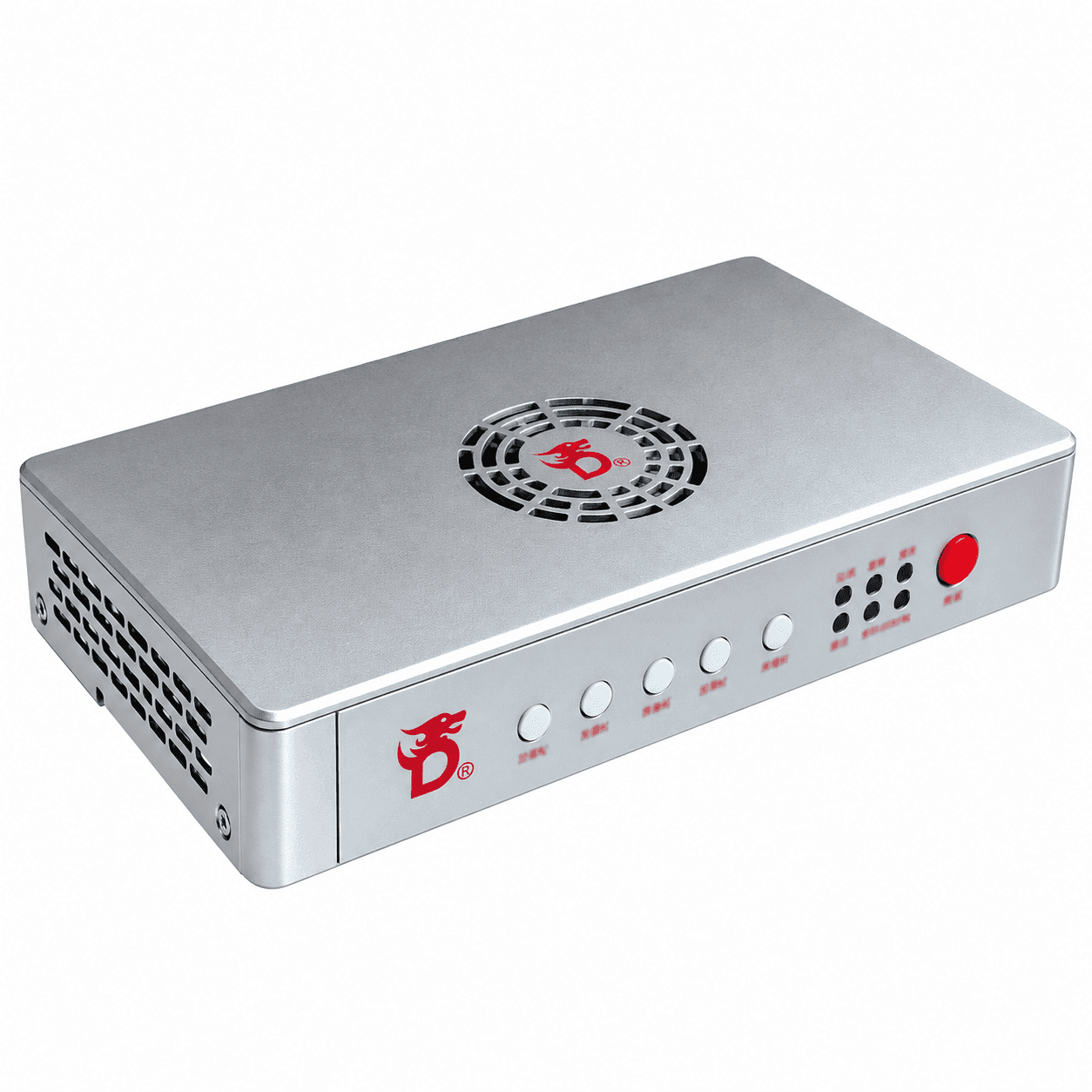
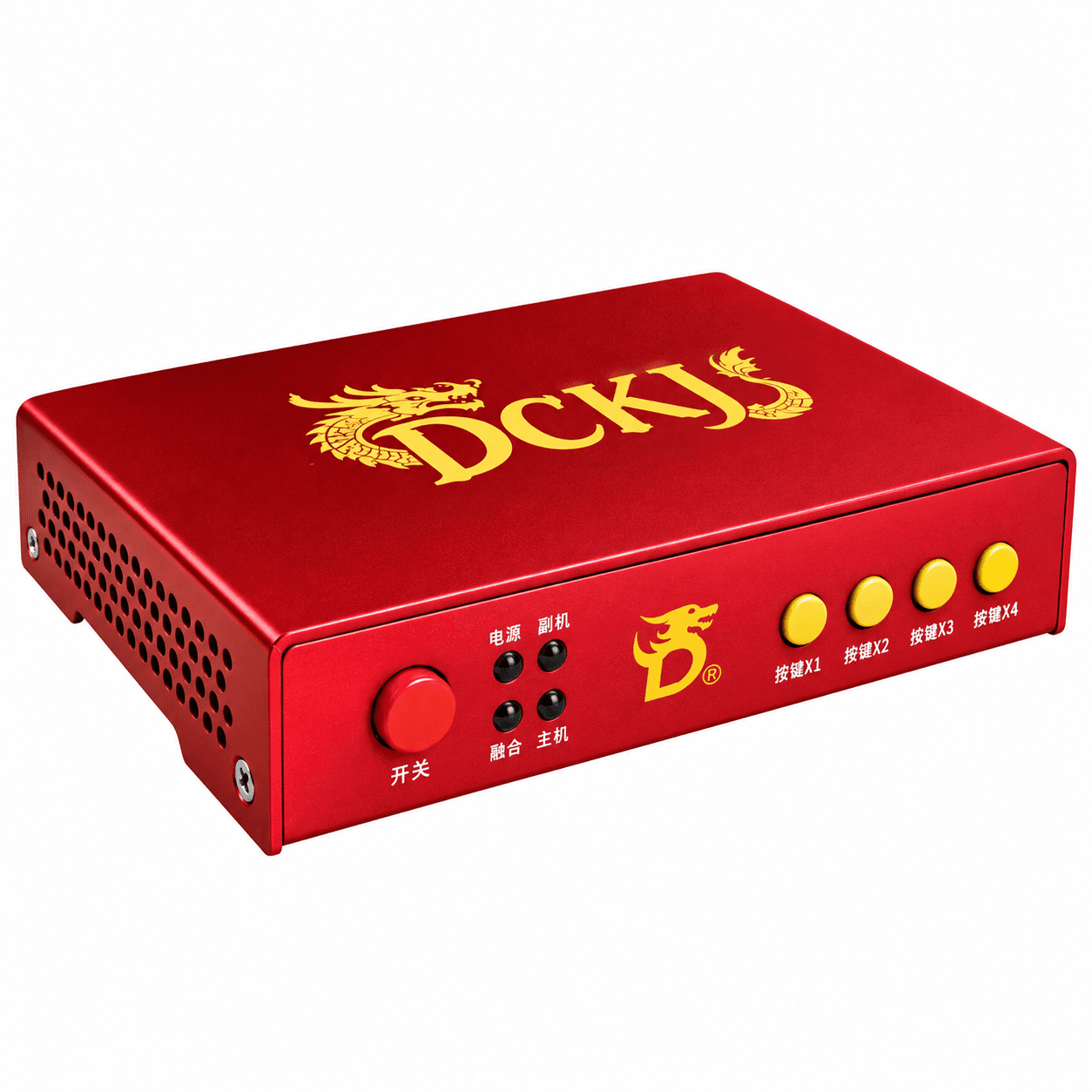
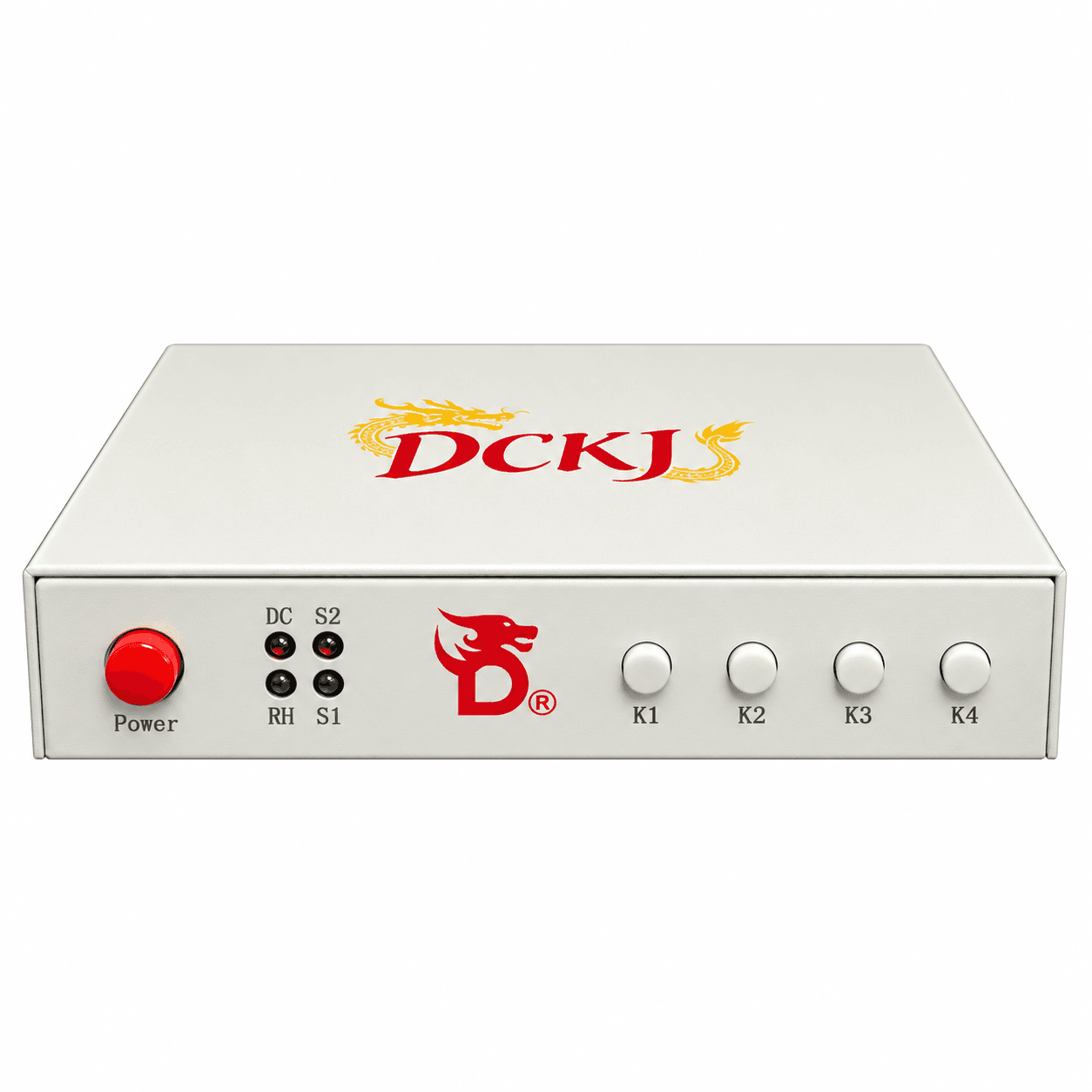
What a fuser does
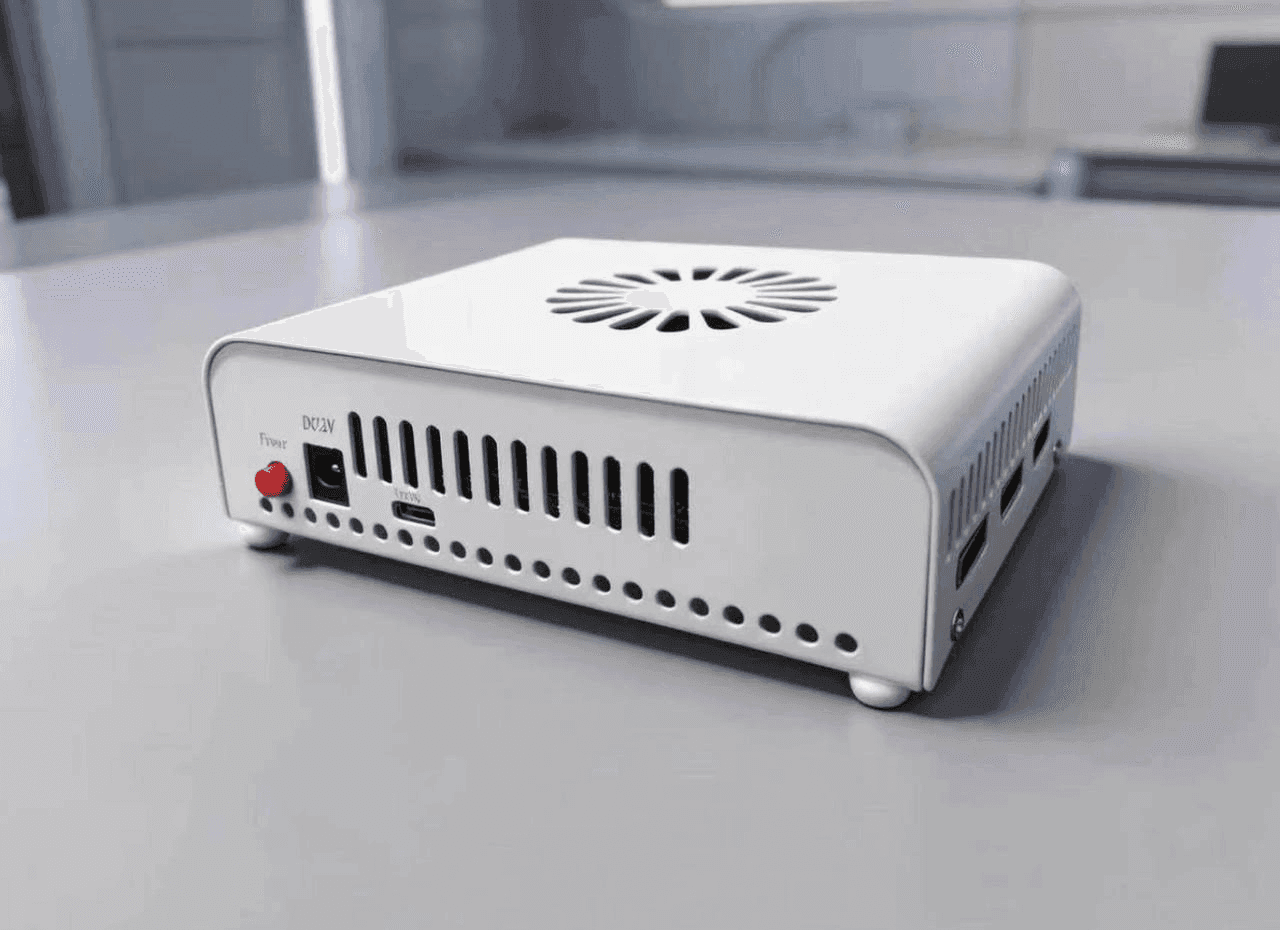
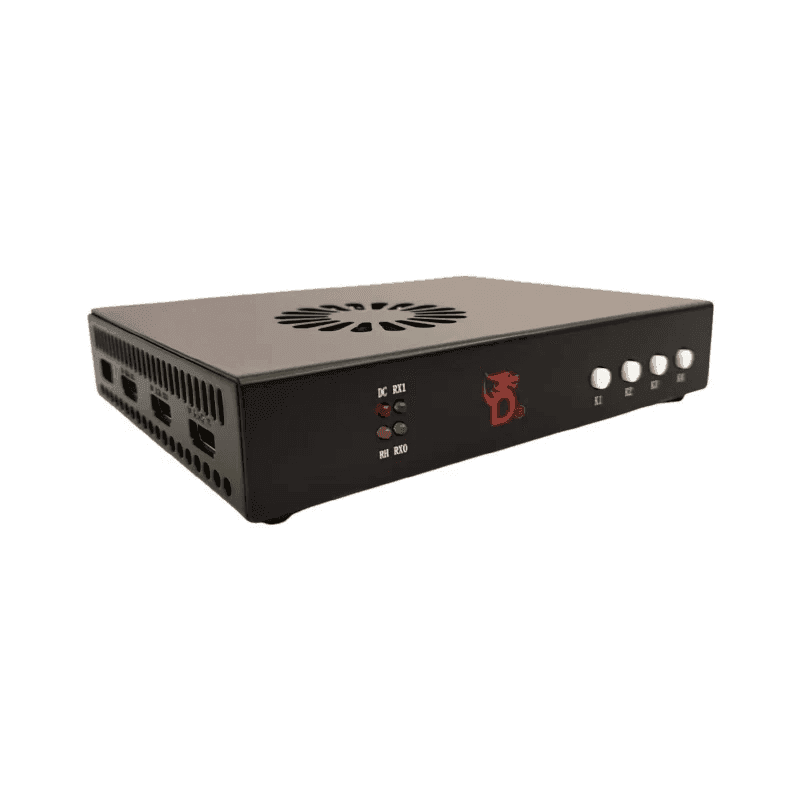
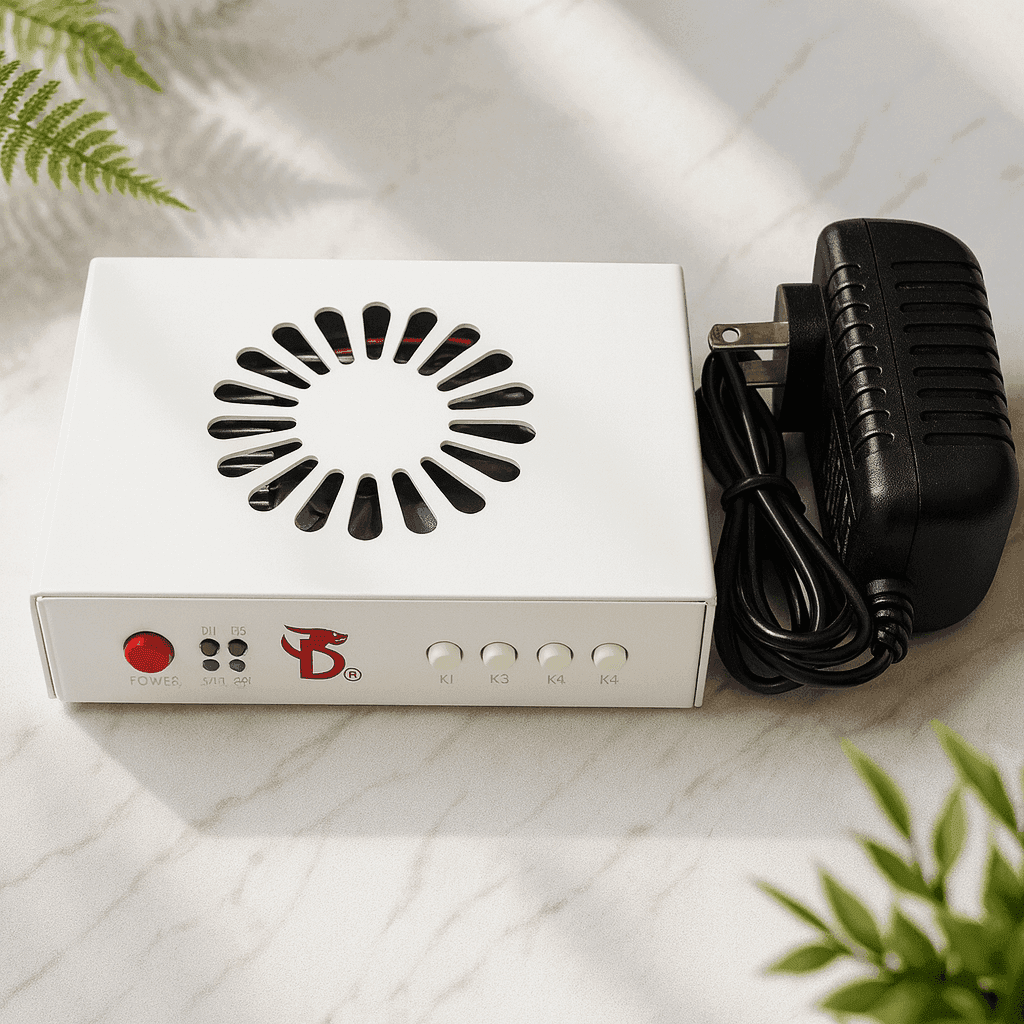
A fuser takes the picture from the gaming computer and passes it to the second PC — the one holding the DMA card. As far as the gaming machine is concerned it is an ordinary monitor: no capture software, no load on the GPU, the image travels down a cable at hardware level.
What separates the models is bandwidth: which resolution and refresh rate the device carries without loss, and over which connector. Everything else is secondary.
The fusers in this catalogue, side by side
Refresh rates are from the manufacturer’s specifications: over HDMI for the DC500 and DC505 (over DisplayPort they run 20–40 Hz lower), over DisplayPort for the D3ZC and the DC241DH. On the DC241DH the gaming PC and the monitor connect over DP, the second computer over HDMI. * On the v6, the 2K 144 Hz mode does not work with every monitor. Prices and stock here are a guide — the current ones are always on the product page.
How to read the table
- A fuser does not raise a refresh rate. It preserves what the monitor and the graphics card already do. The 639 Hz in that row is the device’s ceiling, not a promise about your picture.
- The connector matters more than the numbers. A DisplayPort fuser will not attach to a monitor whose only free input is HDMI, and the reverse holds too. Look at the port first, the rates second.
- 4K 60 Hz and 4K 160 Hz are different things. The first is fine for a desktop and slow games, the second is for fast ones.
- Only the DC505 captures. Every other model needs an external capture card for recording and streaming.
Check before ordering
- A free input on the monitor. Count it for real: which cable runs to the monitor now, and which port will be left for the fuser.
- The panel’s refresh rate. Buying five times the bandwidth you can use is money spent on headroom nothing will fill.
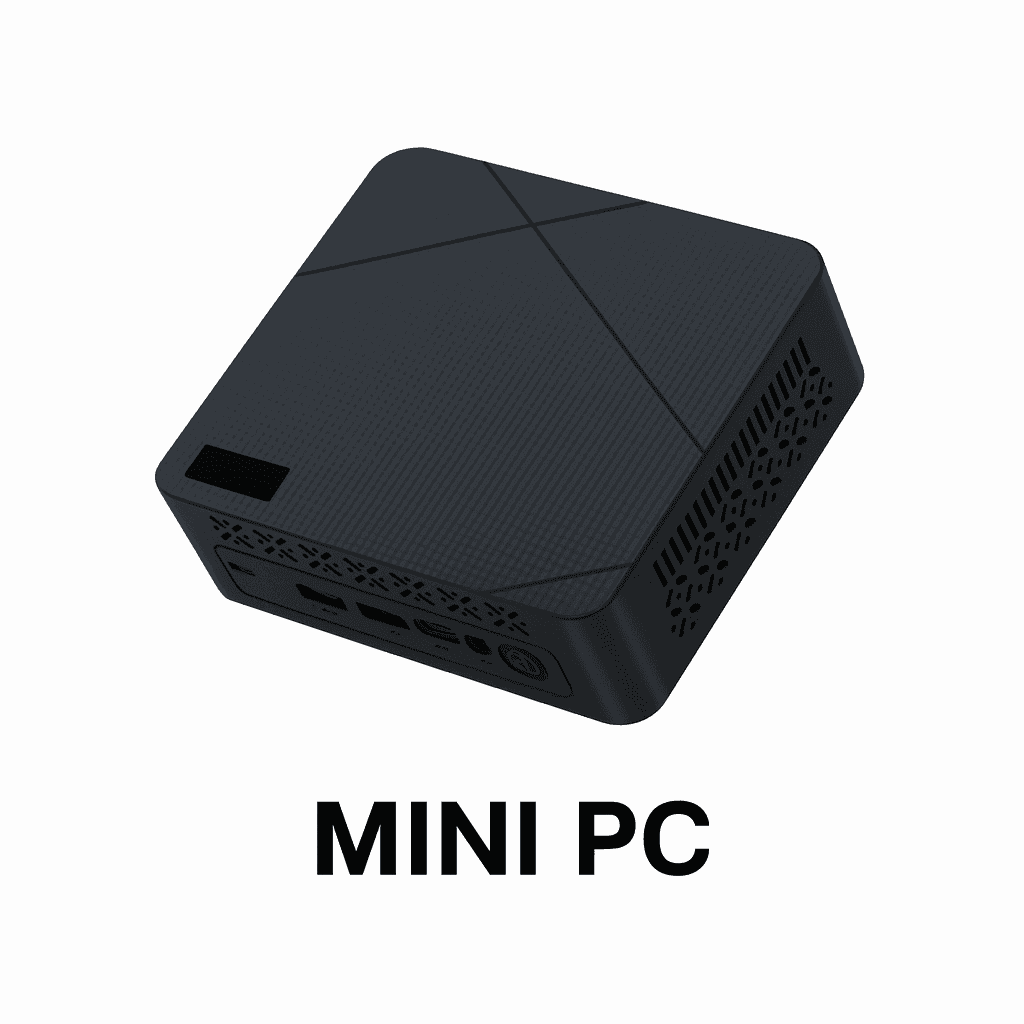
- The second computer. It needs a matching video output; the role usually falls to a Mini PC.
- What the senior models expect. The DC500 is built around full-bandwidth HDMI 2.1 at 48 Gbit/s, a card in the RTX 3060 or RX 6500 XT class, and at least six cores on the second PC.
- Cables. One per port, rated for the version you need. A cheap lead badged “HDMI 2.0, 4K 144 Hz” is the most common cause of flicker and dropped frames.
Which one fits your setup
- 1080p up to 144 Hz on a tight budget — the Dichen v6: sixth generation, the most predictable choice for compatibility.
- 1080p 240 Hz or 2K over HDMI — the DC1A255-H3: three HDMI 2.0 ports and the working minimum for a fast gaming monitor.
- The same, on a DisplayPort monitor — the DC241DH: the gaming PC and the monitor on DP 1.4, the second computer on HDMI. For monitors that only reach their full refresh rate over DP, at an HDMI model’s price.
- High refresh over DisplayPort — the DC1A686-D3ZC: 1080p at 639 Hz and 2K at 364 Hz, but DP only — it has no HDMI at all.
- 4K and both interfaces at once — the DC500: HDMI 2.1 and DP 1.4 in one case.
- 4K with recording and streaming — the DC505: the only one with capture built in and with full EDID handling, custom profiles included.
What the setup needs alongside it
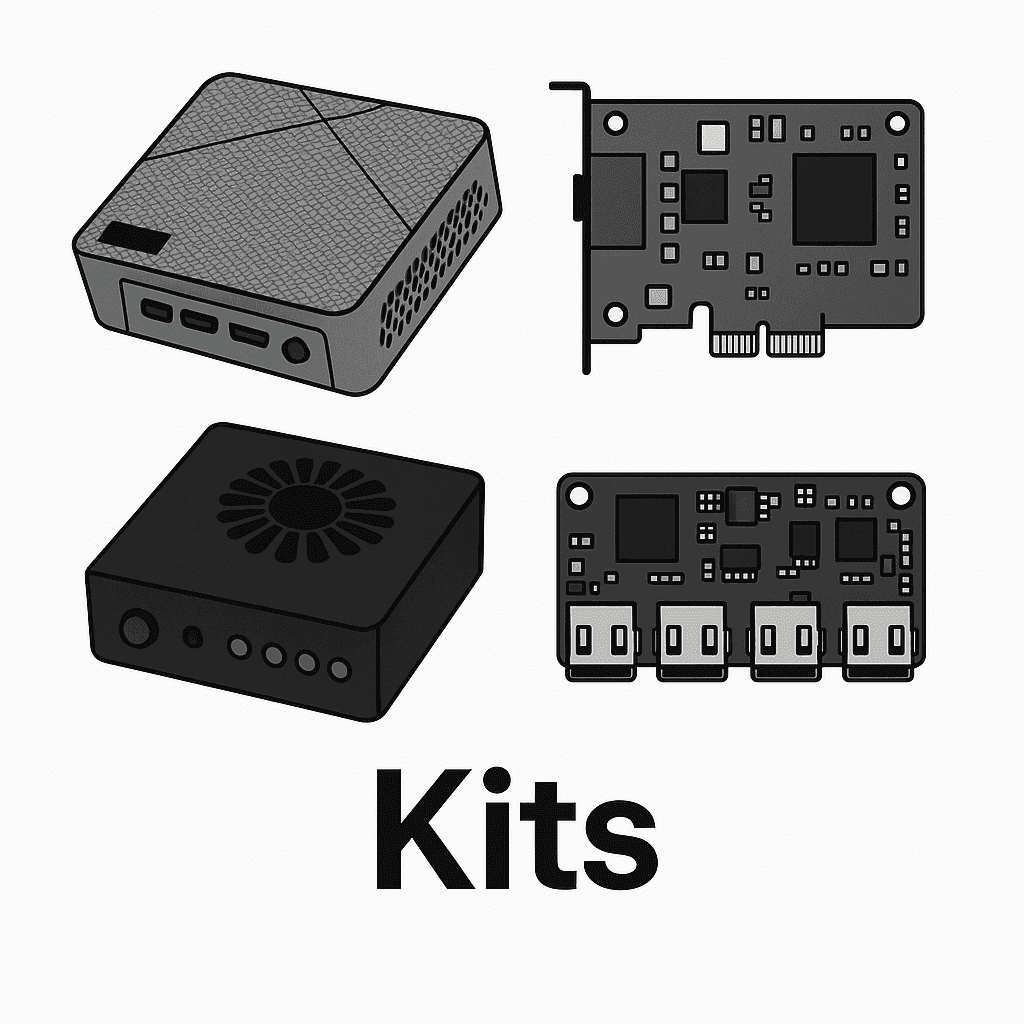
A fuser is one link in a chain. A DMA card reads memory, Makcu handles mouse and keyboard, the second computer is usually a Mini PC, and the firmware is chosen for the anti-cheat you face. If you would rather not reconcile all of that yourself, take a ready kit — everything in it is already matched.
Testing, warranty and delivery
Every fuser is tested before it ships and arrives ready to work. Some models are made to order, and the product page says which. We ship across Russia and the CIS; terms and payment methods are on the payment and delivery page, and buyers’ own words are in the reviews. Not sure a model suits your monitor? Write to support with the monitor and the graphics card and we will check it against the real hardware.