Makxd — mouse & keyboard control module (new Makcu version)

dichen

1 500 ₽3 000 ₽
In stock 10
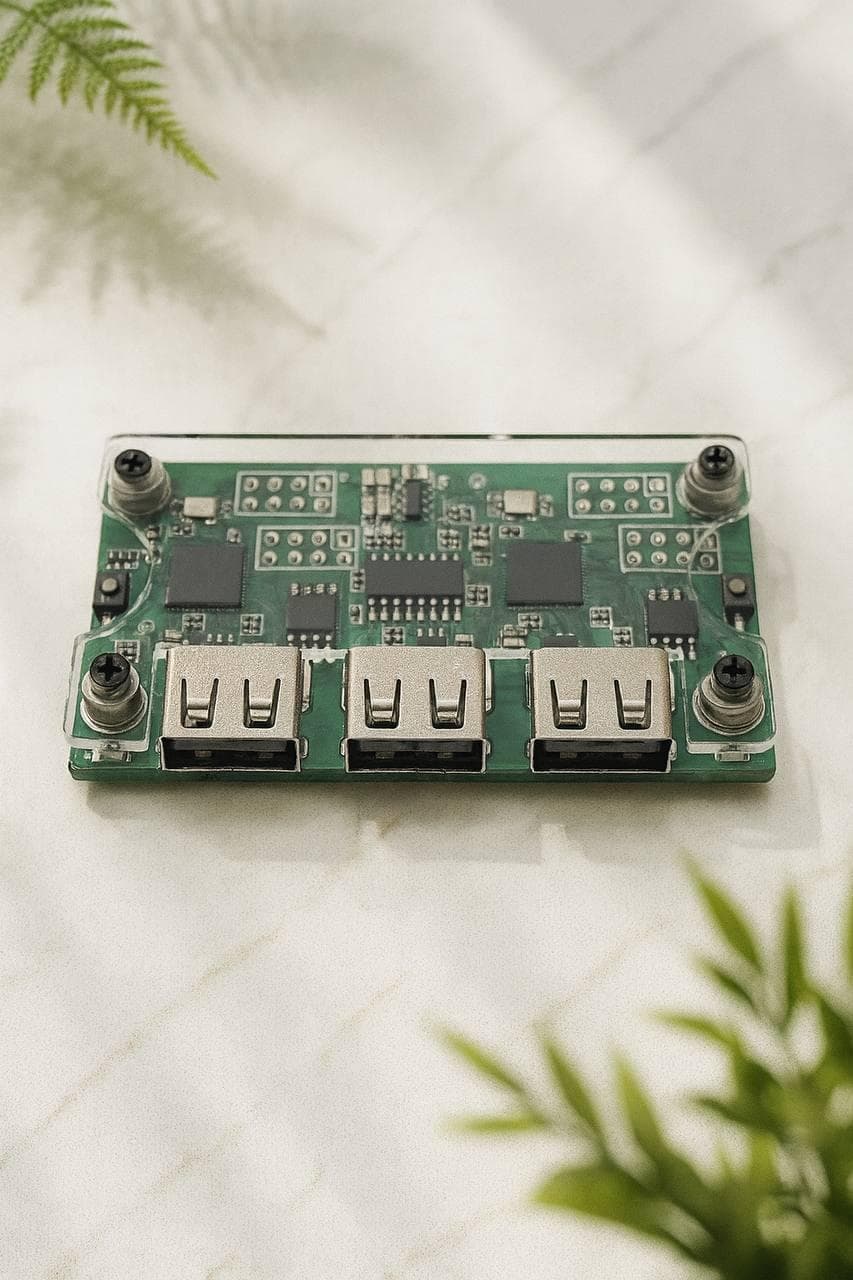
Makxd — an upgraded version of Makcu, an advanced mouse and keyboard control module. It delivers finer tuning, stable operation and extended automation features.
Device type
Mouse/keyboard module
Device linking
MAKXD Link — merges two devices into one system, When linked: 2 USB inputs and 2 USB outputs, all lines in parallel, Chiplet architecture: two chips driven as a single board
Delivery type
Physical device

Makxd — an upgraded version of Makcu, an advanced mouse and keyboard control module. It delivers finer tuning, stable operation and extended automation features for everyday and advanced tasks.

MAKXD Link — the extra port

MAKXD Link is an ultra-low-latency system that joins two Makxd devices into one more powerful system.

  • combine two chips into a single architecture;
  • synchronise command processing across devices;
  • work as a chiplet design (like modern CPUs).

⚡ How it works

Linking two devices over MAKXD Link gives 2 USB inputs + 2 USB outputs, with all lanes running in parallel and the system scaling to “4-core” processing — both devices act as one high-performance platform.

🧠 For developers

  • just 1 input cable;
  • full control over all 4 USB ports;
  • seamless control of two boards as one system;
  • maximum precision and synchronisation.

You may also need

From the same section of the catalog

What is new next to Makcu

Makxd is the next version of the board: finer configuration, steadier behaviour under load, and a wider API for automation. The real difference is the MAKXD Link port — two modules join into one system with ultra-low latency, process commands in step, and work along chiplet lines. That gives you two inputs instead of one.

Who needs Link and who does not

  • Mouse only. No Link needed — one module is enough, and on a tight budget the plain Makcu will do.
  • Mouse and keyboard, heavier scenarios. The second input removes the compromises and leaves headroom.
  • No flashing at all. Then look at Ferrum One, which arrives ready.

Setup and the rest of the chain

The board is flashed and configured once — the same procedure as Makcu, written out in the guide. Besides the module you need a DMA card, a fuser and a second PC, usually a Mini PC. We ship across Russia and the CIS; terms are here.