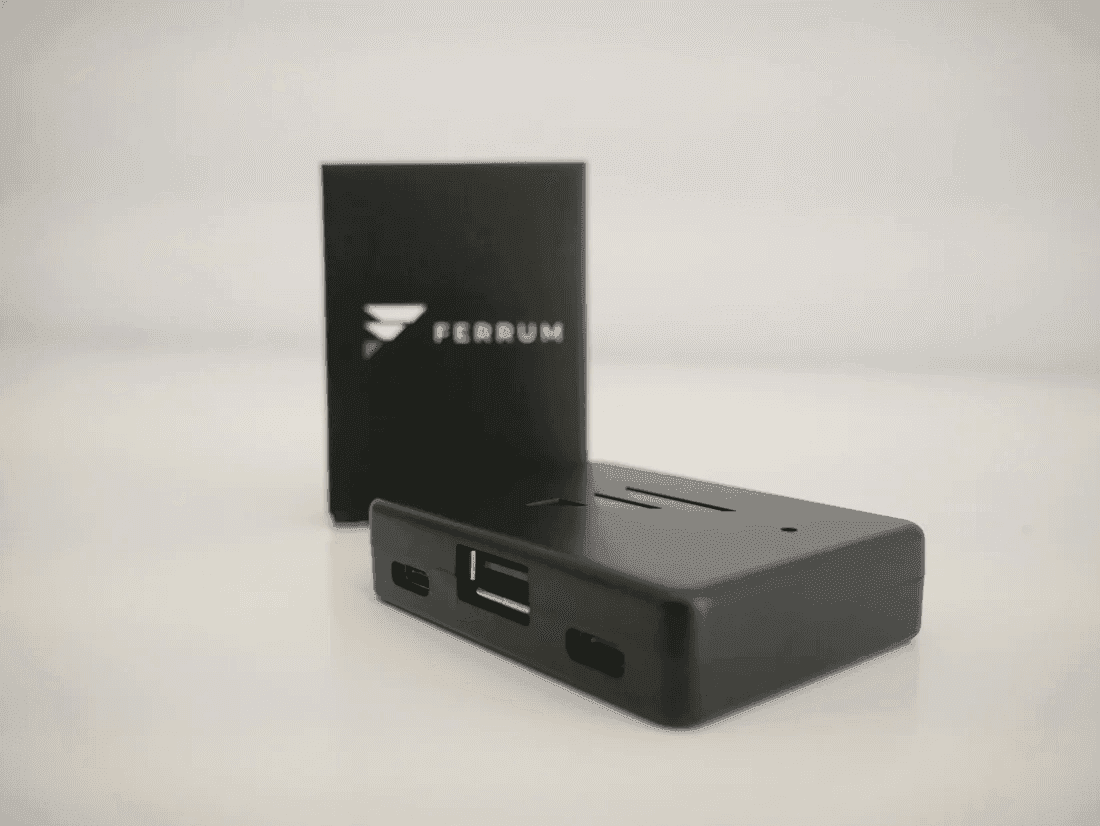
Makcu is a board between the mouse and the gaming computer — which sees an ordinary mouse, not software
The mouse plugs into the Makcu, not into the computer. The board takes its signal, changes it where needed and passes it on to the gaming PC, for which this is a plain USB input device. No driver, no service and no window appears on the gaming machine, because there is nothing to appear: the movement arrives down a cable.
That also settles what a Makcu does not do. It knows nothing about the game and reads nothing from memory — a DMA card does that. It draws and shows no picture — a fuser does that. The Makcu is responsible for exactly one thing: how movement gets into the game.
The three cables in the box are the wiring diagram
The first cable takes the mouse into the Makcu. The second takes the Makcu into the gaming PC — that is the line the emulation travels down. The third takes the Makcu into the second computer, where the commands come from. That is why there are three of them and not one; nothing else needs buying, and the board comes in its own case.
There is no separate power input — the board runs off USB. Nothing is configured on the gaming side: it simply receives a mouse.
1000 Hz and CH343 at up to 4 Mbit/s mean you will not feel the delay in game
1000 Hz is one poll per millisecond, the same rate a gaming mouse runs at. The CH343 UART link at up to 4 Mbit/s is how quickly commands reach the board from the second computer. In practice the delay sits inside the margin of error and the cursor behaves exactly as it would with the mouse plugged in directly. That is the point of hardware pass-through: it should not be noticeable.
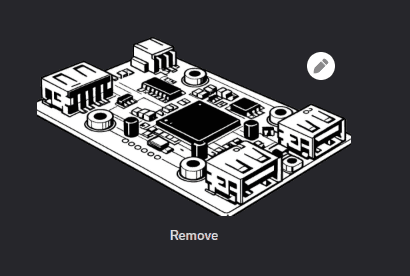
Inside are two ESP32-S3s, two cores each: one side takes the mouse in, the other emulates. The chips have Wi-Fi 4 and Bluetooth 5, but this arrangement does not use them — everything runs over the wire, which is the right way round.
The board is flashed once, from the browser, in a couple of minutes
A new Makcu is flashed before its first run: the firmware goes on through a browser with the board on a cable, the steps are in the Makcu guide, and the files are in the useful files section. No programming, and once it is done nobody goes back to it. The software is open and updates keep coming — which here means the device will not go stale along with one vendor's build.
Today the Makcu carries the mouse; the keyboard is in progress and controllers go through XIM
The mouse is complete, with every button and the wheel emulated. Keyboard support is being worked on and arrives as a firmware update. Controllers connect if you have a XIM. Worth knowing before ordering: if it is the keyboard you need right now, look at the Makxd or the Ferrum One.
Makcu, Makxd and Ferrum One: the difference is price, tuning and how much you have to set up
The Makcu is the cheapest way in and a design thousands of people have already built: flash it once and get on with it. The Makxd is the updated version — finer tuning and a Link mode across two devices. The Ferrum One costs more but needs no flashing and polls at up to 8K, a replacement for the Kmbox B+ Pro. Buying for the first time and not wanting to weigh it up — take the Makcu; it is the one we put in our kits.
A Makcu is a hardware KMBOX replacement, and the difference really is the hardware
A KMBOX solves the same problem and costs more. The Makcu does the same job on two ESP32-S3s with open software: to the gaming PC it is a USB mouse, to your software it is a device that takes commands. No driver in the system, no process, no file on the gaming machine — the whole exchange runs down a wire between two pieces of hardware.
Buying a Makcu from GetDMA: off the shelf, with cables and case, shipped the day you order
The board sits in stock by the dozen, so it leaves St Petersburg the same day; the parcel holds the Makcu, three USB cables and its case, and a photo of the packed order arrives with the tracking number. Building a whole rig — price the kit: it already has a 75T card, a fuser and a Makcu, set up to work together. If something does not add up while flashing or wiring, write to support and we work through it; reviews are shown as they are.