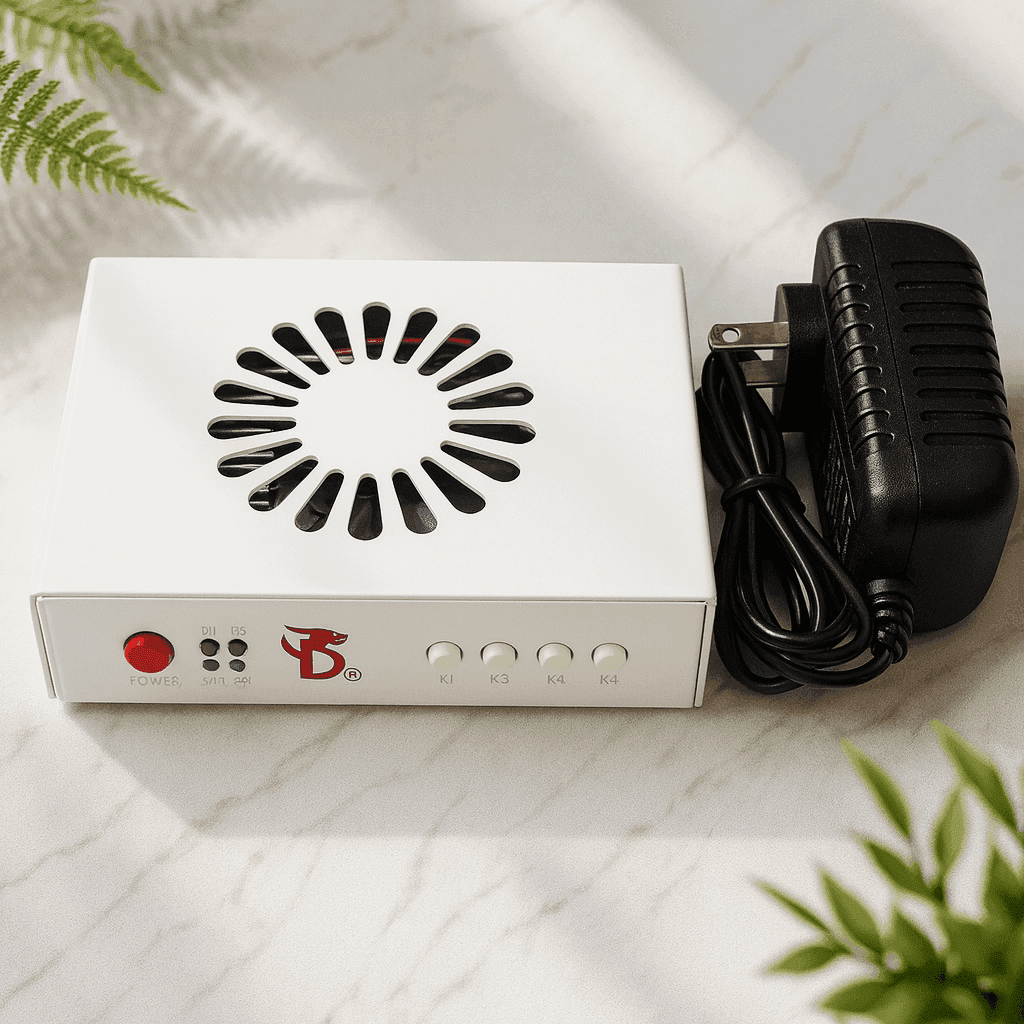
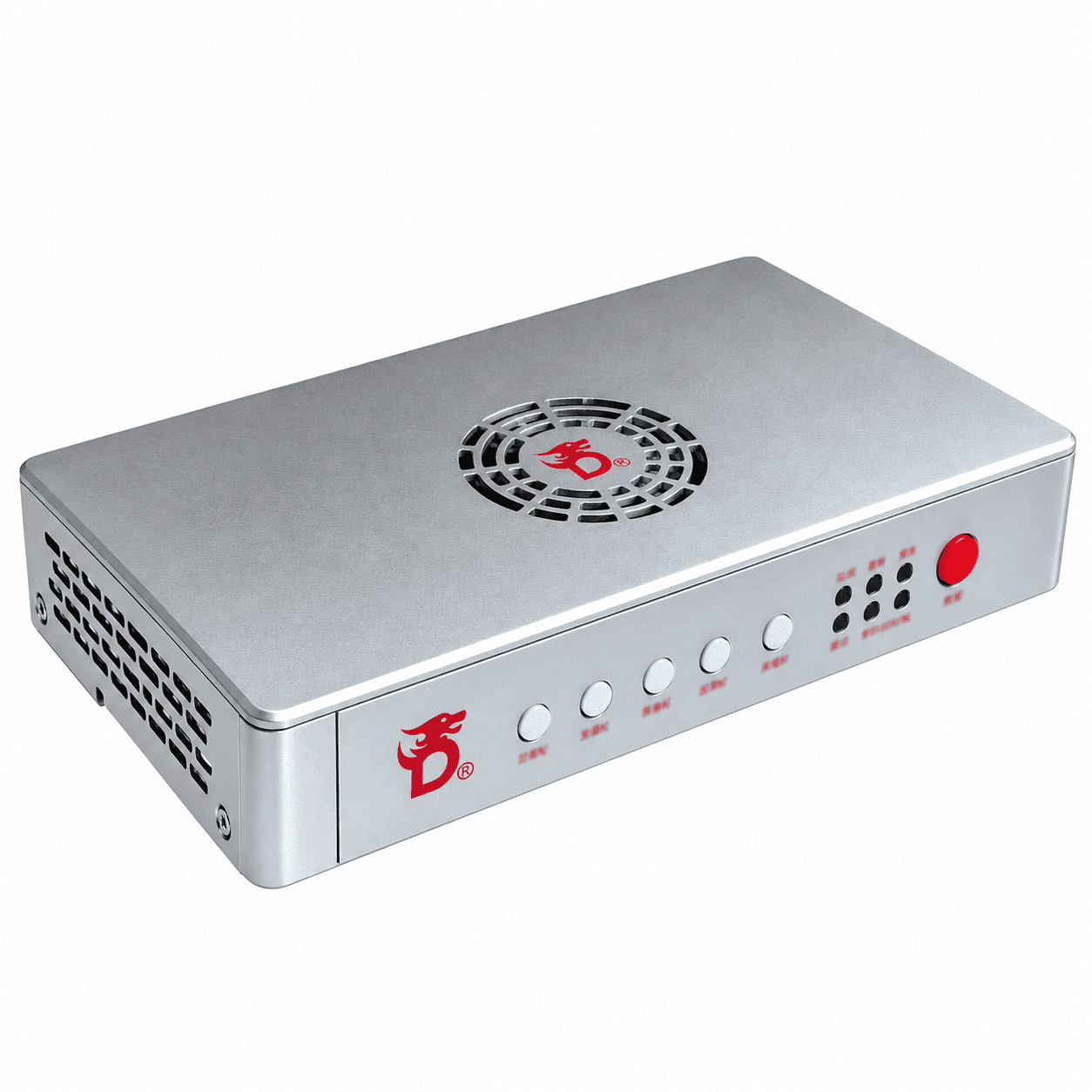
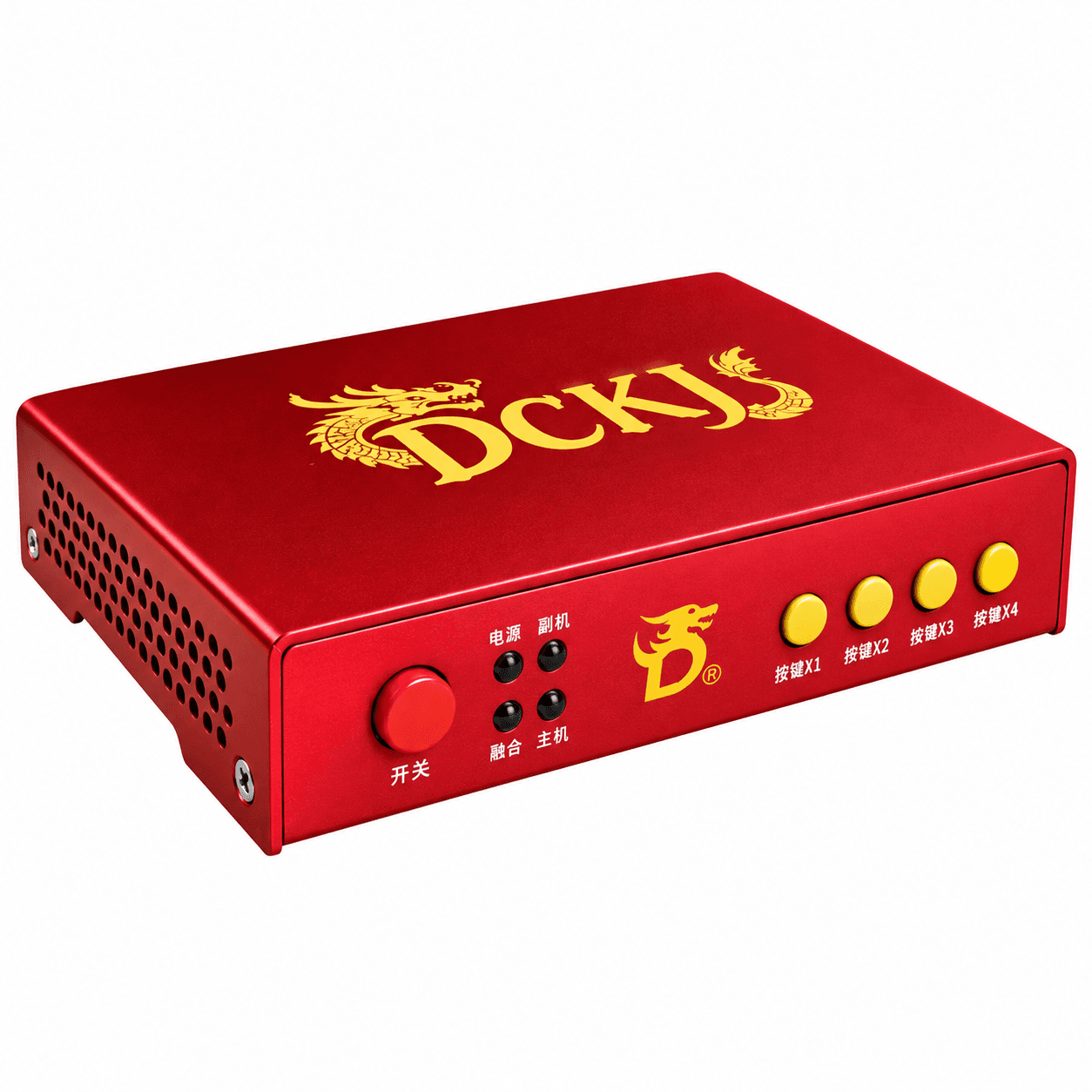
The DC241DH is DICHEN’s entry DisplayPort fuser. It brings the picture of two computers onto one monitor: the gaming PC and the monitor connect over DP 1.4, the second computer over HDMI 2.0, and its picture is overlaid on the game in hardware — no software, no load on the graphics card.
It is the model for a monitor that only reaches its full refresh rate over DisplayPort, on an HDMI fuser’s budget. The manufacturer calls it exactly that: an entry-level DP fuser.
Resolutions and refresh rates
- 1920×1080 — up to 240 Hz;
- 2560×1440 — up to 144 Hz;
- 2560×1080 (21:9) — up to 200 Hz;
- 3440×1440 (21:9) — up to 100 Hz.
The first two are DICHEN’s official specification; the ultrawide modes are listed in the manufacturer’s own shop. This model does not do 4K.
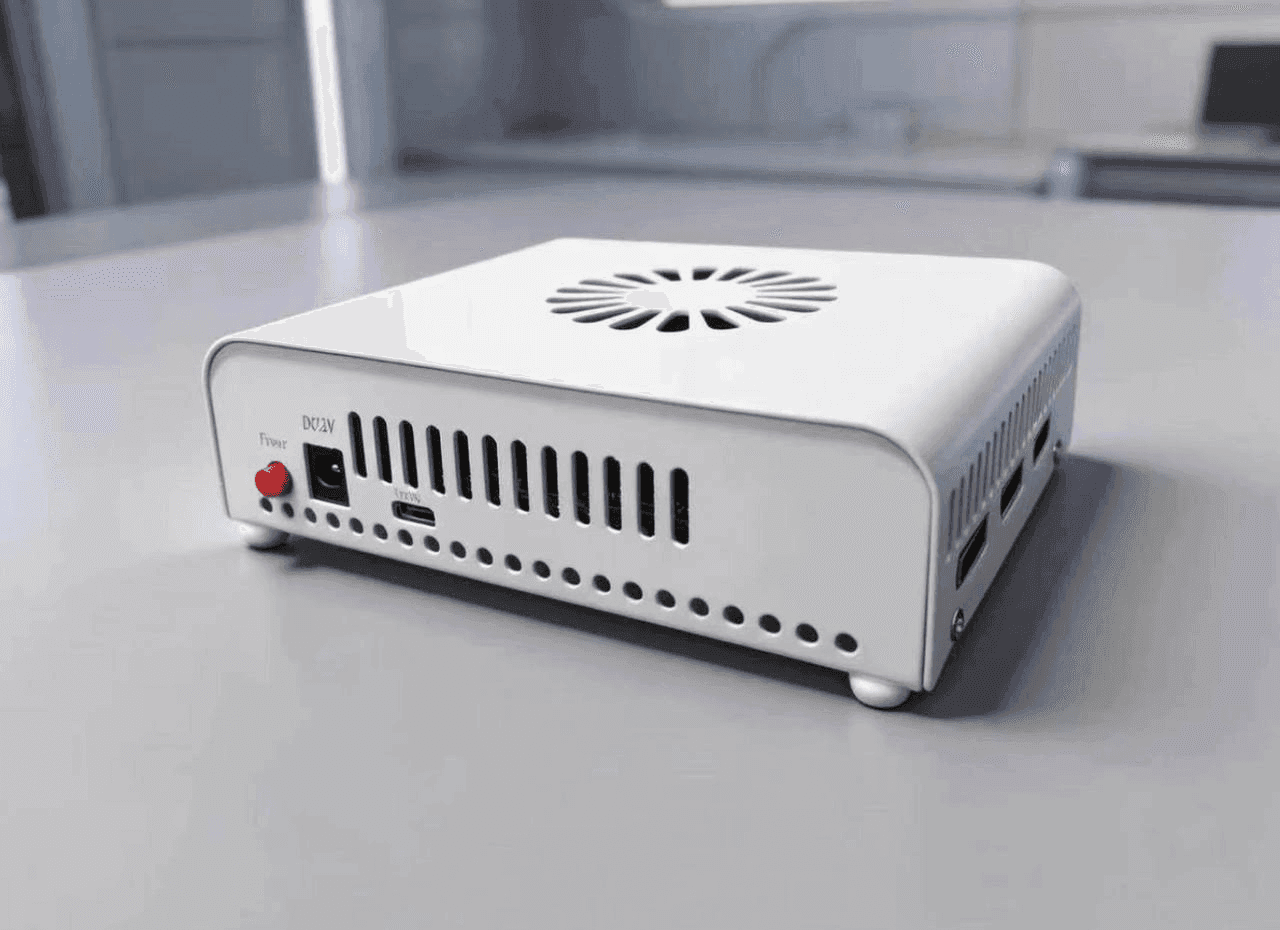
How it connects
- DisplayPort “Main” — the gaming (main) computer;
- HDMI “Sub” — the second computer, usually a Mini PC;
- DisplayPort “Display” — the monitor;
- USB Type-C — firmware updates and EDID writing;
- DC 12 V — power.
The labels are printed on the rear panel, which is among the photos.
Controls
- K1 — cycles through resolutions;
- K2 — background keying strength of the top layer, 0 to 20: how strictly the background of the second computer’s picture is cut away in the overlay;
- K3 — resets it to 0;
- K4 — turns the overlay on and off.
Four indicators on the front show power, overlay mode and signal on the inputs.
EDID
Some monitors need their EDID written to the device; that is done over the Type-C port. If yours is one of them, we will help set it up.
The DC241DH beside its neighbours
| DC241DH | DC1A255-H3 | Dichen v6 | DC1A686-D3ZC |
|---|
| Gaming PC | DP 1.4 | HDMI 2.0 | HDMI 2.1 | DP 1.4 |
| Second PC | HDMI 2.0 | HDMI 2.0 | HDMI 2.1 | DP 1.4 |
| Monitor | DP 1.4 | HDMI 2.0 | HDMI | DP 1.4 |
| 1080p | 240 Hz | 240 Hz | 144–240 Hz | 639 Hz |
| 2K | 144 Hz | 120–144 Hz | 144 Hz* | 364 Hz |
| 21:9 | 3440×1440 100 Hz | 3K 100 Hz | Not stated | 3440×1440 264 Hz |
| 4K | No | No | 60 Hz | 164 Hz |
| Capture | No | No | No | No |
| Price | 11 999 ₽ | 10 999 ₽ | 7 999 ₽ | 33 999 ₽ |
* On the v6, 2K 144 Hz does not work with every monitor. Prices are a guide — the current ones are always on the product page.
On refresh rates the DC241DH and the DC1A255-H3 are one tier. The difference is the connectors: the H3 is HDMI throughout, the DC241DH keeps the gaming PC and the monitor on DisplayPort. If the monitor needs more than 240 Hz at 1080p or more than 144 Hz at 2K, that is the DC1A686-D3ZC. For 4K — the v6 at 60 Hz, or the senior DC500 and DC505.
Where the manufacturer disagrees with itself
- Ports. DICHEN’s English-language shop describes two HDMI inputs, for the main and the second computer. The official specification and the case itself say otherwise: the main computer on DisplayPort, the second on HDMI. What is printed on the panel is what is stated here.
- Power. Officially 12 V 1 A; the shop says a 12 V 2 A adapter. The voltage agrees; if you use your own supply, take a 2 A one.
- Generation. The shop calls it a sixth generation in one place and a fifth in another. We do not state one: the model number is what matters, not the digit in a headline.
If the purchase hinges on any of these, write to support before ordering and we will confirm it with the supplier.
Case
Aluminium alloy, white. Runs from an external 12 V adapter.