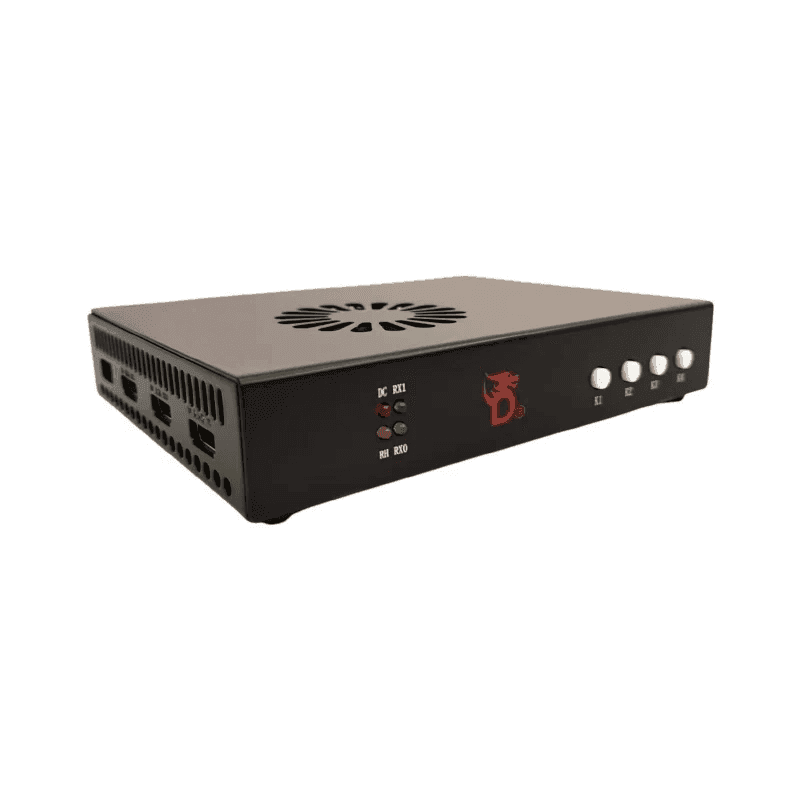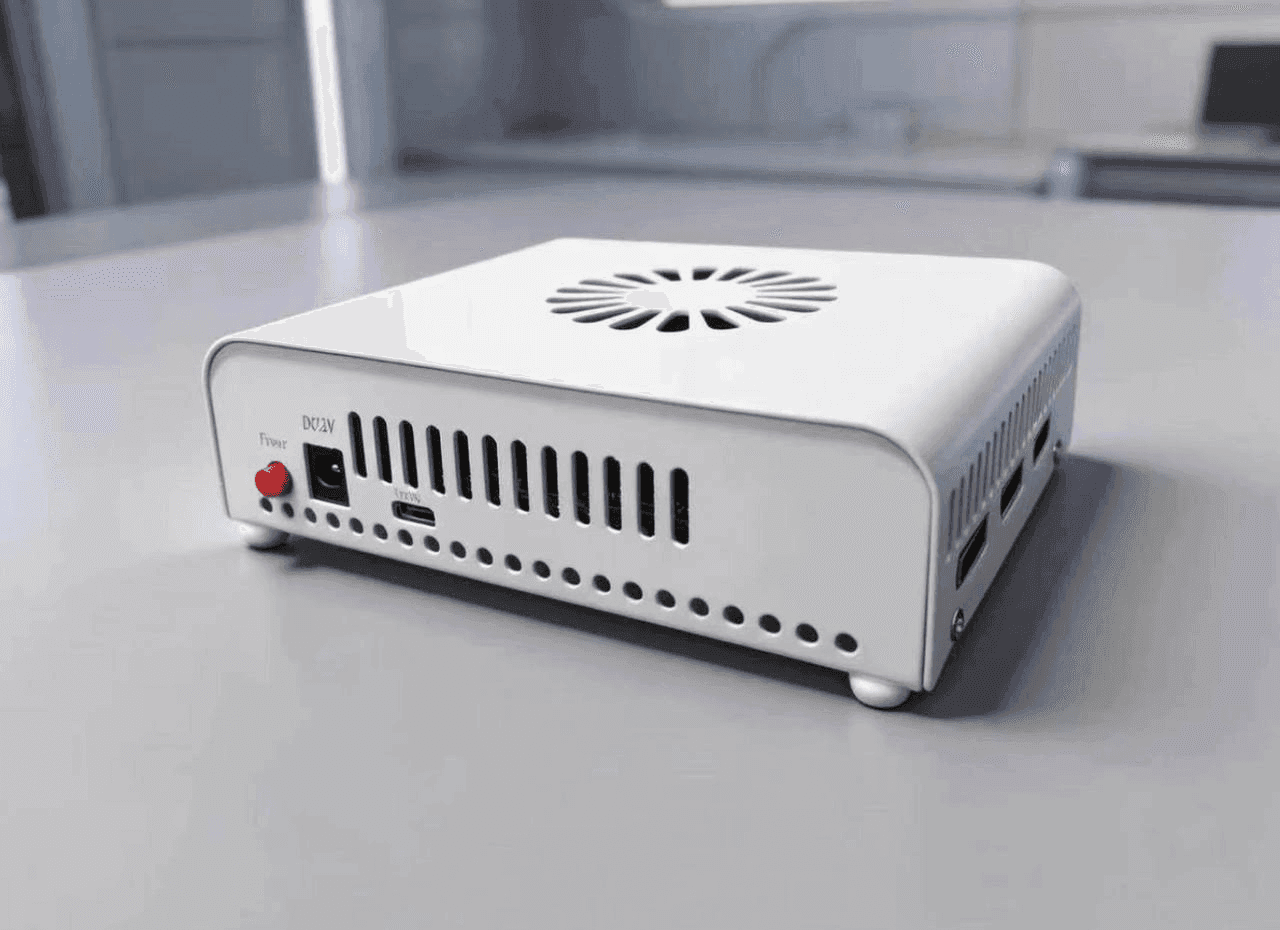
Buy Dichen Fuser v6. Dichen Fuser (6th generation)

DCKJ (Dichen)

7 999 ₽10 000 ₽
In stock 8
A new-generation full-size fuser built for stable overlay rendering on your main monitor. With the Dichen Fuser v6 you don't need a second monitor to use DMA products.
Video inputs
2 × HDMI 2.1
Maximum resolution
4K at 60 Hz
Video latency
Under 3 ms
All specifications

A full-size next-generation fuser built for stable overlay rendering on your main monitor. With Dichen Fuser v6 you do not need a second monitor to use DMA products.

Supports 2x HDMI 2.1 inputs and 1 output to overlay one image onto another.
High resolution:
• up to 1080p at 144/240 Hz
• up to 2K at 144 Hz (not on all monitors)
• up to 4K at 60 Hz

Latency under 3 ms — crisp, smooth visuals with no lag.

The device ships with a Chinese plug. A China-to-EU socket adapter is included, so there will be no connection issues. The kit also includes 3x HDMI 2.1 cables and setup assistance.

Video review

You may also need

From the same section of the catalog

One monitor instead of two

The sixth-generation Dichen lays the overlay straight onto your main monitor, so a second screen is no longer part of a DMA setup. Two HDMI 2.1 inputs and one output, under 3 ms of latency, 1080p at 144/240 Hz, 2K at 144 Hz (not on every panel) and 4K at 60 Hz. The box holds three HDMI 2.1 cables, a Chinese-to-European plug adapter and setup help.

How to tell whether it fits

  • Go by your monitor. 1080p at 144–240 Hz leaves the v6 room to spare; 4K at a high refresh rate means the DC500 or DC505.
  • Check the ports. You need a free HDMI on the monitor and on the graphics card.
  • Compatibility. Current versions work with most panels; ultrawides and unusual displays are worth confirming first.

What else the setup needs

A fuser only carries the picture. Memory is read by a DMA card, input goes through Makcu, and the second PC is usually a Mini PC. It works out cheaper as the mini kit, which already contains the v6.